Year Progress Wallpaper for iPhone That Updates Automatically
The days left in the year, on the wallpaper, recounted every morning. A quieter cousin of the life calendar.
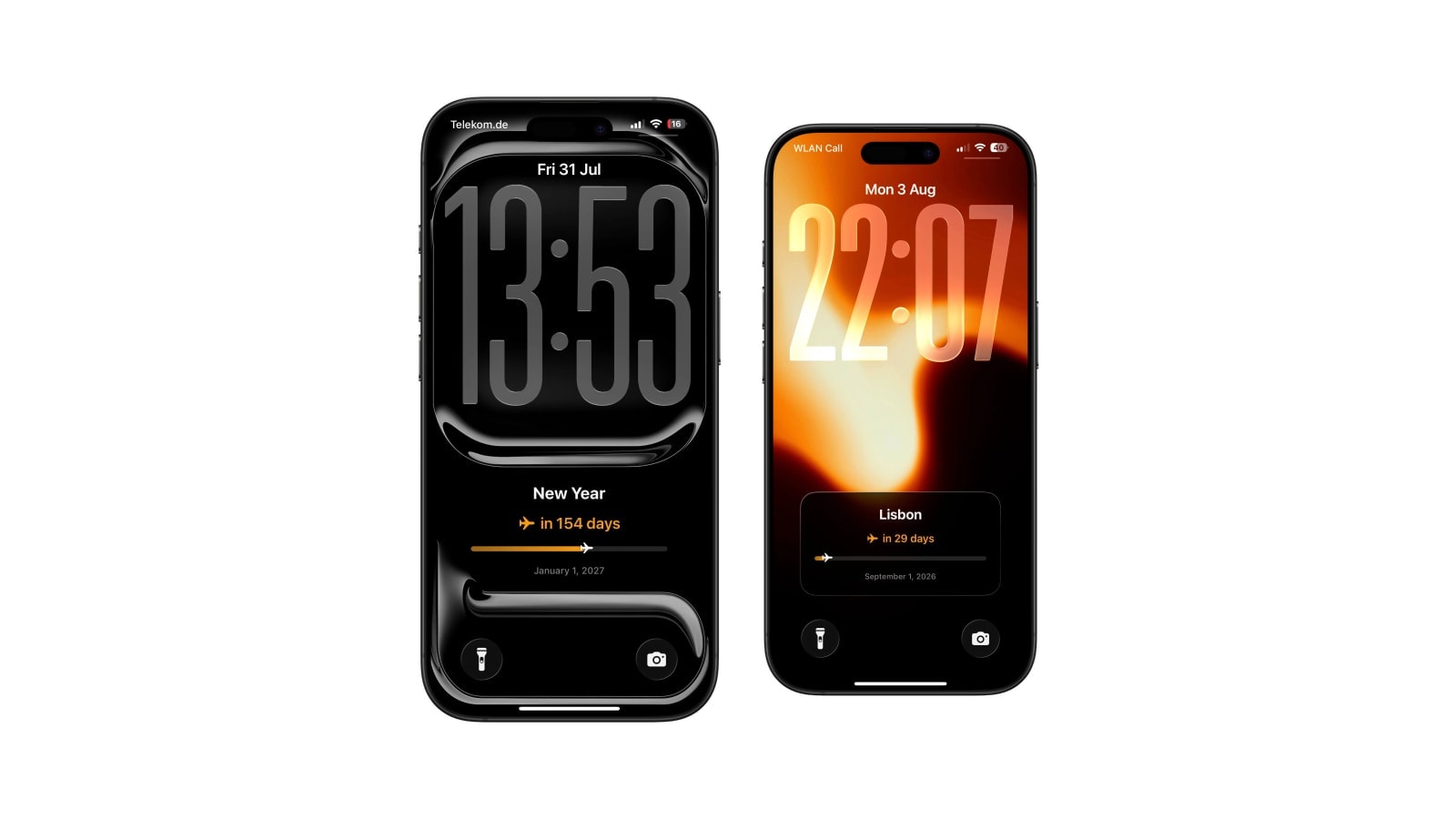
A year-progress wallpaper shows how much of the current year has gone, or how many days are left in it. It is the gentler relative of the life calendar: long enough to reveal movement, short enough to still be connected to plans you can actually change.
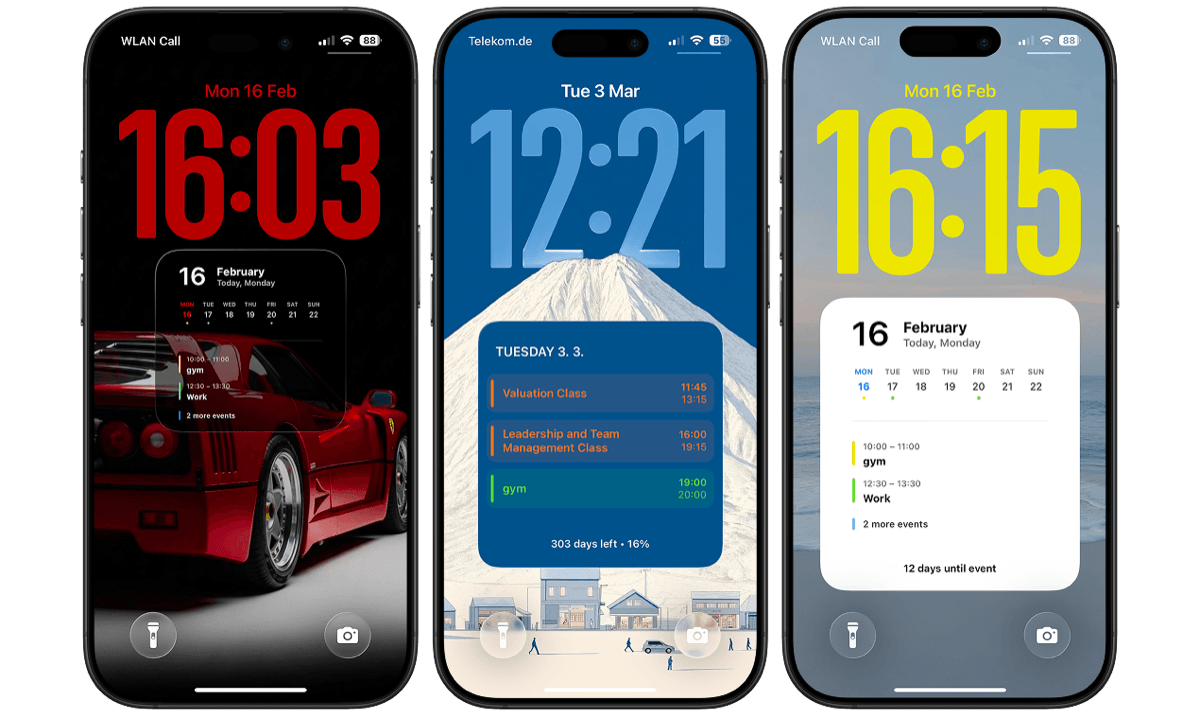
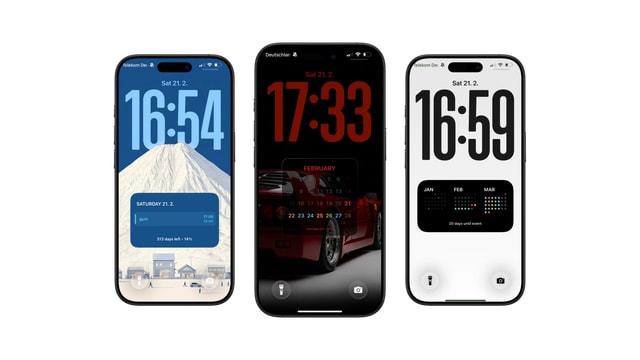
The choice of expression matters more than it sounds. Days remaining is concrete and gets urgent in November. A percentage is compact and slightly abstract. A progress line or a field of dots shows movement without turning it into a number you can be behind on.
The arithmetic is identical in all three cases, so pick the one that matches how you want to feel about the year rather than the one that seems most precise.
What a year view is good for
It works as a horizon for things that genuinely operate on that scale: a savings target, a creative project, holiday allowance, a seasonal business cycle. Seeing that August is two thirds of the way through is useful when you have something that has to be finished by December, because it converts a vague feeling of having time into a quantity.
It works badly as a verdict. A calendar year is an administrative boundary that has nothing to say about whether you have done enough with it, and a progress bar cannot distinguish a slow year from a wasted one. Use it to orient, then go back to the week, which is where anything actually happens.
Four ways to show the same time
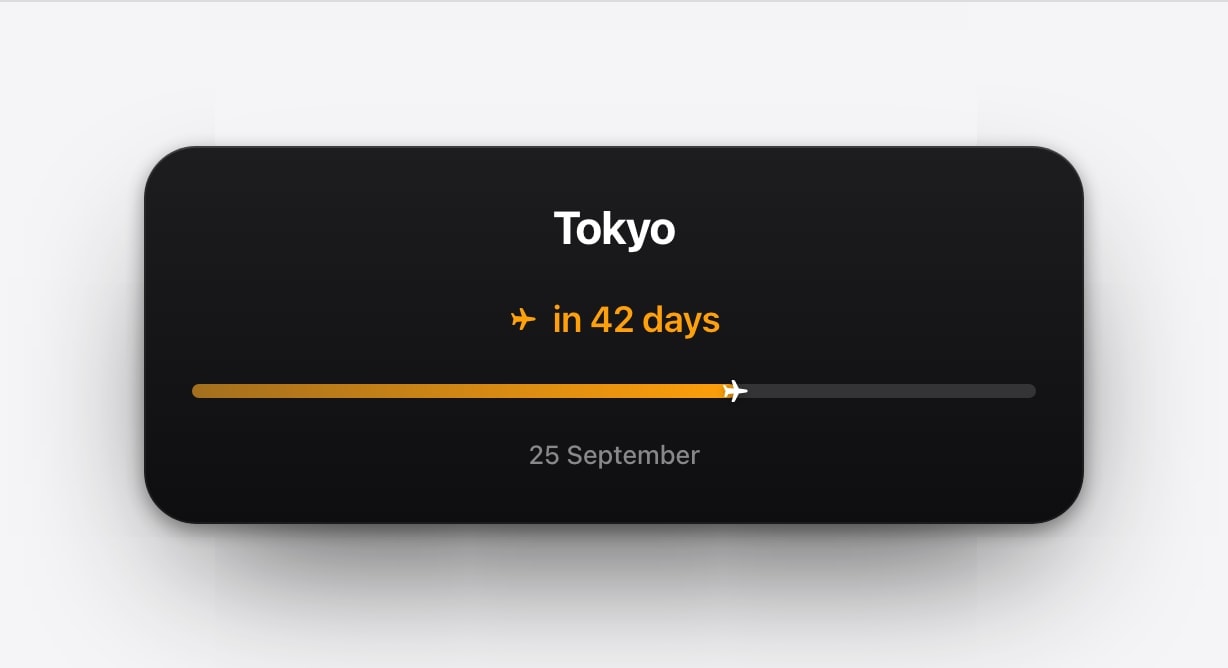
- Days remaining
The most concrete and the most insistent. Excellent in March and quite loud in December.
- Percentage complete
Compact and easy to compare between years. Slightly harder to feel at a glance, which for some people is the appeal.
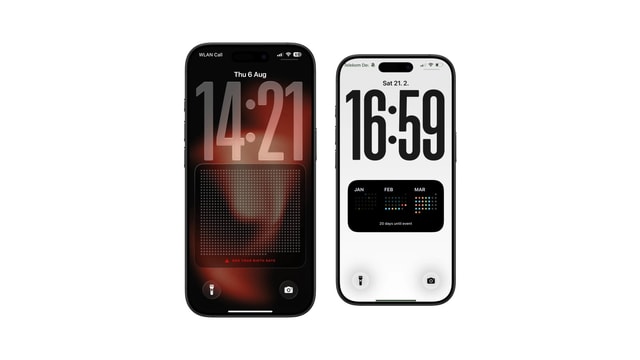
- A progress line or dots
Shows the movement without making a number the subject. The most livable option for a permanent wallpaper.
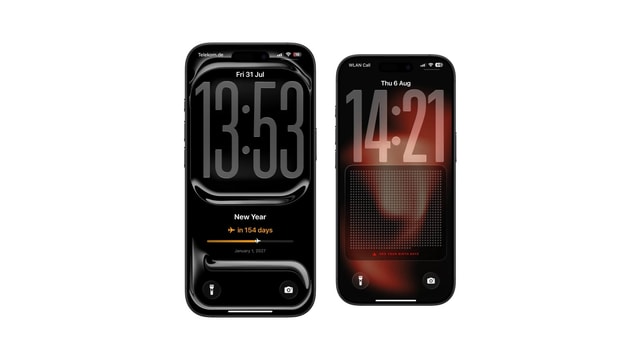
- A journey
Adds character, and works as long as the current position stays unambiguous. If you have to hunt for where you are, the metaphor has taken over.
Setting it up
- 1Use the current year
Calendarly works from real calendar dates, so a leap year is 366 days and the percentage is correct without any adjustment.
- 2Choose the expression
Days, percentage, dots or a journey, depending on how much you want to feel the passage of time.
- 3Keep the background calm
The graphic already supplies direction and movement. It very rarely needs a photograph competing with it.
- 4Add the daily update
The short Shortcuts automation redraws the current value each morning.
It will not tick over at midnight while you watch. The wallpaper is a snapshot. The new value appears at the next scheduled or manual render, usually the following morning.
If it starts to feel like a countdown to nothing
Some people find a year bar clarifying in January and oppressive by October, which is a reasonable reaction rather than a failure of willpower. The graphic has no way of knowing that you took two months off for good reasons, and it will keep filling regardless.
The easy fix is to swap the expression before abandoning the idea: a dotted line is much quieter than a shrinking number, and a plain date is quieter still. Perspective is the point, and there is no version of it that requires a daily reminder of how much is left.
Questions people ask
A wallpaper showing how much of the current year has passed, or how many days remain, recalculated each time it is generated.
Yes. It works from real calendar dates, so a leap year is handled without any adjustment.
Yes. Days, percentage, dots and progress-style graphics are all expressions of the same arithmetic.
No. A year view covers the current year; a life calendar usually represents a chosen lifespan horizon in weeks.
Yes. The date calculation happens on the iPhone and the finished wallpaper is an ordinary image.