5 Simple Tricks to Reduce Social Media Distractions
Simple ways to reduce screen time, stay focused, and make your phone less distracting without extreme rules.
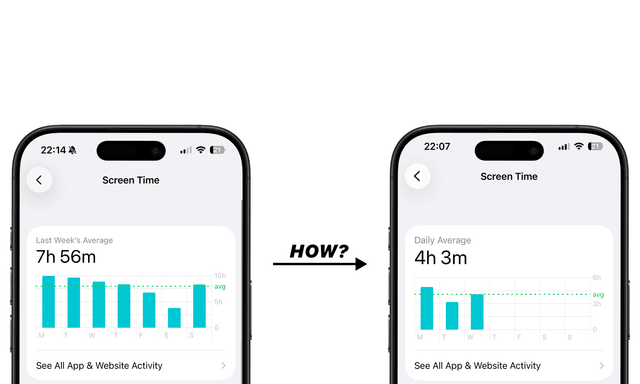
Most people don’t want to spend hours on social media. But the apps are designed to keep you there.
The good news is that you don’t need extreme rules to change that. A few small tweaks to how you use your phone can already reduce social media distractions and help you stay focused. Here are five simple tricks that can help.
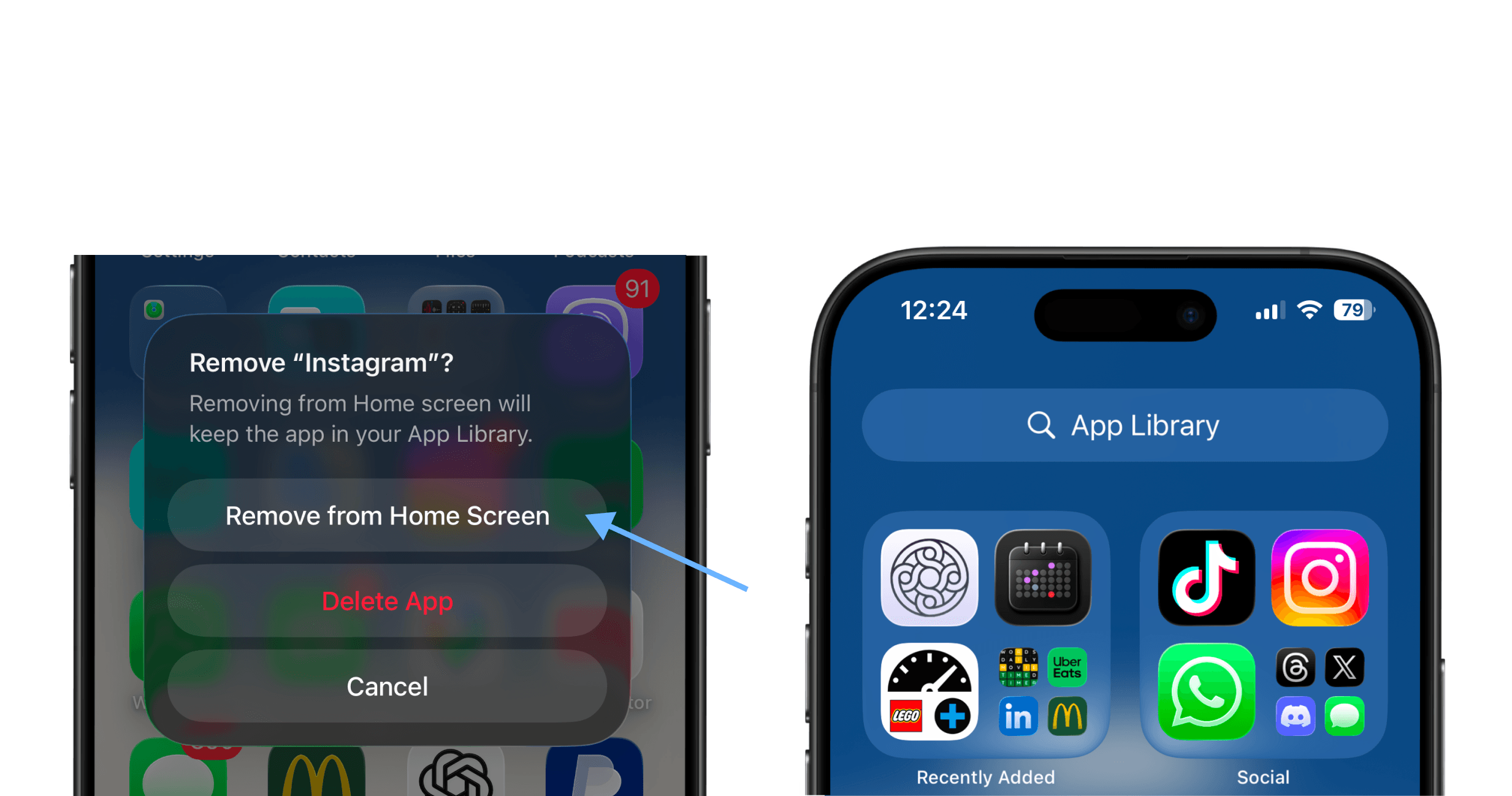
1. Move Social Media Apps Off Your Home Screen to Reduce Phone Distractions
Most social media apps rely on habit. You open your phone and tap the same icon automatically.
Moving these apps off your home screen adds a small amount of friction. You can still open them whenever you want. It just won’t happen automatically anymore. Sometimes that small pause is enough to avoid opening them without thinking.
2. Turn Off Non-Essential Notifications
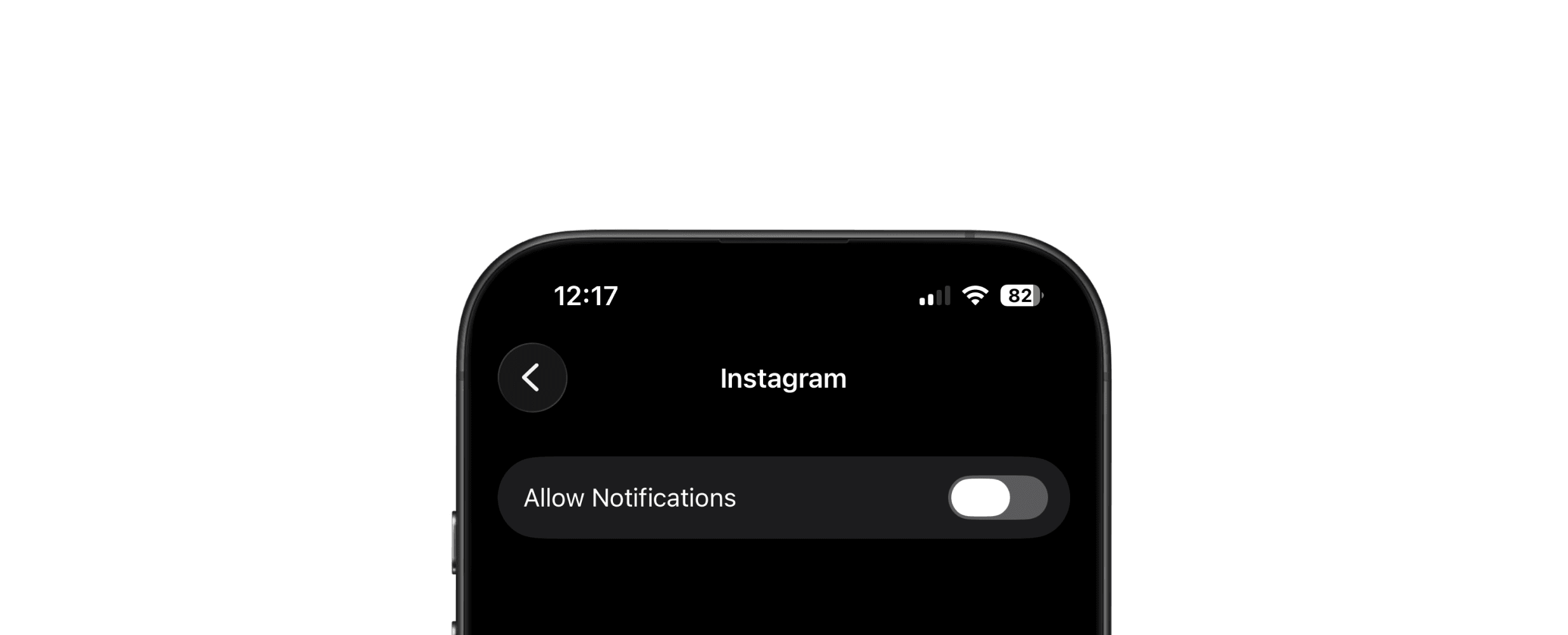
Notifications are one of the biggest triggers for social media distractions.
Likes, suggestions, and random alerts constantly pull you back into apps. Social media is still there if you want to open it, you just won’t get pulled in by random alerts all day. You can still open the apps when you actually want to.
3. Use Focus Mode to Reduce Screen Time and Stay Focused
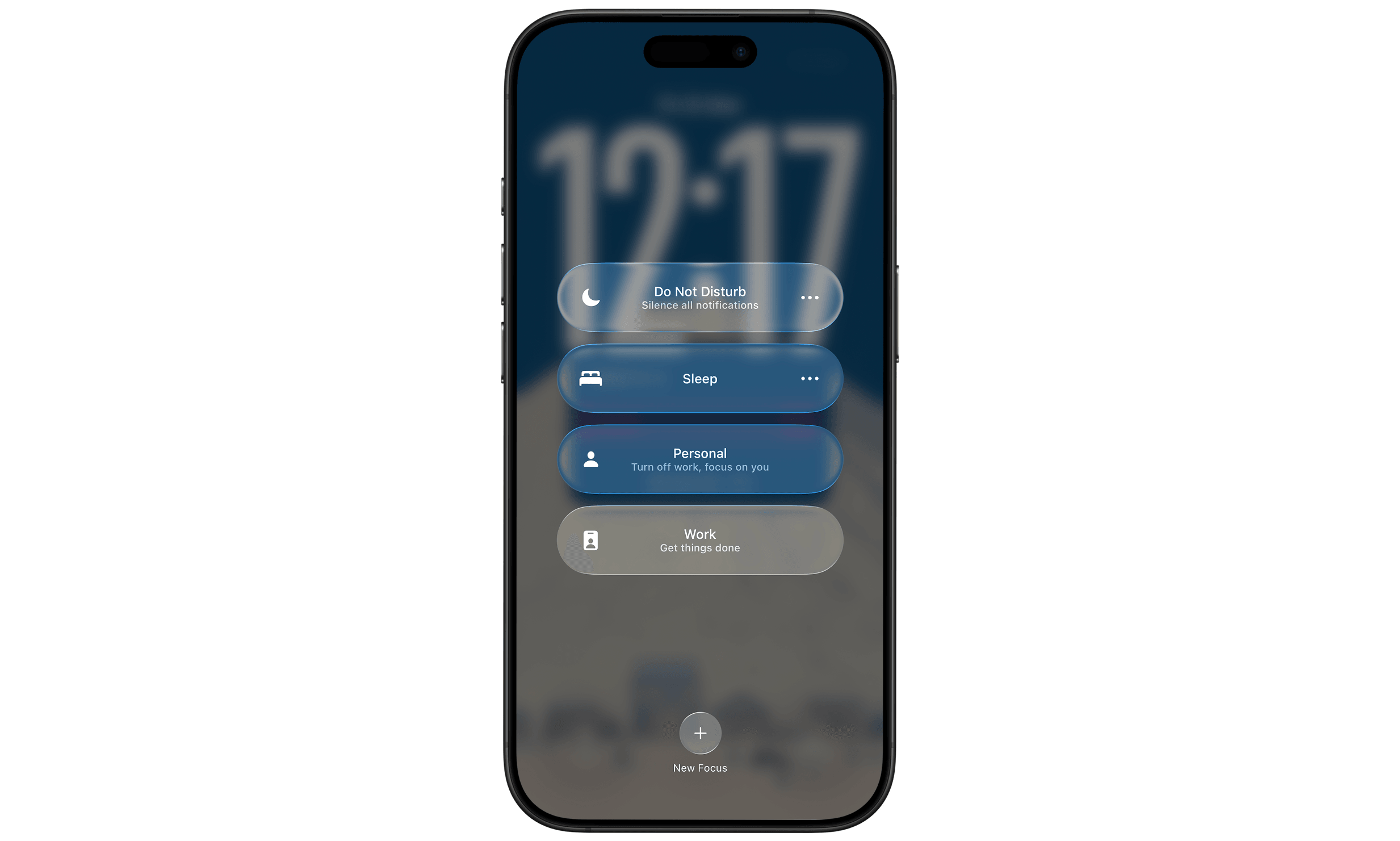
Focus modes help create quiet periods during the day when fewer things compete for your attention.
You can schedule a work focus mode or create one specifically to reduce digital distractions during the hours when you want to stay productive. Research on attention from Gloria Mark at the University of California, Irvine shows that frequent interruptions make it harder to stay focused and return to deep work.
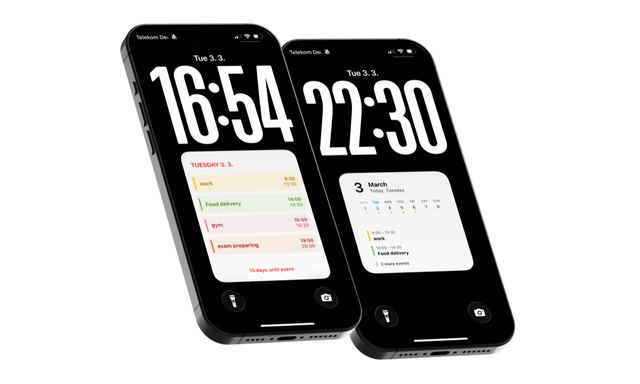
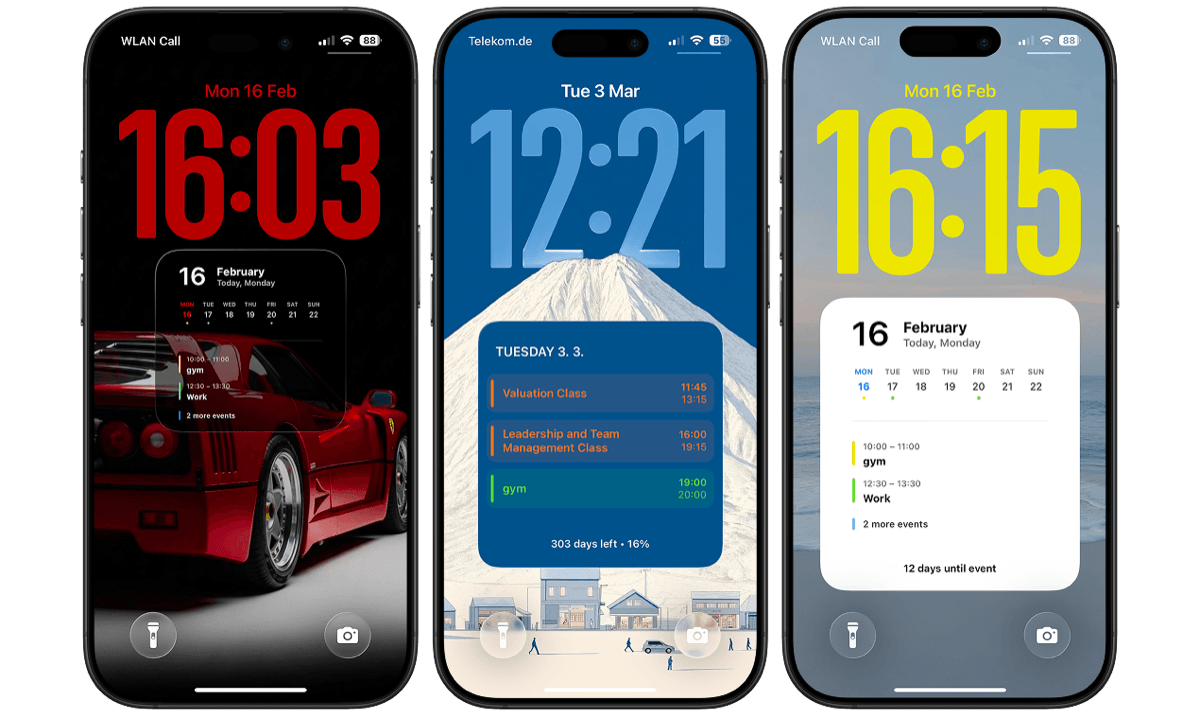
4. Use a Lock Screen Calendar to Avoid Unnecessary Unlocks
Many people unlock their phone just to check what’s next in their schedule.
If your schedule is already visible, you often don’t need to unlock the phone at all. That small change can reduce screen time and make it easier to stay focused.
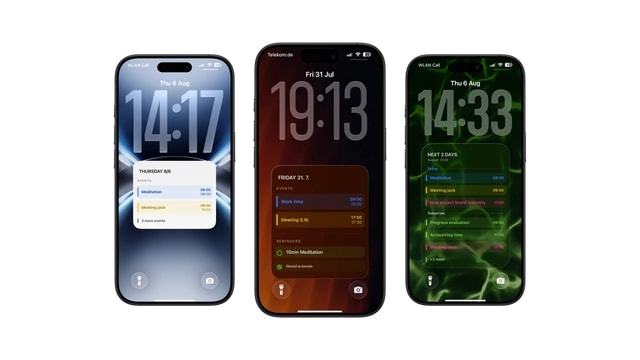
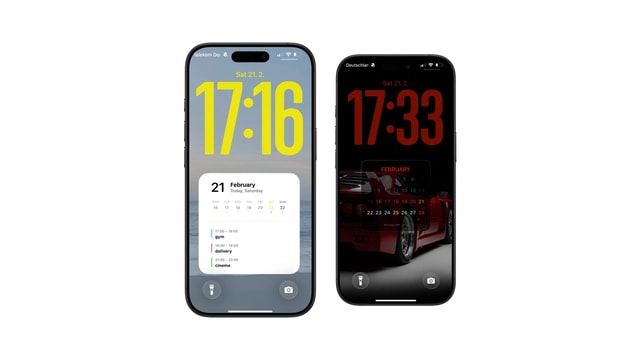
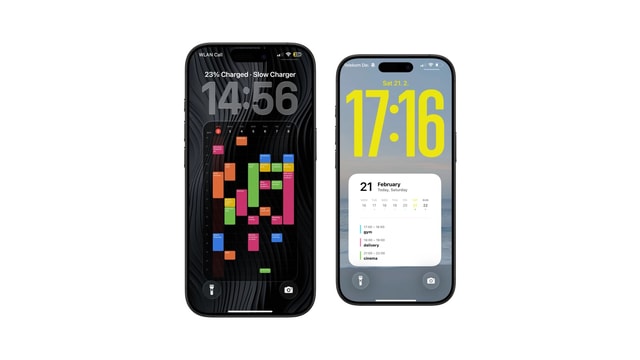
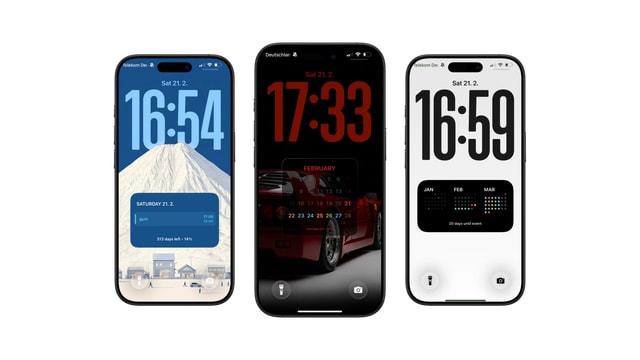
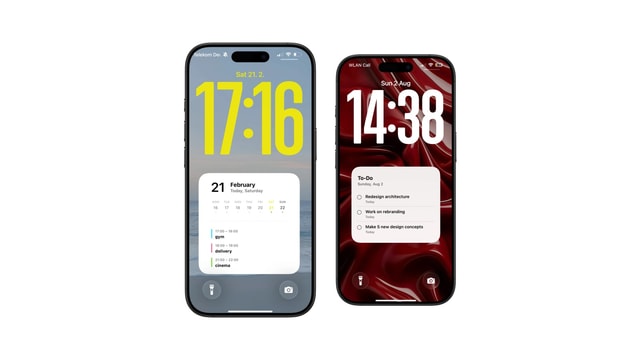
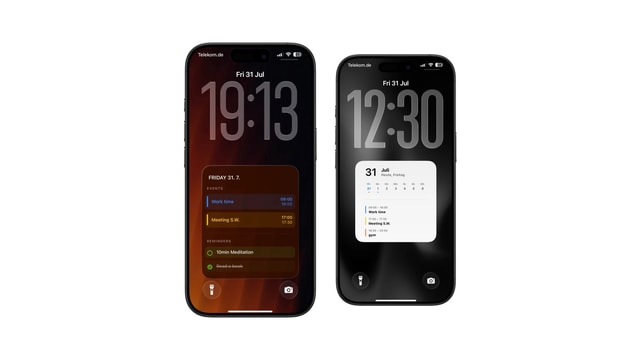
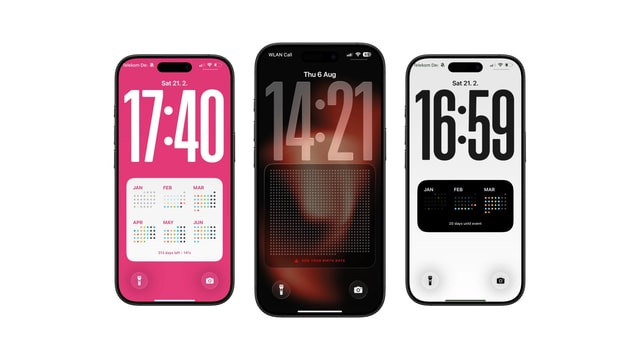
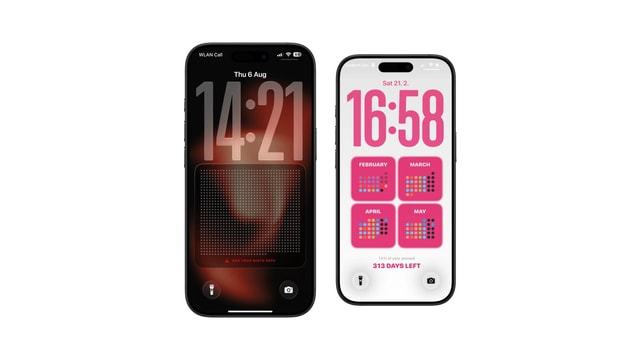
Using a calendar on your iPhone lock screen is one way to do this. Tools like Calendarly generate a customizable lock screen calendar setup and calendar wallpaper that shows your schedule directly on the lock screen.
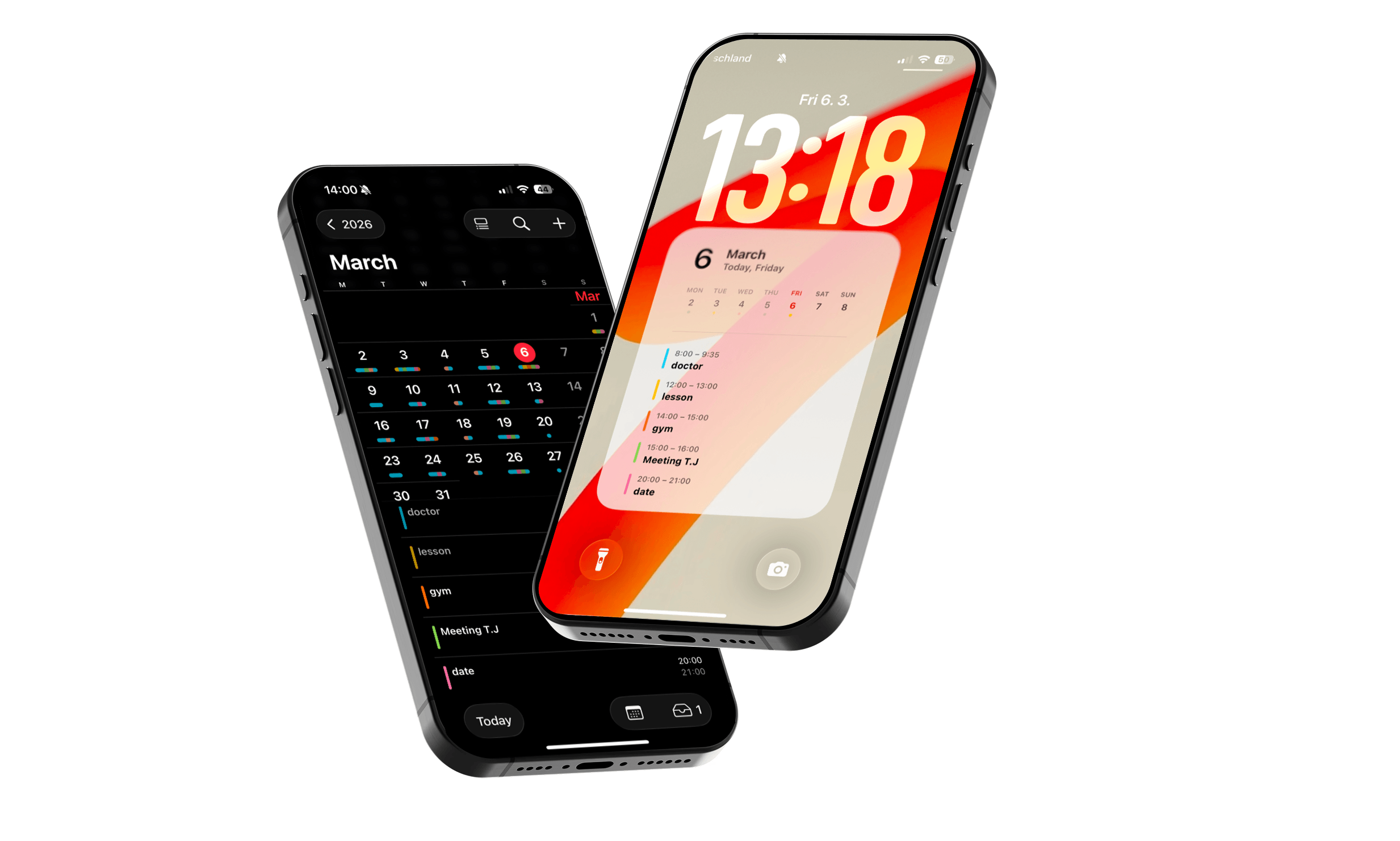
If you want to set this up step by step, you can read our guide on how to put a calendar on your iPhone lock screen.
For people who want a quick overview of their schedule without opening apps, this simple productivity tweak removes one common reason to unlock the phone.
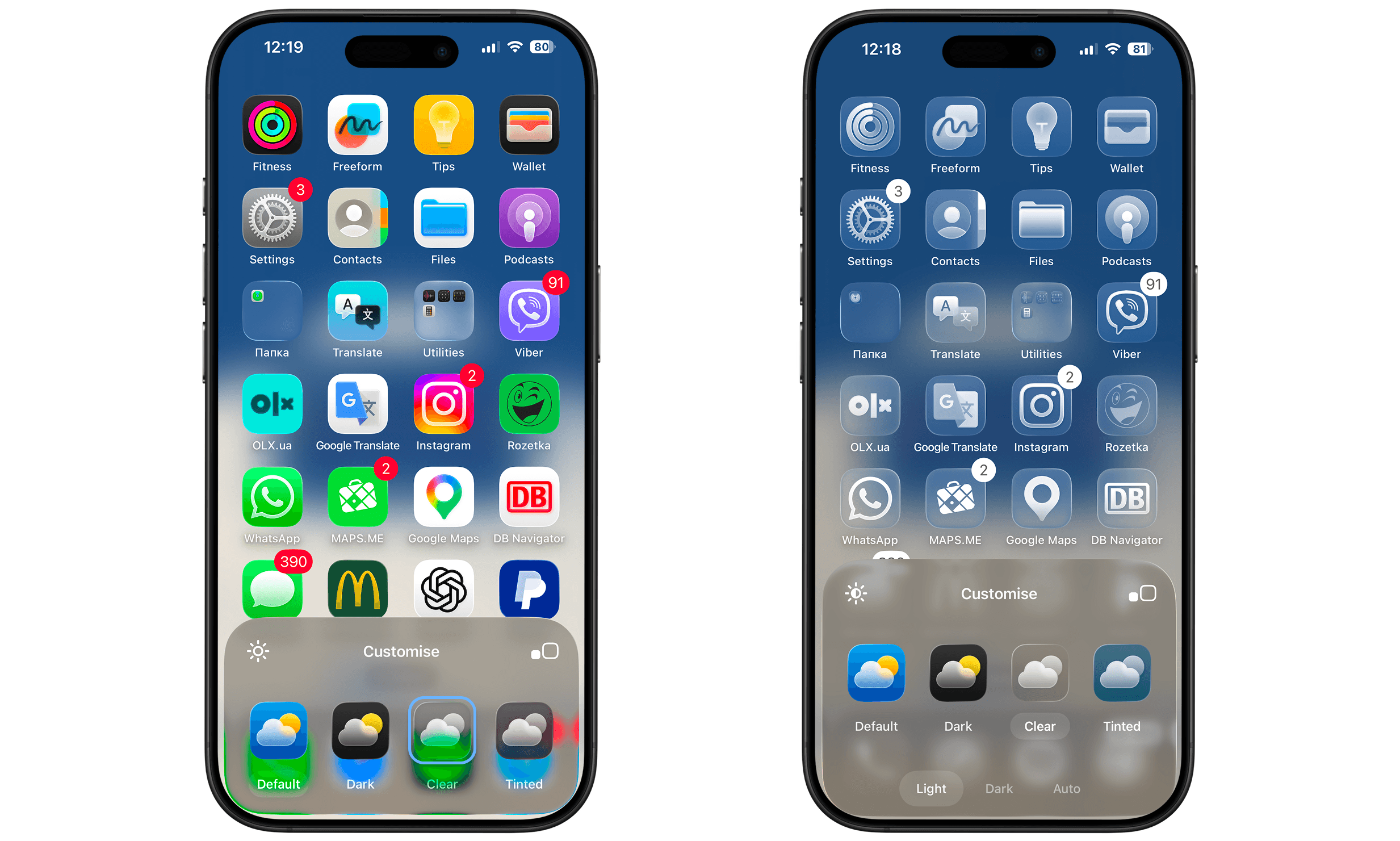
5. Try Clear Mode
Switching your phone to clear mode removes the bright colors that make social media apps so appealing.
Without colors, feeds often feel less engaging, which can naturally reduce the urge to keep scrolling. Many people use this trick to reduce social media distractions without deleting apps.
Conclusion
Social media distractions usually don’t come from one long session. They come from small habits repeated throughout the day.
You don’t need drastic changes to improve that. A few small adjustments like reducing notifications, adding friction, or using a lock screen calendar, can already help reduce screen time and improve productivity.
Sometimes the easiest place to start is simply changing what you see first when you pick up your phone.
Keep reading
How to Show Todoist Tasks on Your iPhone Lock Screen
How to Put Apple Reminders on Your iPhone Lock Screen
How to Put a To-Do List on Your iPhone Lock Screen
The Best iOS 27 Lock Screen Setup for Your Calendar
Todoist Lock Screen Widget vs Full Todoist Lock Screen
How to Put Your Class Schedule on Your iPhone Lock Screen
iPhone Calendar Wallpaper That Updates Automatically
Best iPhone Lock Screen Setup for College Students
Calendar and Reminders on One iPhone Lock Screen
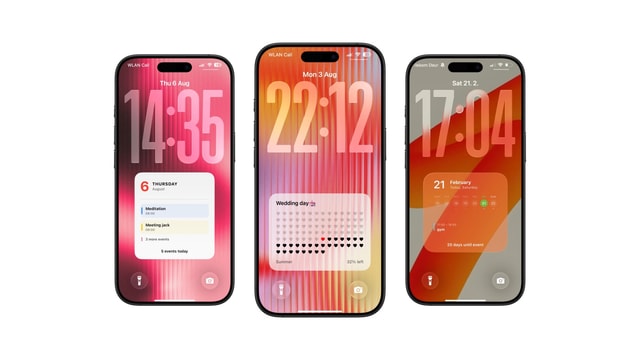
Aesthetic Calendar Wallpaper for iPhone: Ideas That Stay Current
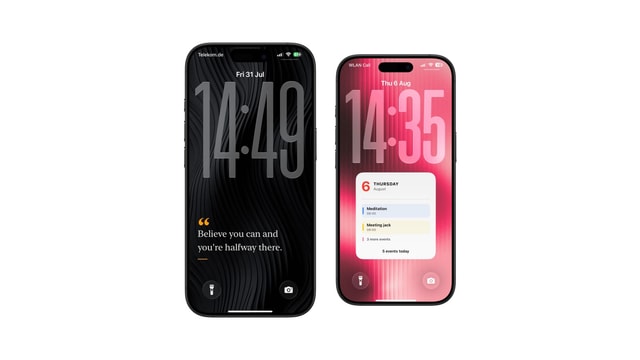
How to Put Notes on Your iPhone Lock Screen
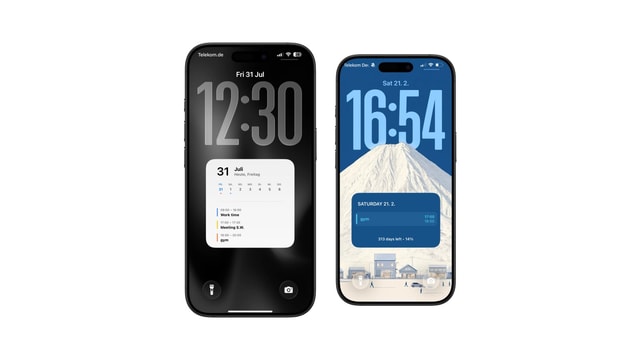
Daily Schedule Wallpaper for iPhone: Today, Hour by Hour
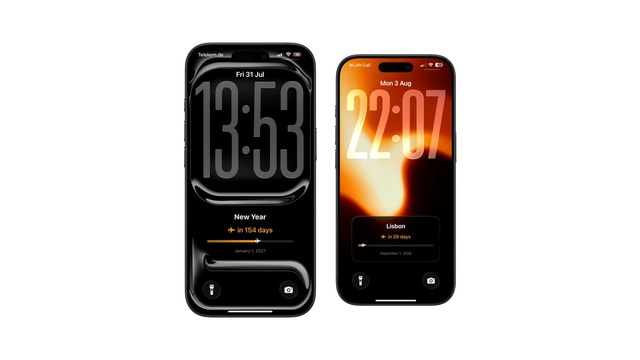
Year Progress Wallpaper for iPhone That Updates Automatically
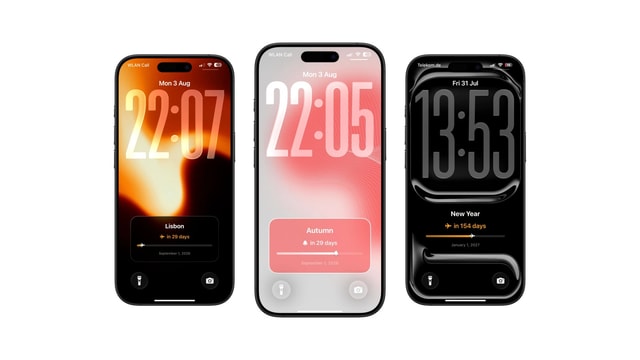
How to Add a Countdown to Your iPhone Lock Screen
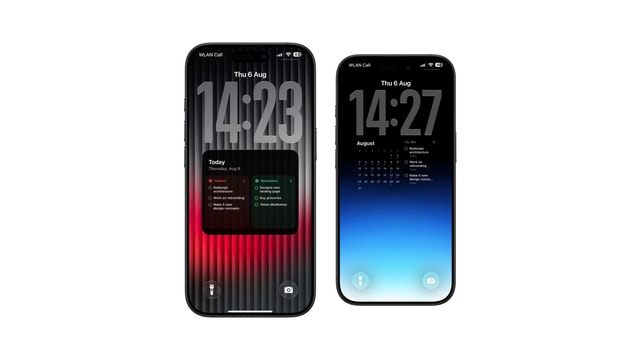
Best Todoist Lock Screen Setup for iPhone
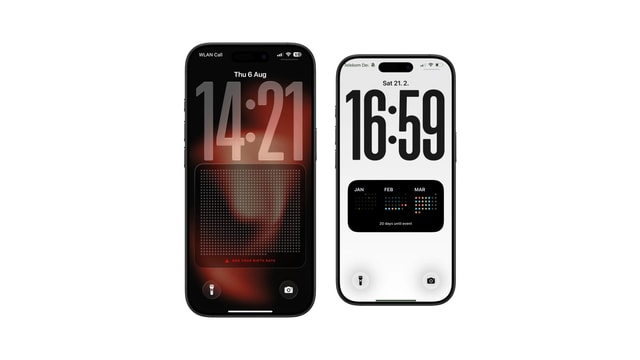
Life Calendar Wallpaper for iPhone: See Your Life in Weeks
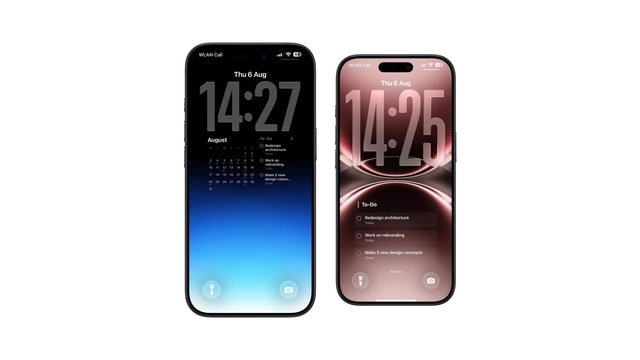
How to See Today's Todoist Tasks Without Opening Todoist
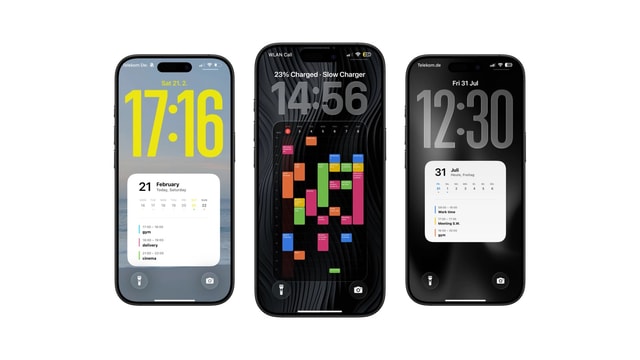
How to Put Your Weekly Schedule on Your iPhone Lock Screen
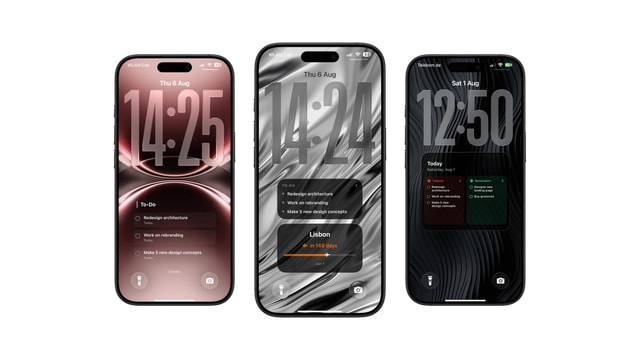
Todoist Lock Screen Ideas for a Minimal Productivity Setup
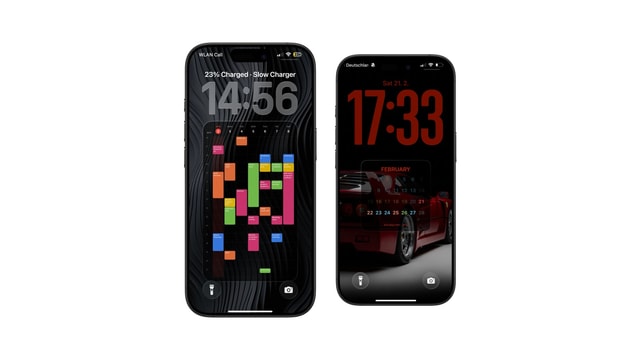
iPhone Lock Screen Calendar Widget Not Showing Events? Here's Why
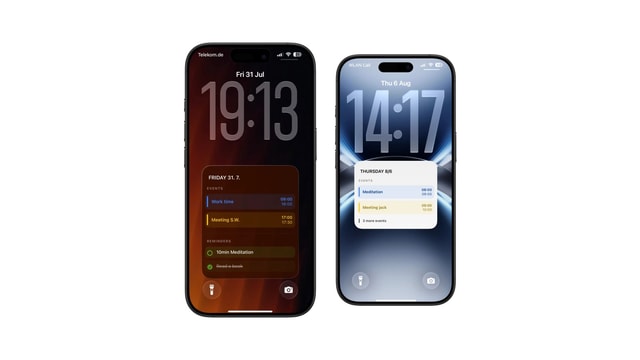
Apple Reminders Lock Screen Widget: What It Can and Cannot Show
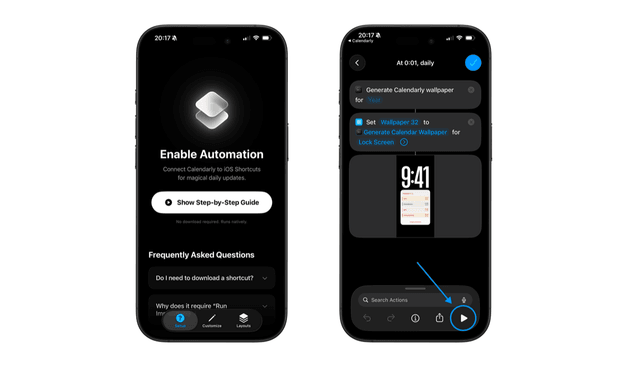
Can iPhone Wallpaper Change Automatically? Every Way That Works
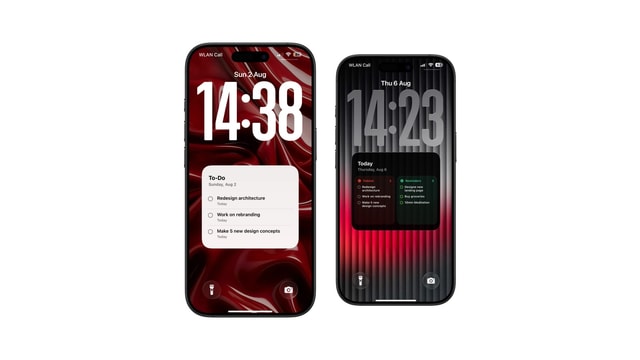
Best Way to Keep Your To-Do List Always Visible on iPhone
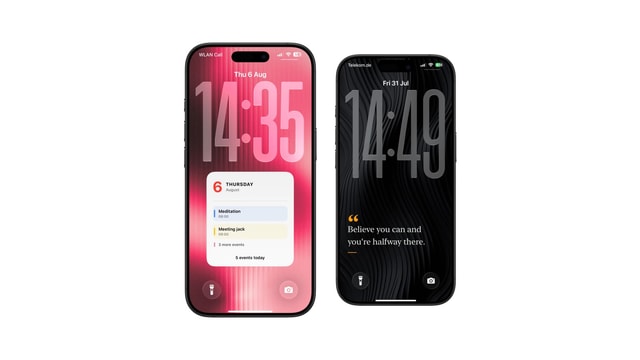
How to Put a Sticky Note on Your iPhone Lock Screen
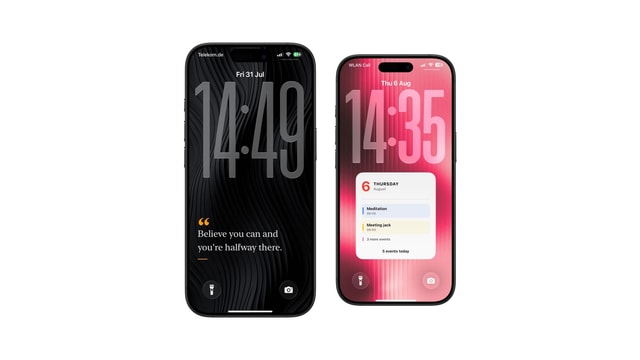
How to Put Text on Your iPhone Lock Screen
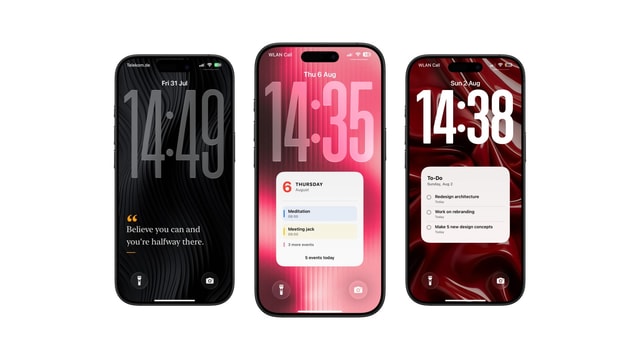
7 Useful Things to Keep as a Note on Your Lock Screen
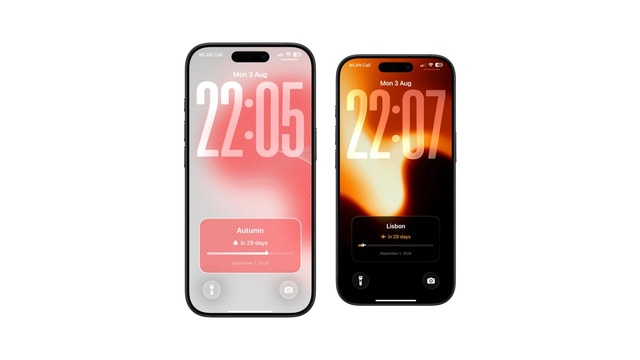
Birthday Countdown on iPhone Lock Screen
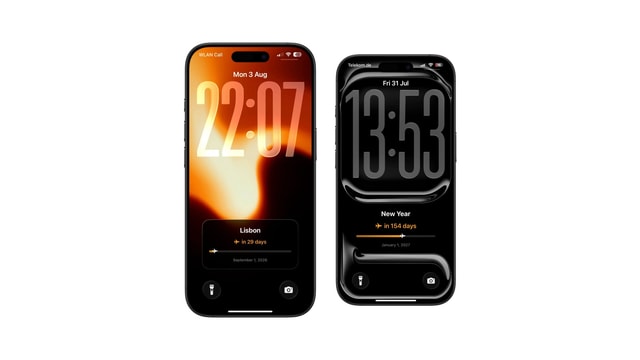
Vacation Countdown on iPhone Lock Screen
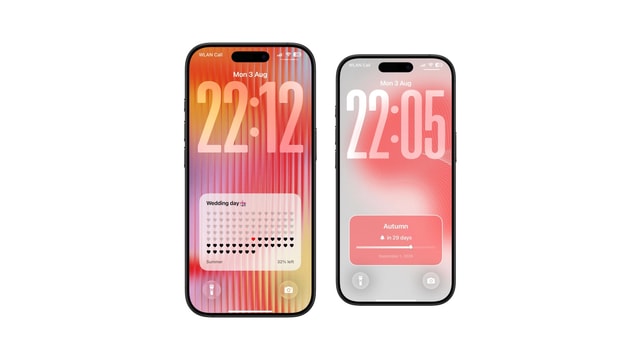
Wedding Countdown on iPhone Lock Screen
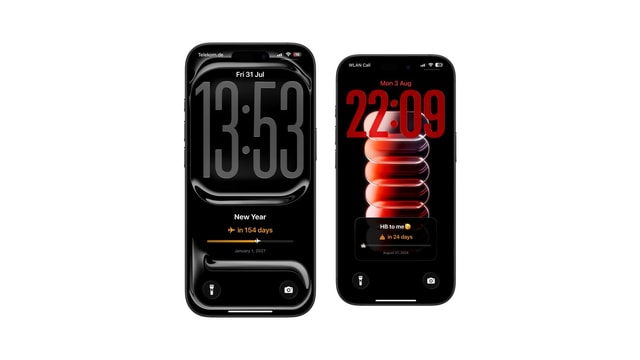
Exam Countdown on iPhone Lock Screen
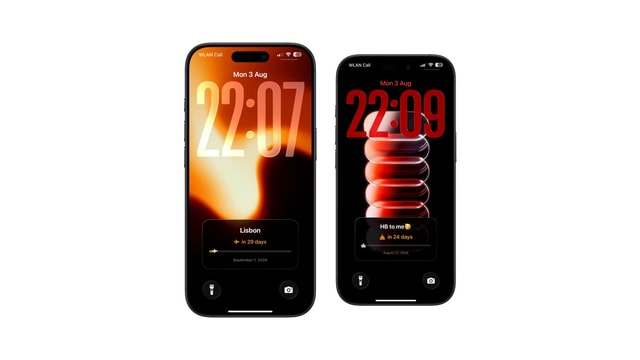
Days Since Counter on iPhone Lock Screen
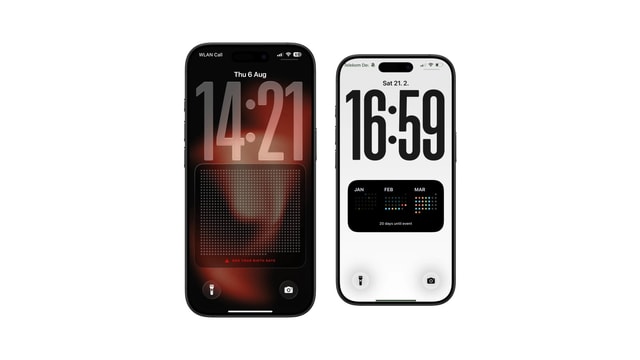
Life Calendar Wallpaper: Free Download vs One That Updates Itself
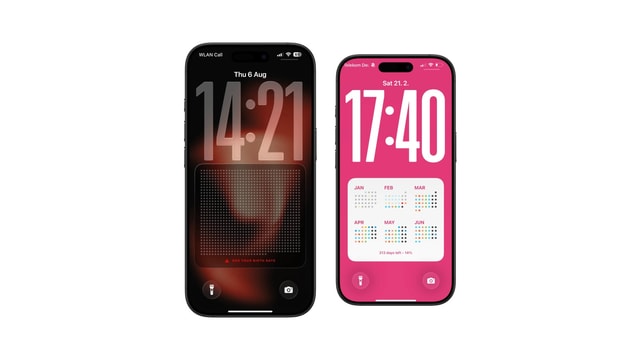
What Is a Life Calendar? The Chart of Weeks, Explained
How Many Weeks Are in a Life?
Life Calendar Wallpaper Not Updating? Here Is Why
Memento Mori Wallpaper for iPhone
Life Calendar App for iPhone: What to Look For
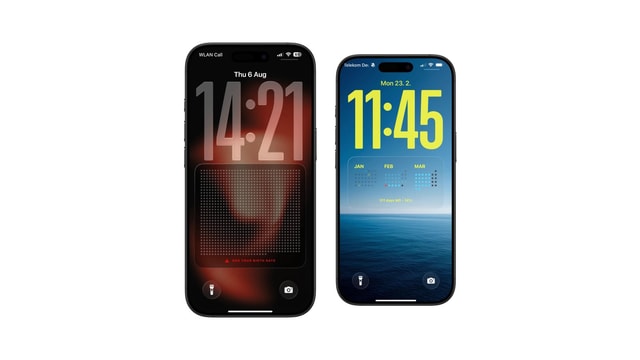
How to Set Up a Life Calendar on Your iPhone
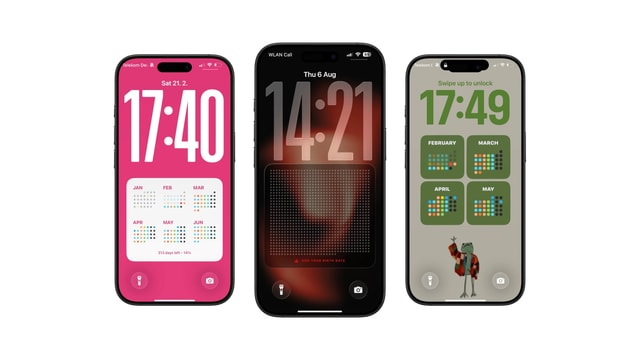
How to Make a Life Calendar: Printable, Spreadsheet or Phone
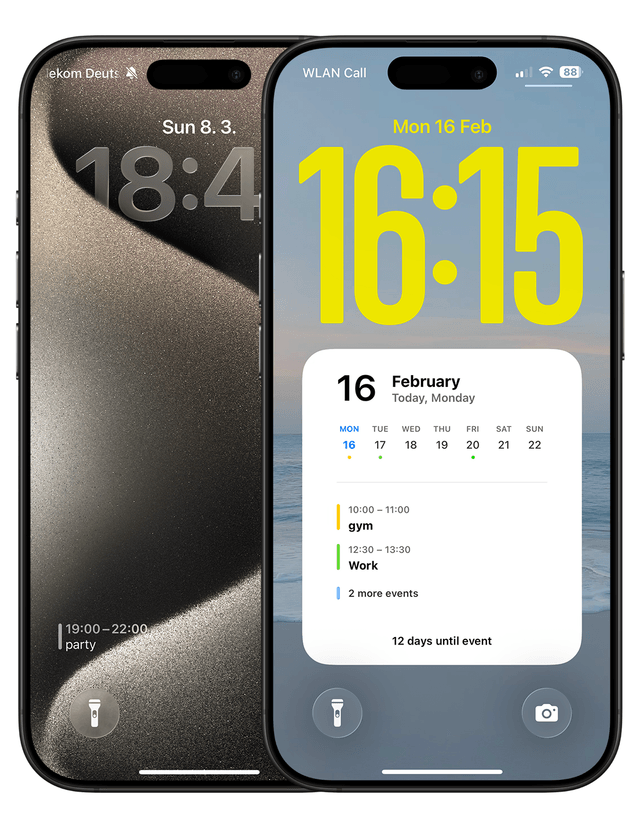
How to Show Your Calendar on the iPhone Lock Screen
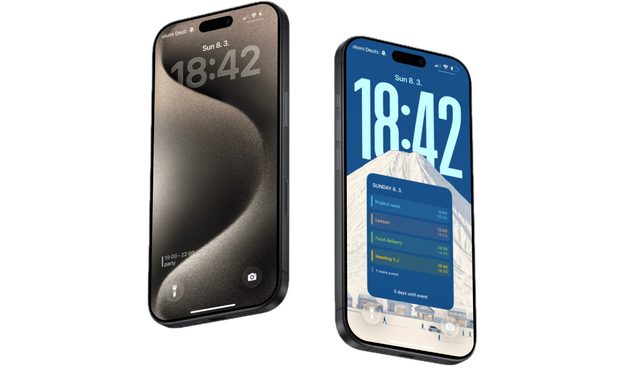
Lock Screen Calendar vs Lock Screen Widgets: What’s Better?
How to Reduce Screen Time Without Deleting Apps