How to Reduce Screen Time Without Deleting Apps
Discover a simple iPhone lock screen trick to reduce screen time, stop mindless scrolling, and boost productivity without deleting your apps.
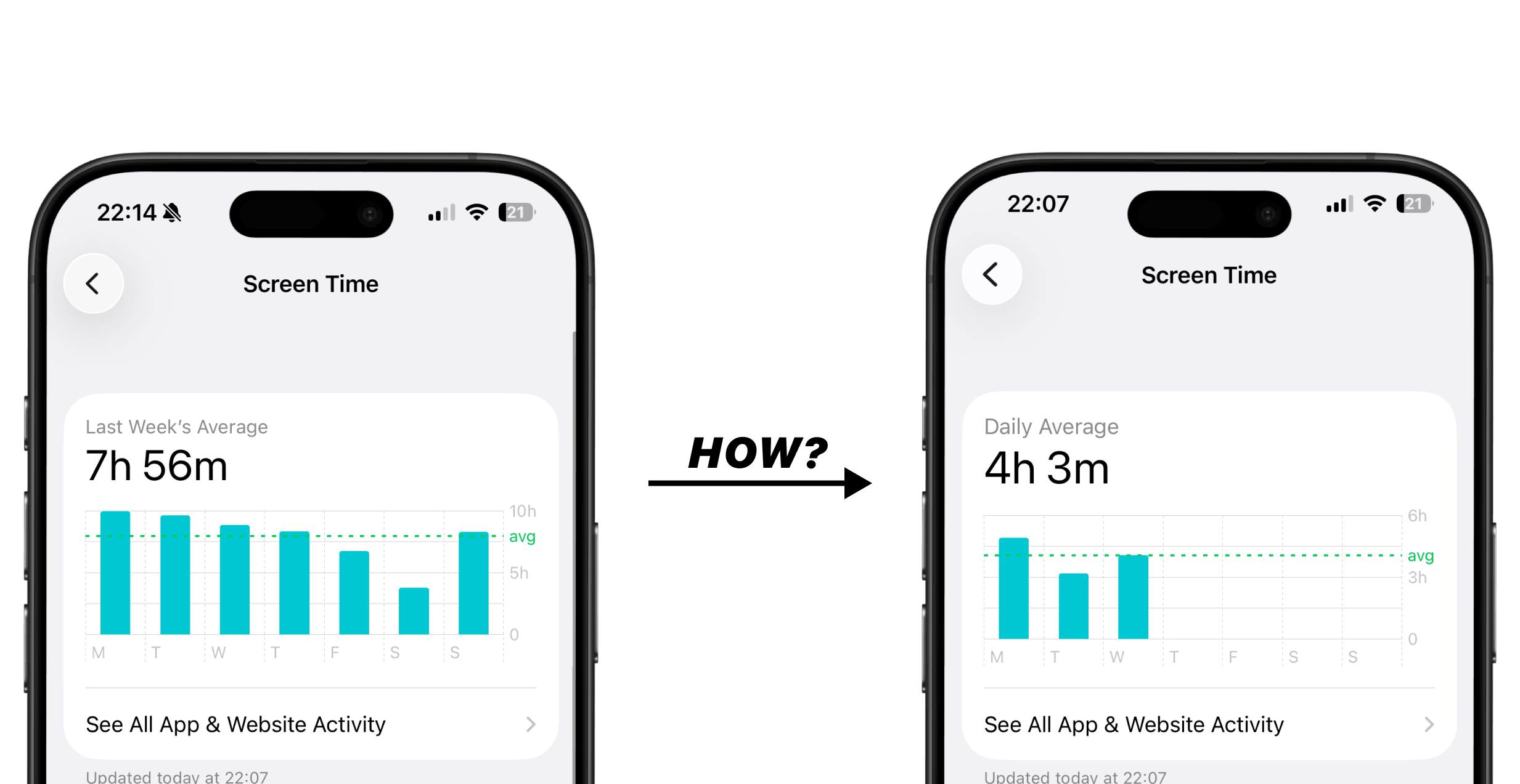
If you’re trying to reduce screen time, you’ve probably noticed something simple: it rarely comes from one long session. It comes from small unlocks throughout the day.
You open your phone to check your schedule. You confirm what’s next. And before you know it, you’re scrolling something you didn’t even plan to open.
That’s where most time goes. For people who are just tired of wasting time like this, the solution isn’t extreme rules. It’s making it slightly harder to fall into that scrolling loop.
Why Unlocking Your Phone Increases Screen Time
The distraction doesn’t usually start on the lock screen. It starts right after you unlock the phone. Once you’re inside, there are dozens of things to tap.
Research from the American Psychological Association shows that multitasking and frequent task switching come with cognitive “switching costs,” meaning your brain needs time to refocus each time you move between tasks.
You don’t need a 30-minute scroll to lose productivity. A few short sessions spread across the day are enough.
If you want to reduce screen time, it helps to reduce how often you unlock your phone without a clear purpose.
How a Lock Screen Calendar Can Help Reduce Screen Time
Most people unlock their phone just to check what’s next. If your schedule is hidden behind the unlock screen, that action becomes the starting point for everything else.
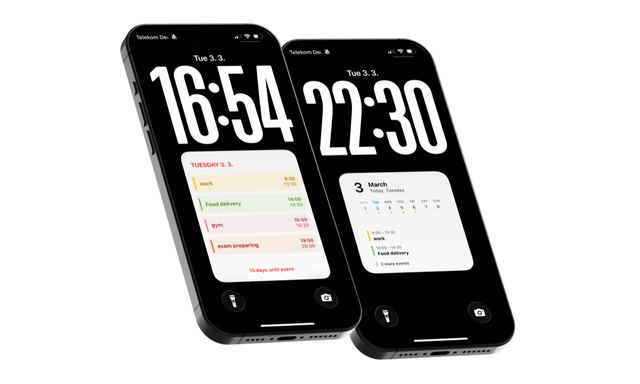
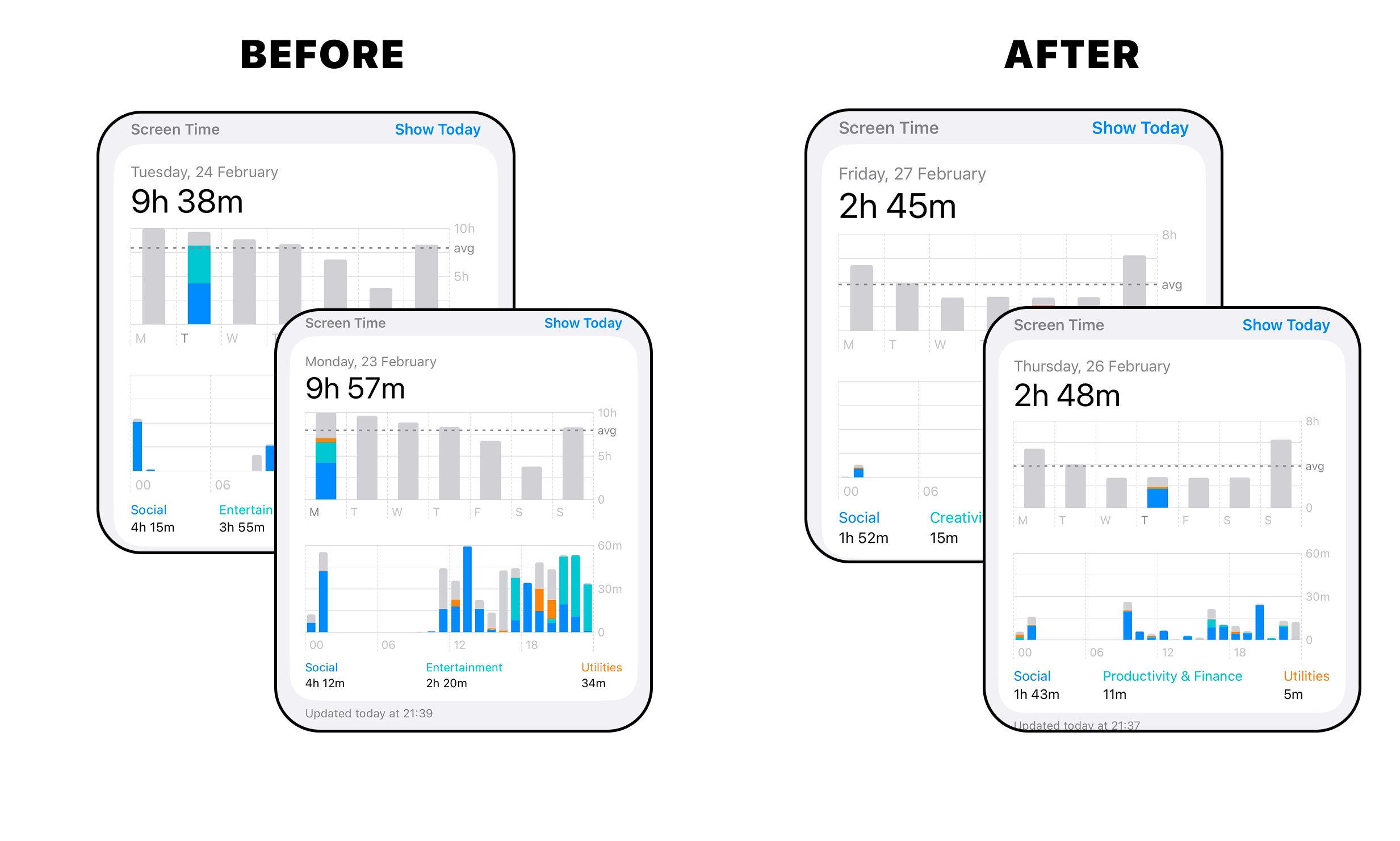
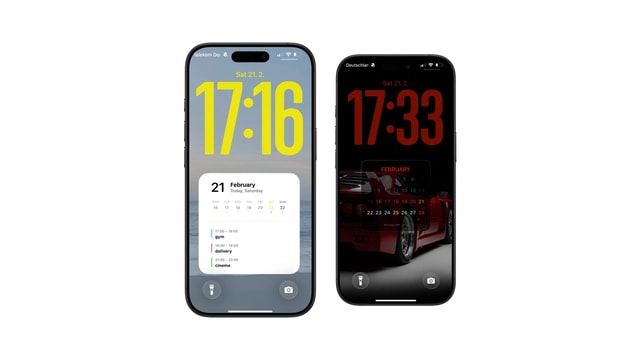
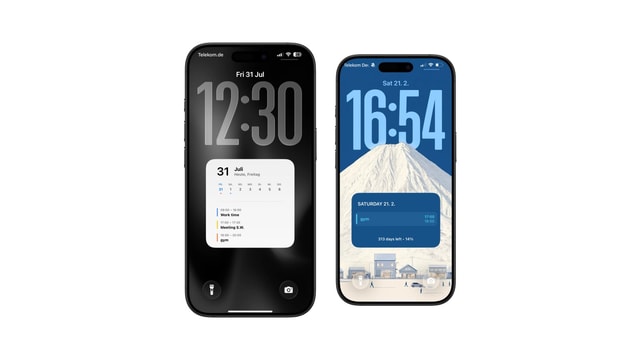
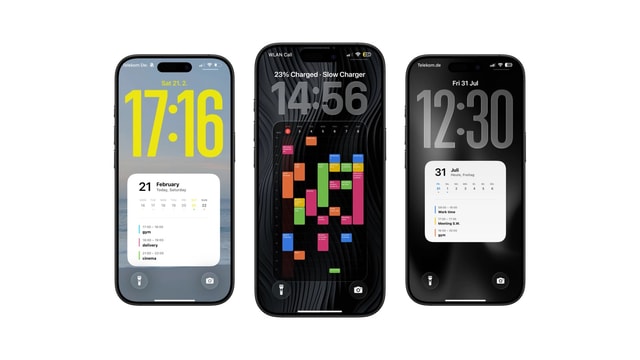
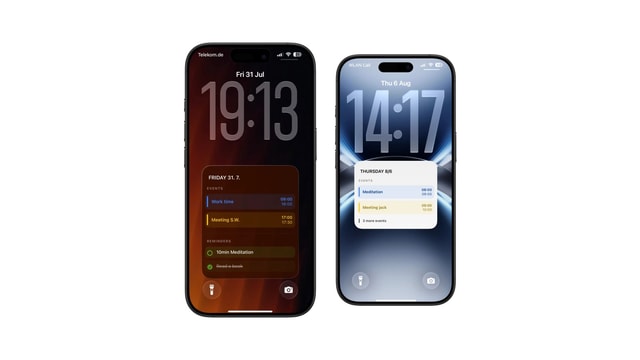
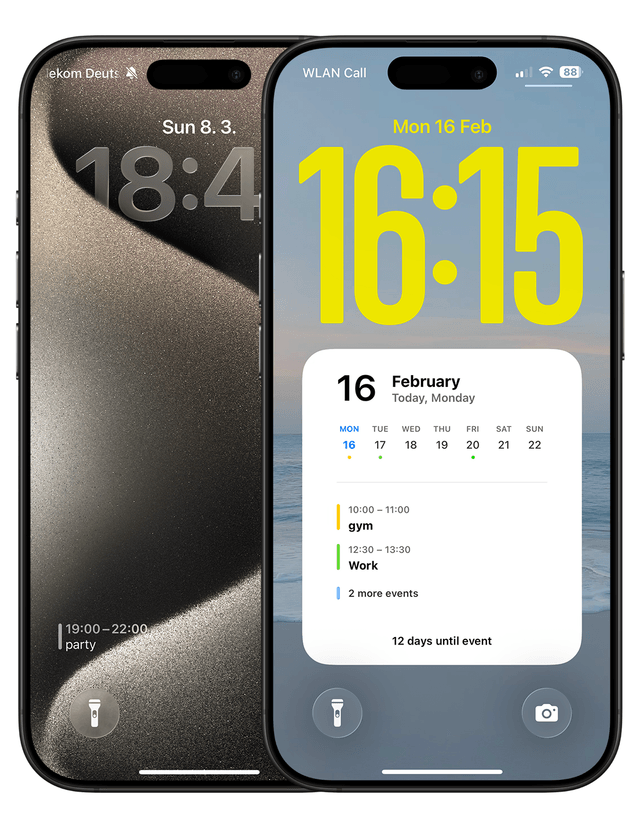
Using a calendar on your iPhone lock screen changes that. When your schedule is already visible, you don’t need to open your calendar app just to check it. Fewer unnecessary unlocks usually mean less screen time overall.
It won’t eliminate distractions. But it removes one common reason to enter your phone.
A Simple Lock Screen Calendar Setup for Better Productivity
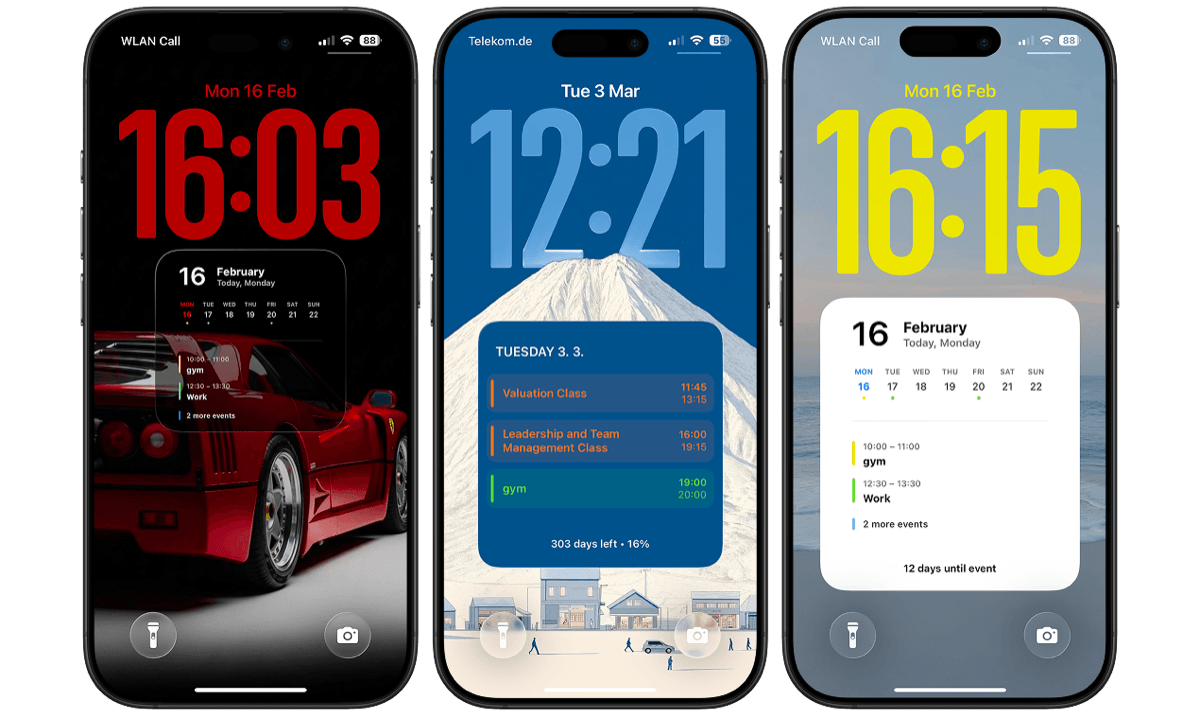
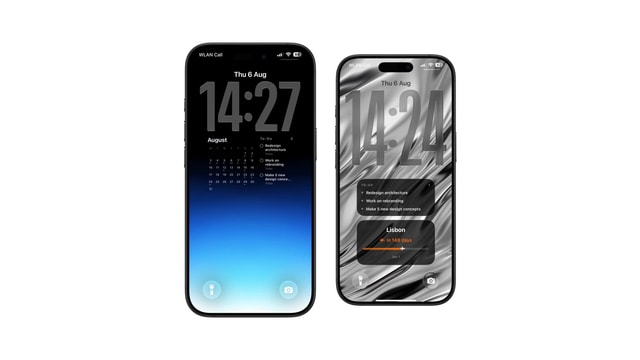
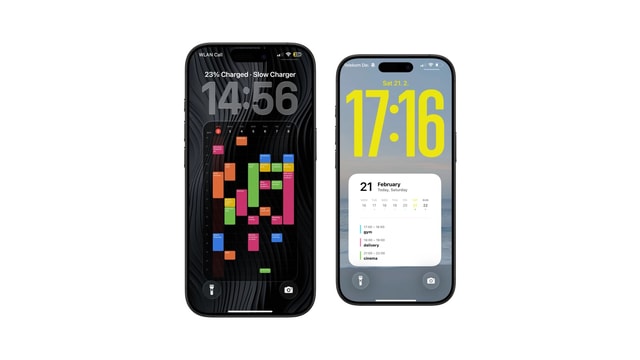
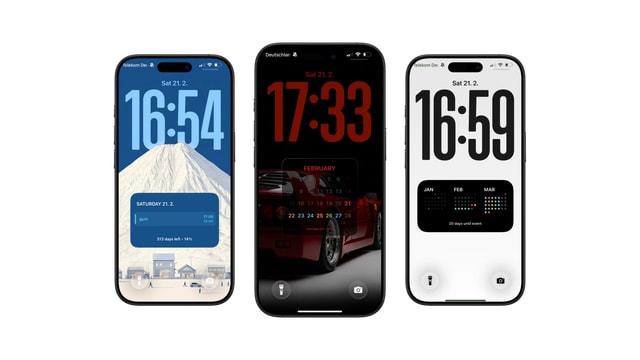
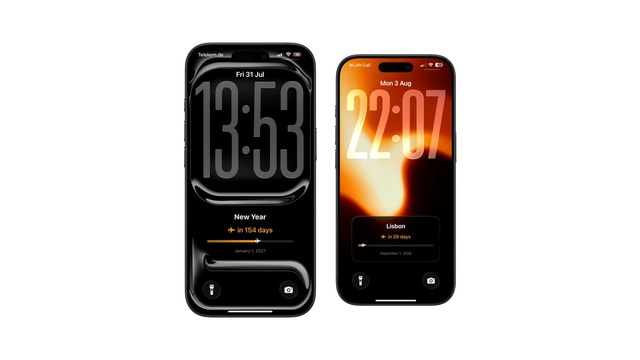
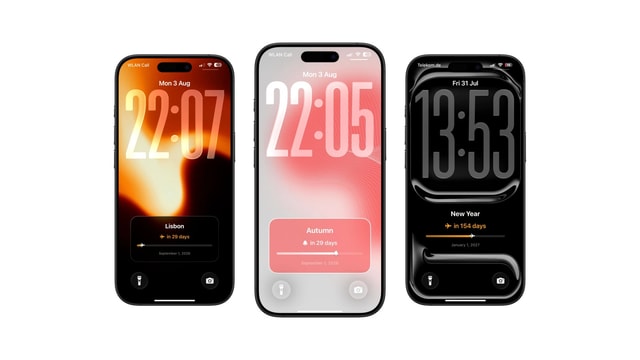
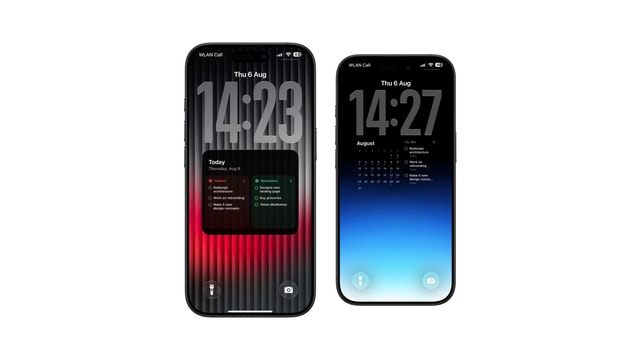
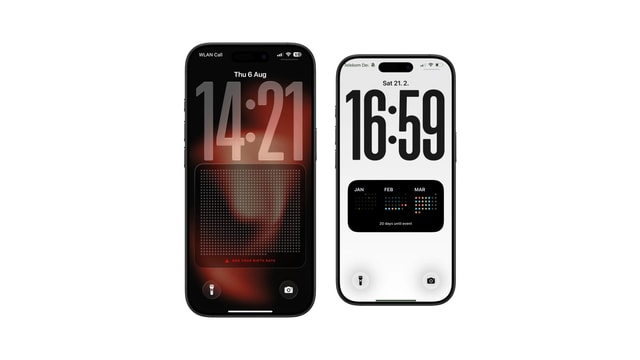
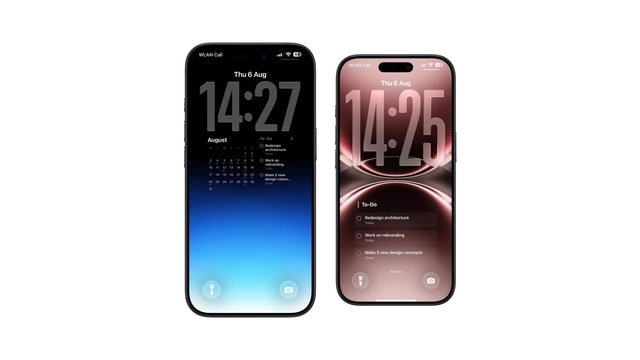
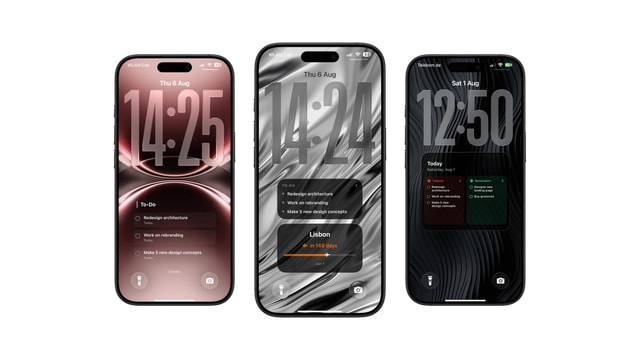
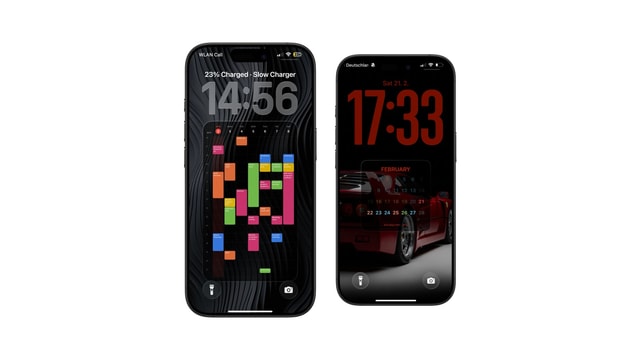
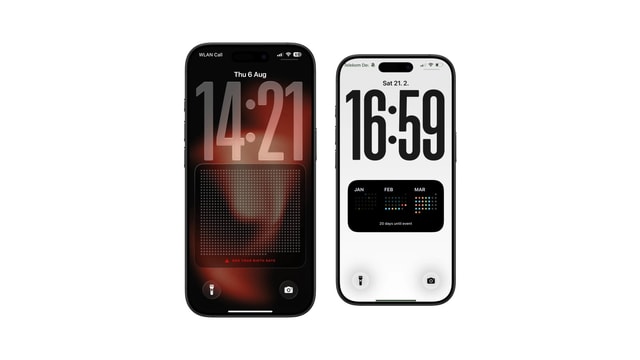
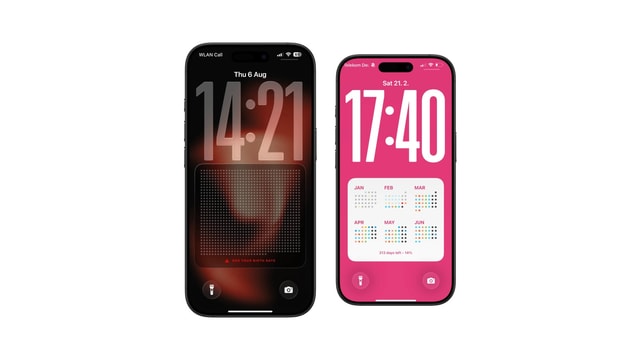
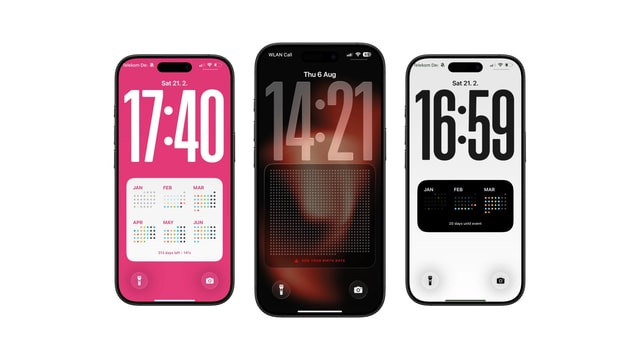
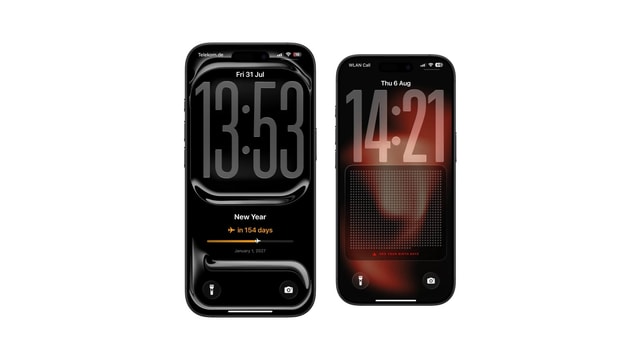
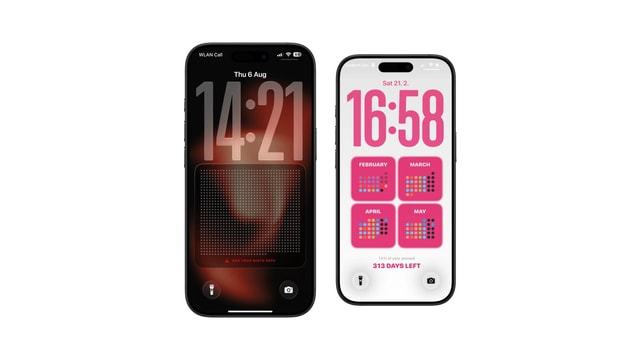
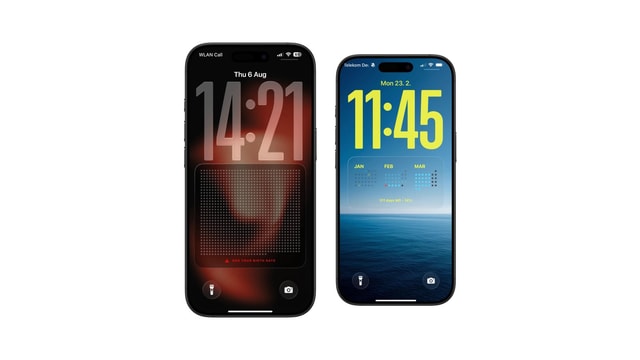
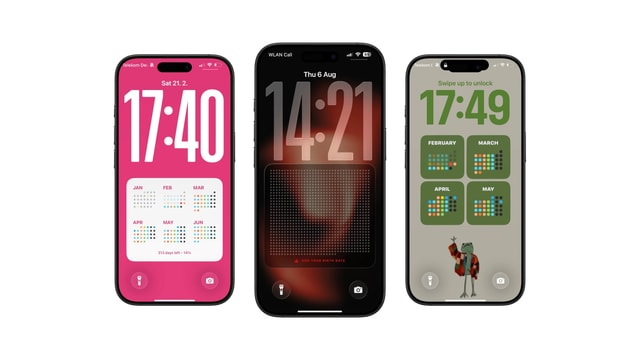
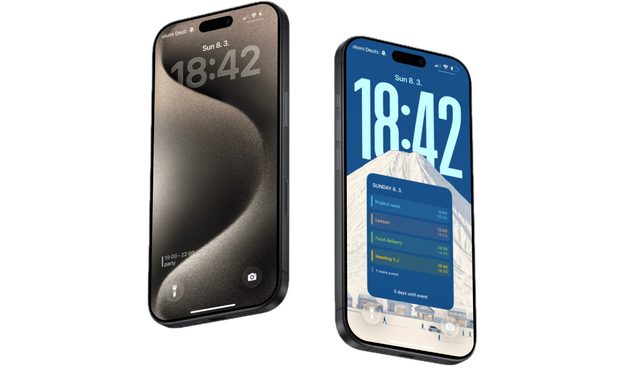
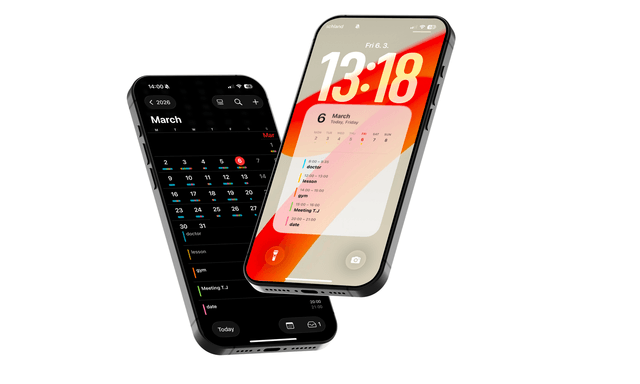
You can use small lock screen widgets, but they only show limited information. A more structured option is a full lock screen calendar setup, essentially a customizable calendar wallpaper that shows your daily, weekly, or monthly view directly on your lock screen.
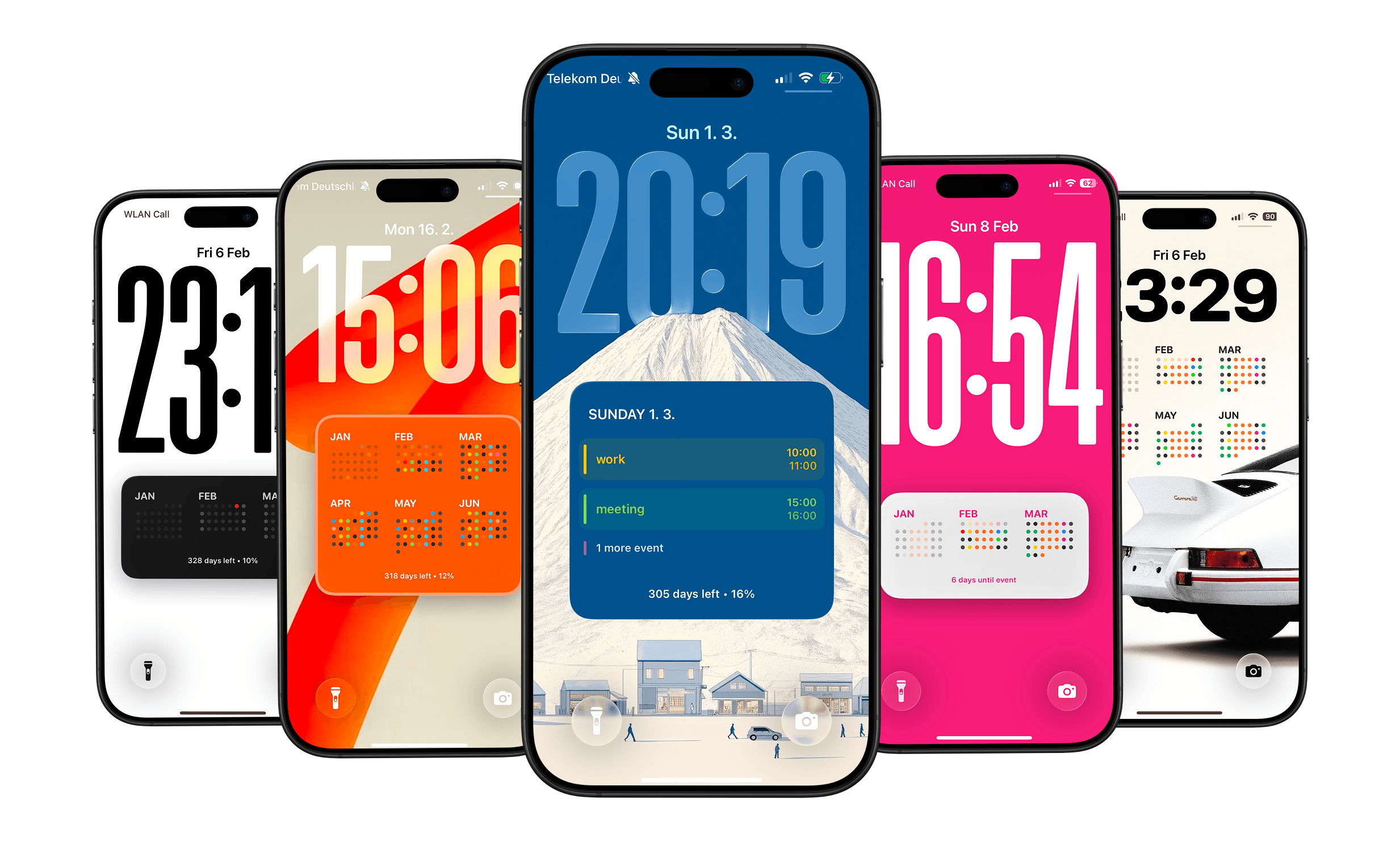
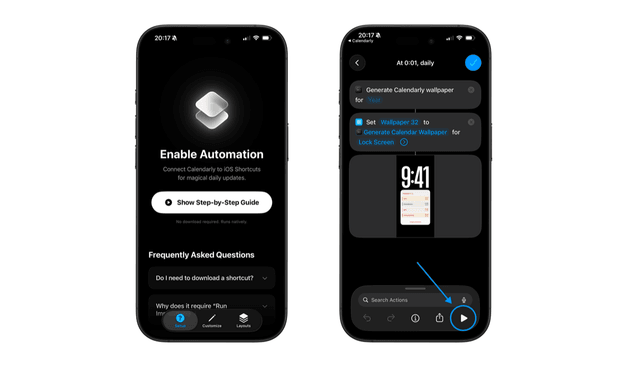
Calendarly generates that calendar wallpaper and updates it automatically using Apple’s Shortcuts automation.
It’s not a dramatic change. It’s just one practical productivity tool that helps reduce screen time by reducing unnecessary unlocks.
Small Time Savings Improve Productivity Over Time
If this setup helps you avoid just 15 minutes of scrolling per day, that adds up.
15 minutes per day = 7 hours per month = 84 hours per year
That’s roughly two full work weeks. Reducing screen time doesn’t require deleting apps or redesigning your life. Sometimes it starts with something small, like what you see on your lock screen.
Keep reading
How to Show Todoist Tasks on Your iPhone Lock Screen
How to Put Apple Reminders on Your iPhone Lock Screen
How to Put a To-Do List on Your iPhone Lock Screen
The Best iOS 27 Lock Screen Setup for Your Calendar
Todoist Lock Screen Widget vs Full Todoist Lock Screen
How to Put Your Class Schedule on Your iPhone Lock Screen
iPhone Calendar Wallpaper That Updates Automatically
Best iPhone Lock Screen Setup for College Students
Calendar and Reminders on One iPhone Lock Screen
Aesthetic Calendar Wallpaper for iPhone: Ideas That Stay Current
How to Put Notes on Your iPhone Lock Screen
Daily Schedule Wallpaper for iPhone: Today, Hour by Hour
Year Progress Wallpaper for iPhone That Updates Automatically
How to Add a Countdown to Your iPhone Lock Screen
Best Todoist Lock Screen Setup for iPhone
Life Calendar Wallpaper for iPhone: See Your Life in Weeks
How to See Today's Todoist Tasks Without Opening Todoist
How to Put Your Weekly Schedule on Your iPhone Lock Screen
Todoist Lock Screen Ideas for a Minimal Productivity Setup
iPhone Lock Screen Calendar Widget Not Showing Events? Here's Why
Apple Reminders Lock Screen Widget: What It Can and Cannot Show
Can iPhone Wallpaper Change Automatically? Every Way That Works
Best Way to Keep Your To-Do List Always Visible on iPhone
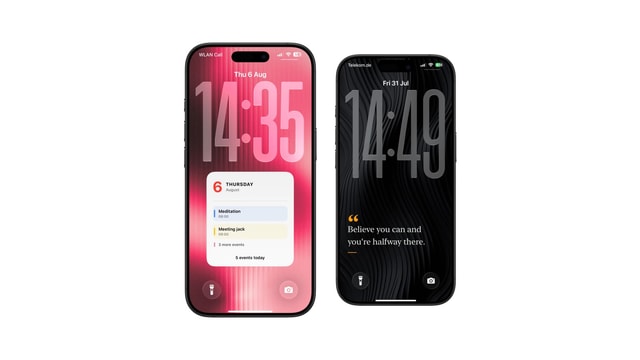
How to Put a Sticky Note on Your iPhone Lock Screen
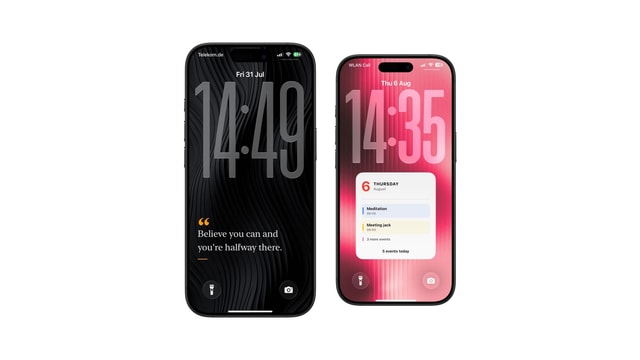
How to Put Text on Your iPhone Lock Screen
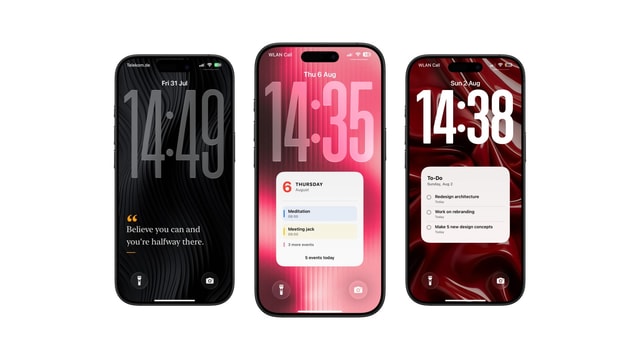
7 Useful Things to Keep as a Note on Your Lock Screen
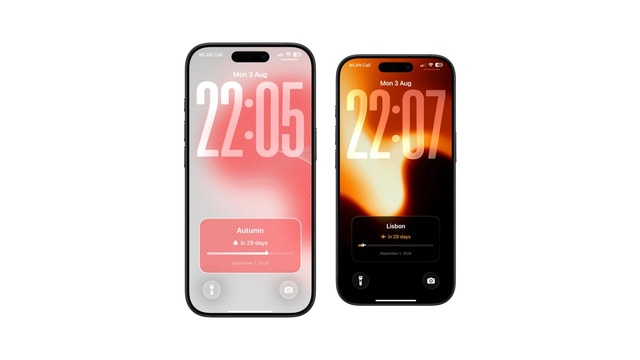
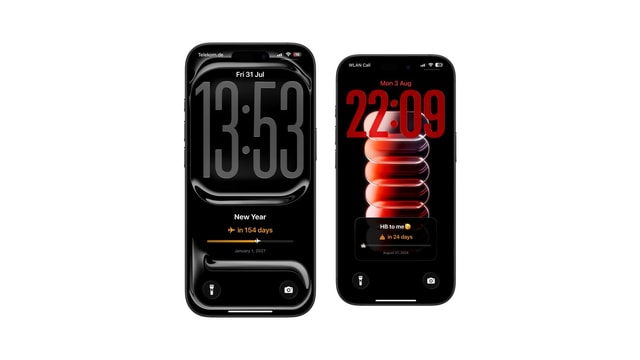
Birthday Countdown on iPhone Lock Screen
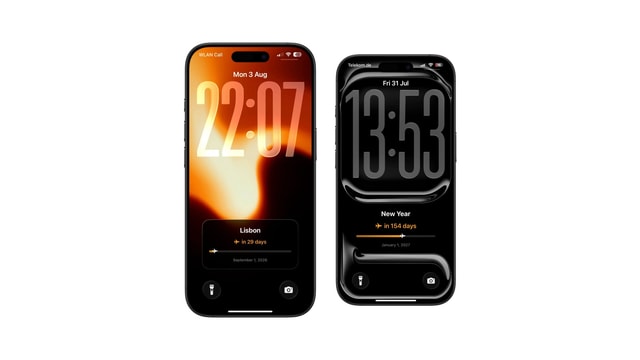
Vacation Countdown on iPhone Lock Screen
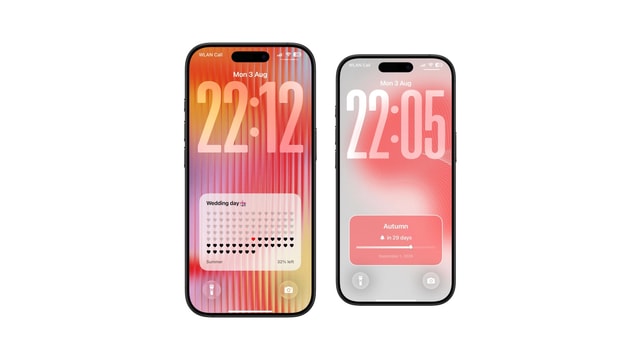
Wedding Countdown on iPhone Lock Screen
Exam Countdown on iPhone Lock Screen
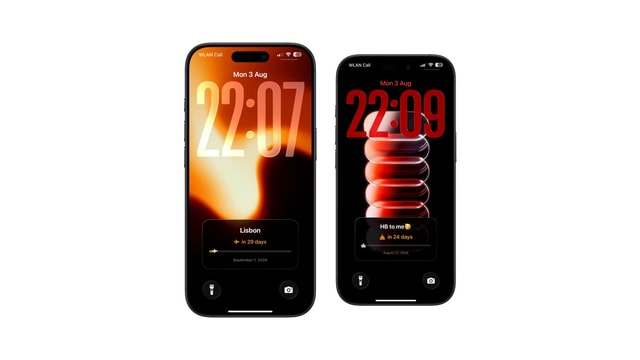
Days Since Counter on iPhone Lock Screen
Life Calendar Wallpaper: Free Download vs One That Updates Itself
What Is a Life Calendar? The Chart of Weeks, Explained
How Many Weeks Are in a Life?
Life Calendar Wallpaper Not Updating? Here Is Why
Memento Mori Wallpaper for iPhone
Life Calendar App for iPhone: What to Look For
How to Set Up a Life Calendar on Your iPhone
How to Make a Life Calendar: Printable, Spreadsheet or Phone
How to Show Your Calendar on the iPhone Lock Screen
Lock Screen Calendar vs Lock Screen Widgets: What’s Better?
5 Simple Tricks to Reduce Social Media Distractions