Lock Screen Calendar vs Lock Screen Widgets: What’s Better?
Two ways to see your schedule on iPhone and when each one actually works better.
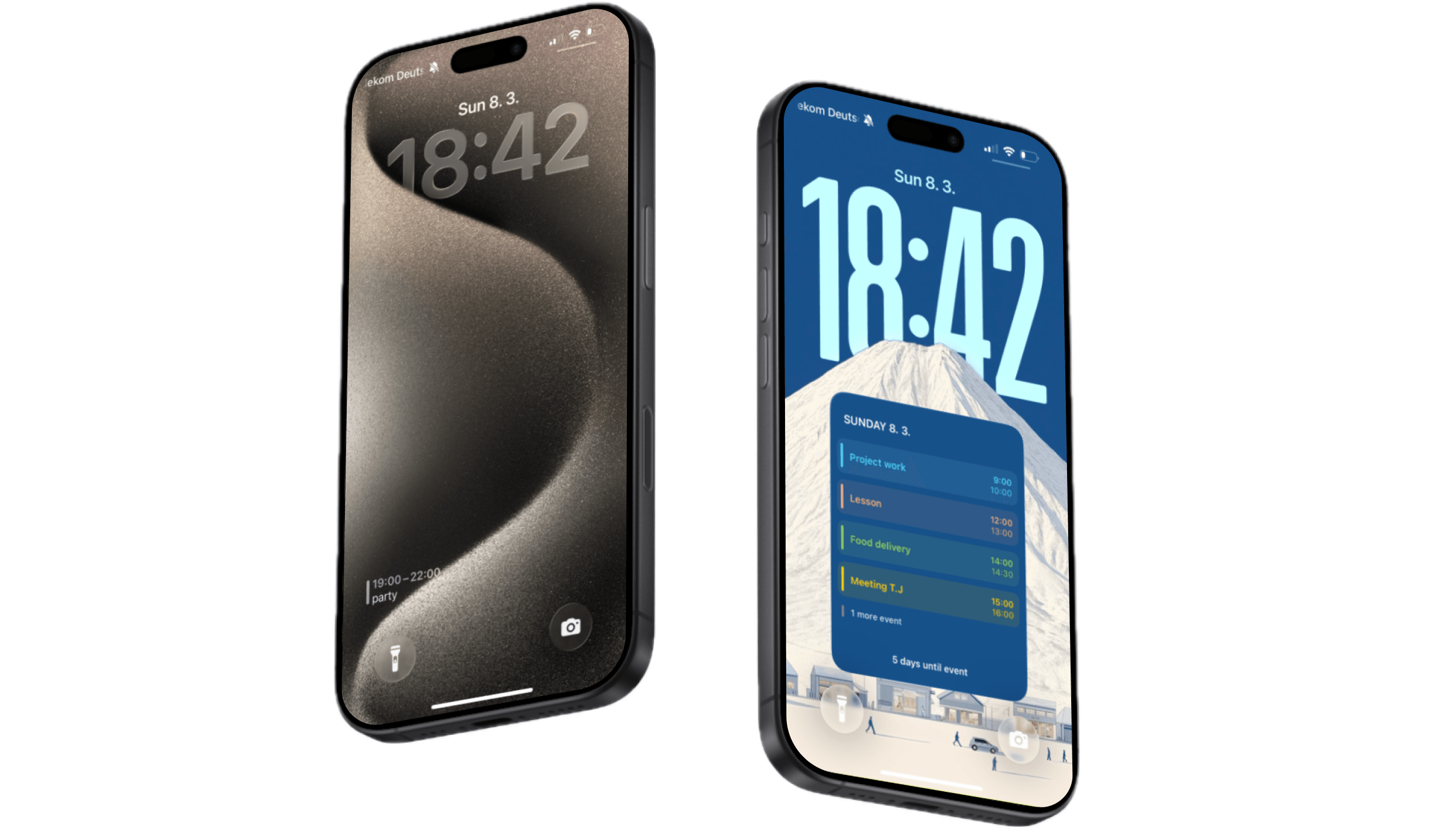
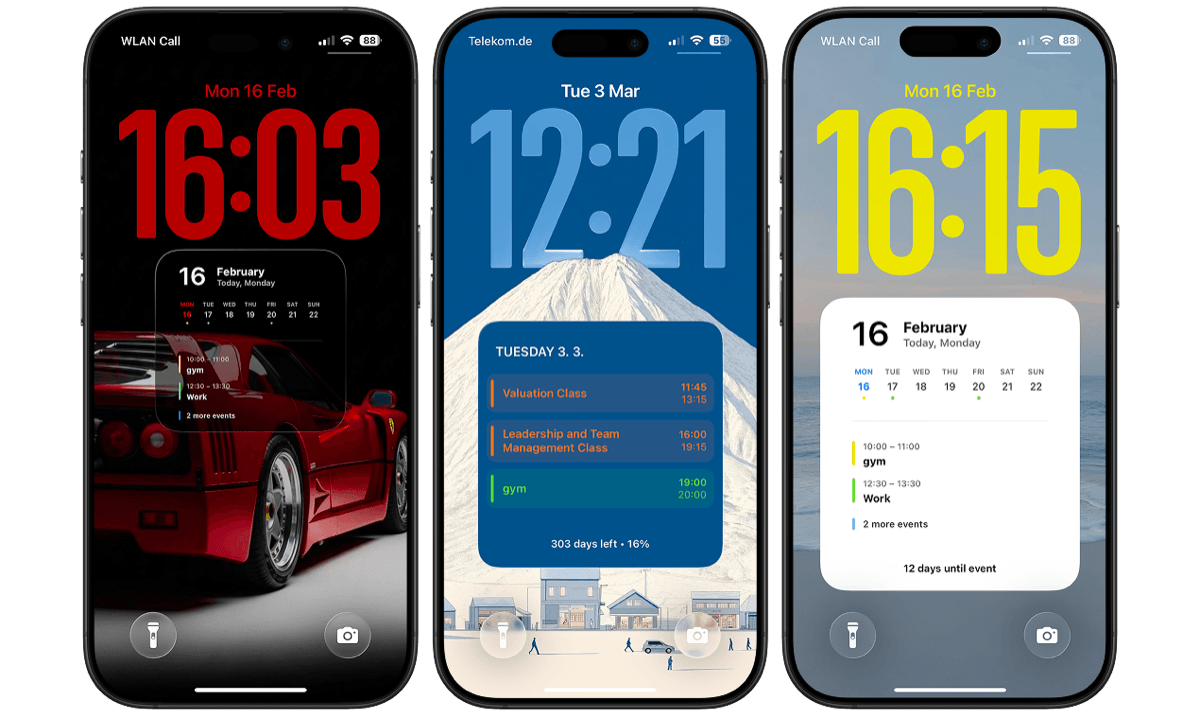
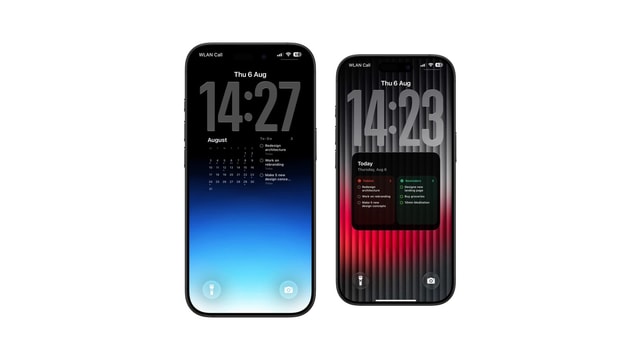
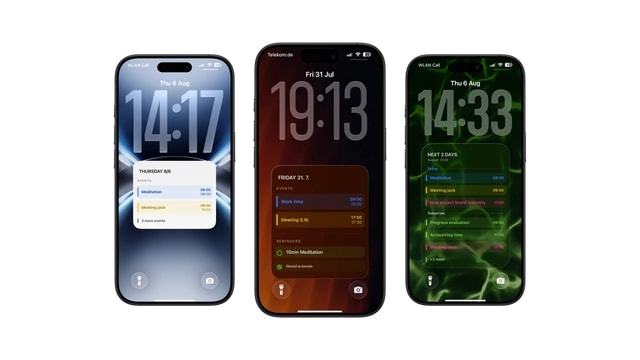
Short answer: use a widget if you only need to know what is happening next. Use a Lock Screen calendar if you need the shape of the whole day. A widget gets one row under the clock and shows the next event or two, and it never shows all-day events. A Lock Screen calendar is the wallpaper itself, so it has the whole screen and can show overlapping meetings, empty gaps, and the rest of the week.
iPhone lock screens have become much more customizable in recent iOS versions. While many rely on lock screen widgets to quickly check things like the weather or their next meeting, widgets aren’t the only option.
Some people prefer using a calendar directly on their iPhone lock screen, where the entire schedule is visible as part of the wallpaper itself. Both approaches help you see your schedule faster, but they work in fundamentally different ways.
1. What Lock Screen Widgets Do Well
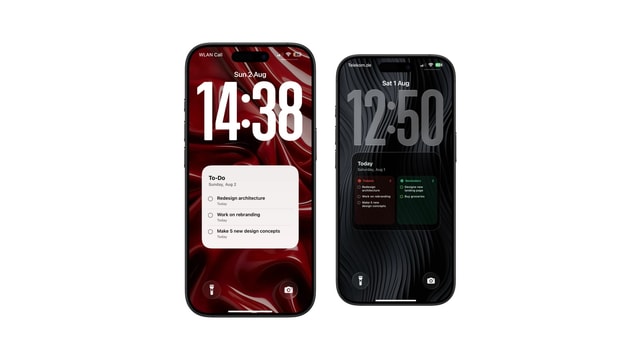
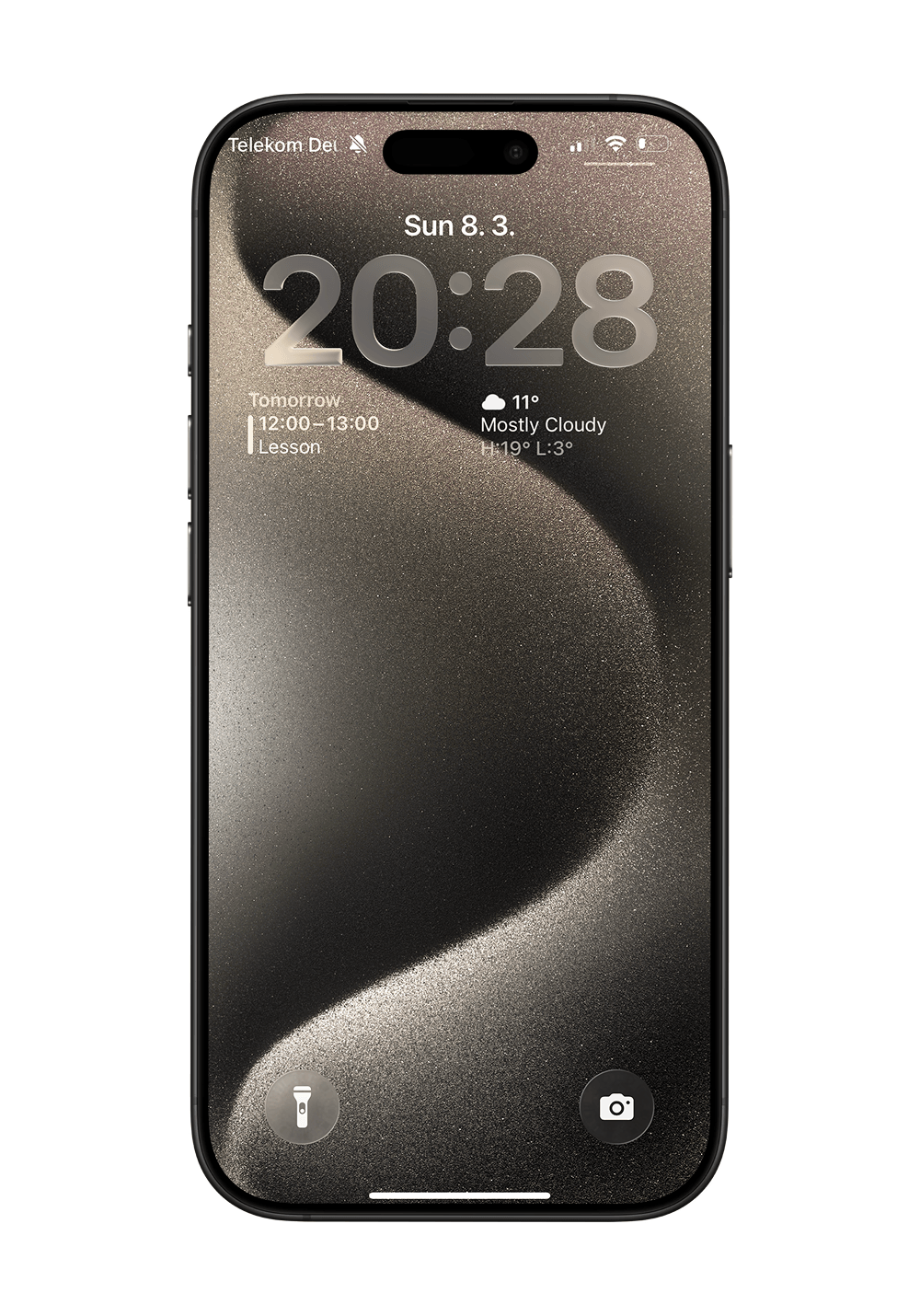
Lock screen widgets are explicitly designed for quick, bite-sized information. They are small elements that sit just under the clock and show things like:
• Your next calendar event (time and title)
• Reminders or daily tasks
• Weather conditions and temperatures
• Battery levels of connected devices
Many productivity guides explain how people use these widgets to check important information without ever opening any apps. For example, this overview from MakeUseOf shows some of the most useful combinations people use today.
If you only need a quick glance at a single, isolated piece of information, widgets are absolutely fantastic.
2. The Limitations of Calendar Widgets
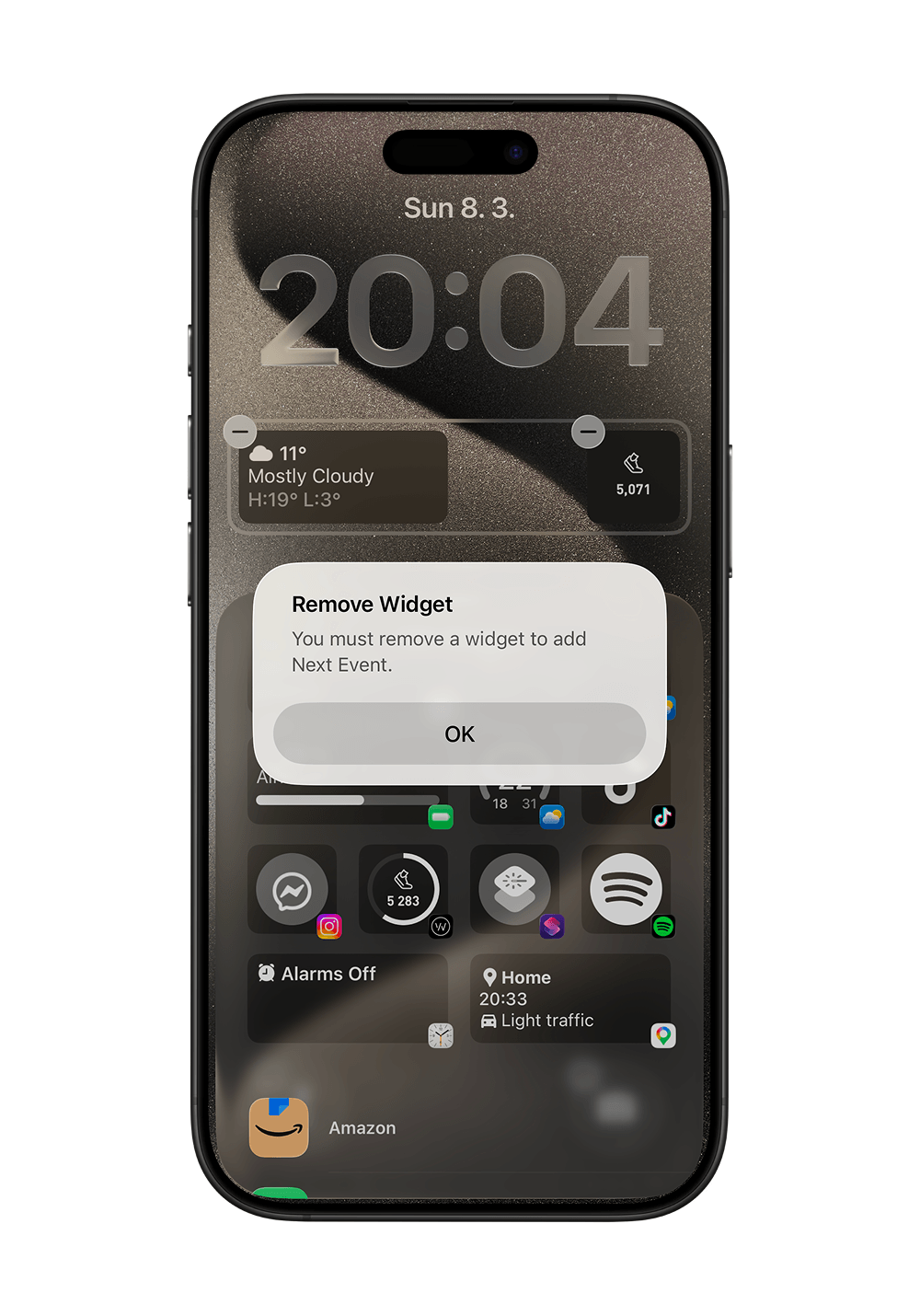
The one that catches most people: the Lock Screen widget never shows all-day events, so birthdays, holidays and deadlines make the day look empty. We wrote up that and the four settings worth checking in why the Lock Screen calendar widget is not showing your events.
The main limitation of calendar widgets, however, is space. Because widgets are inherently small, they are usually restricted to showing only the next immediate event, the current date, or a very short preview of your schedule.
If your day includes multiple meetings, tasks, or time blocks, a widget simply doesn’t show the full picture. You will almost always still need to unlock your phone and open the native calendar app to see what the entire afternoon looks like.
3. What a Lock Screen Calendar Does Differently
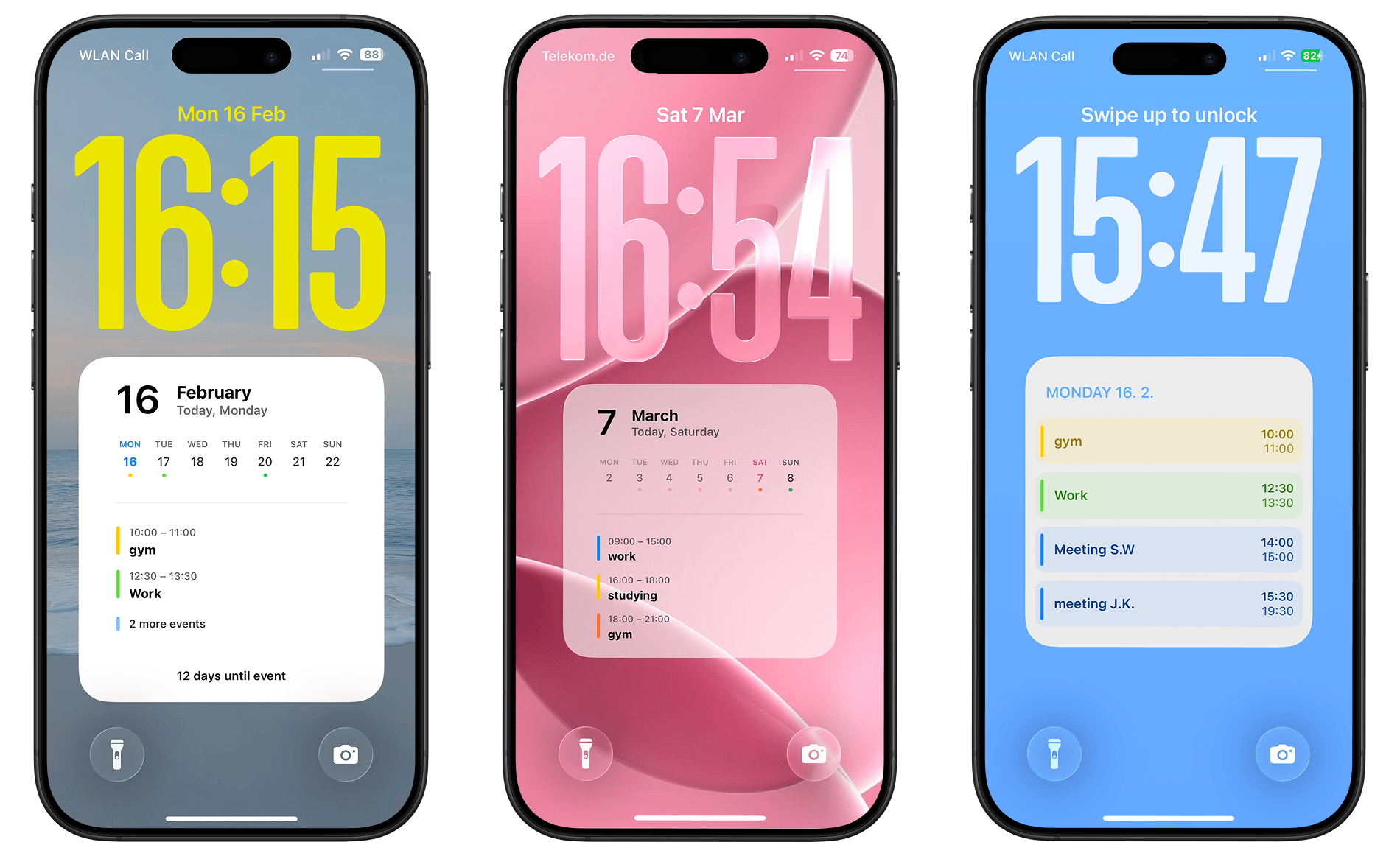
A lock screen calendar operates on a different philosophy. Instead of showing just one event, it turns the entire lock screen into a comprehensive view of your schedule.
This type of calendar wallpaper can display:
• Your full day from morning to evening
• Multiple concurrent events and overlapping meetings
• Visual time blocks to show how busy a day actually is
Because everything is visible at once, you can check all of your plans without ever unlocking your phone. For people who want a broad, immediate overview of their day, this setup is significantly more powerful.
4. When Each Option Makes Sense
Both approaches work incredibly well, the right choice just depends on how you use your phone.
Lock screen widgets are best if you:
• Only need to know what is happening right now
• Prefer a minimal, aesthetic lock screen mostly focused on the wallpaper photo
• Want something built natively into iOS with zero setup
A lock screen calendar works better if you:
• Need to see your full schedule at a glance
• Plan your day heavily using time blocking methodology
• Want to stop constantly opening the Calendar app
Many professionals use tools like Calendarly to automatically generate and update a customizable calendar wallpaper that places their detailed schedule directly on the lock screen.
If you want to try this approach yourself, check out our step-by-step guide on how to put a calendar on your iPhone lock screen.
5. Which One Helps Reduce Screen Time?
A major reason people customize their lock screen is to reduce how often they unlock their phone. Widgets absolutely help with quick information retrieval. However, if using a widget still leaves you needing to open the calendar app to see your full schedule later, the total number of unlocks may not decrease significantly.
A calendar on the lock screen displays substantially more information at once, completely removing the need to open scheduling apps for the rest of the day. For individuals trying to eliminate small digital distractions, this minor change creates a massive compound effect on focus.
If you’re interested in improving focus further, read our article on how to reduce screen time without deleting apps.
Conclusion
Both lock screen widgets and lock screen calendars exist to help you process information faster. Widgets are perfect for fragmented, isolated pieces of information like weather or single tasks. A lock screen calendar, conversely, gives you total contextual awareness of your entire day.
The best option depends entirely on how you visualize your day, and how much context you need the exact moment you pick up your phone.