
Countdown wallpaper for iPhone
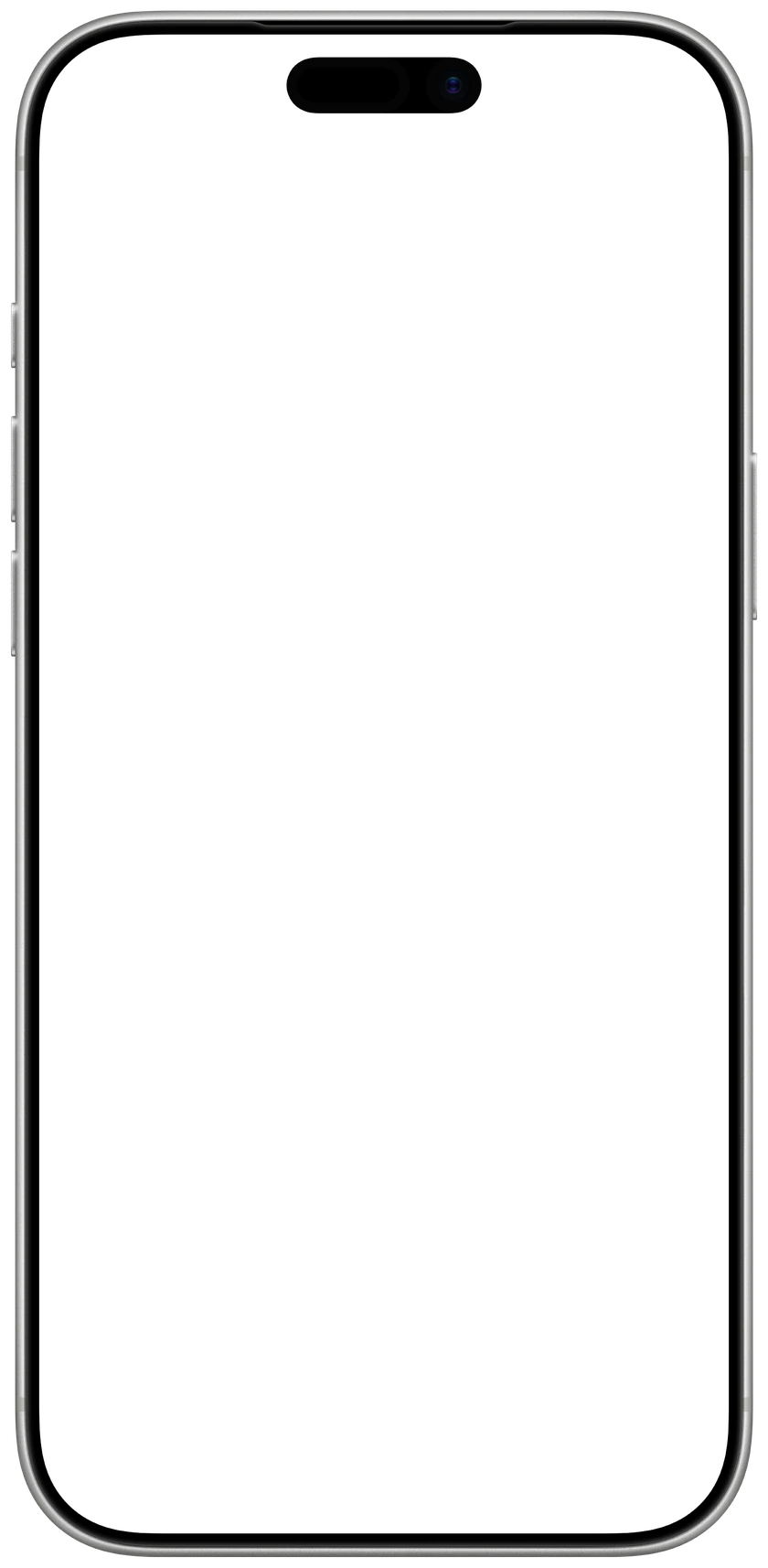
Pick a holiday, a season or a date of your own. See how long is left, then save it for your Lock Screen.

1Count down to
2Look
3Background
4Make it yours
Font
Accent
1206 × 2622 px, made for iPhone 17 · 17 Pro · 16 Pro
 CalendarlyUpdates your Lock Screen every morningGet
How to set it as your wallpaper
- 1Tap Save wallpaper, then Save Image. It goes to Photos.
- 2In Photos, open the picture, tap Share and choose Use as Wallpaper.
- 3Tap Add, then Set as Wallpaper Pair.

Want it to count down by itself?
Calendarly keeps this countdown on your iPhone's Lock Screen and takes a day off every morning. Free.
Free on the App Store, for iPhone.
Countdown timer
Countdowns
Questions people ask
Yes. The live countdown runs on your device's clock and time zone, so it reaches zero at your midnight.
No. A saved picture shows the days left on the day you saved it. Calendarly puts the same countdown on your Lock Screen and takes a day off every morning.
Yes. Choose A date of my own, give it a name and a date, and save it.