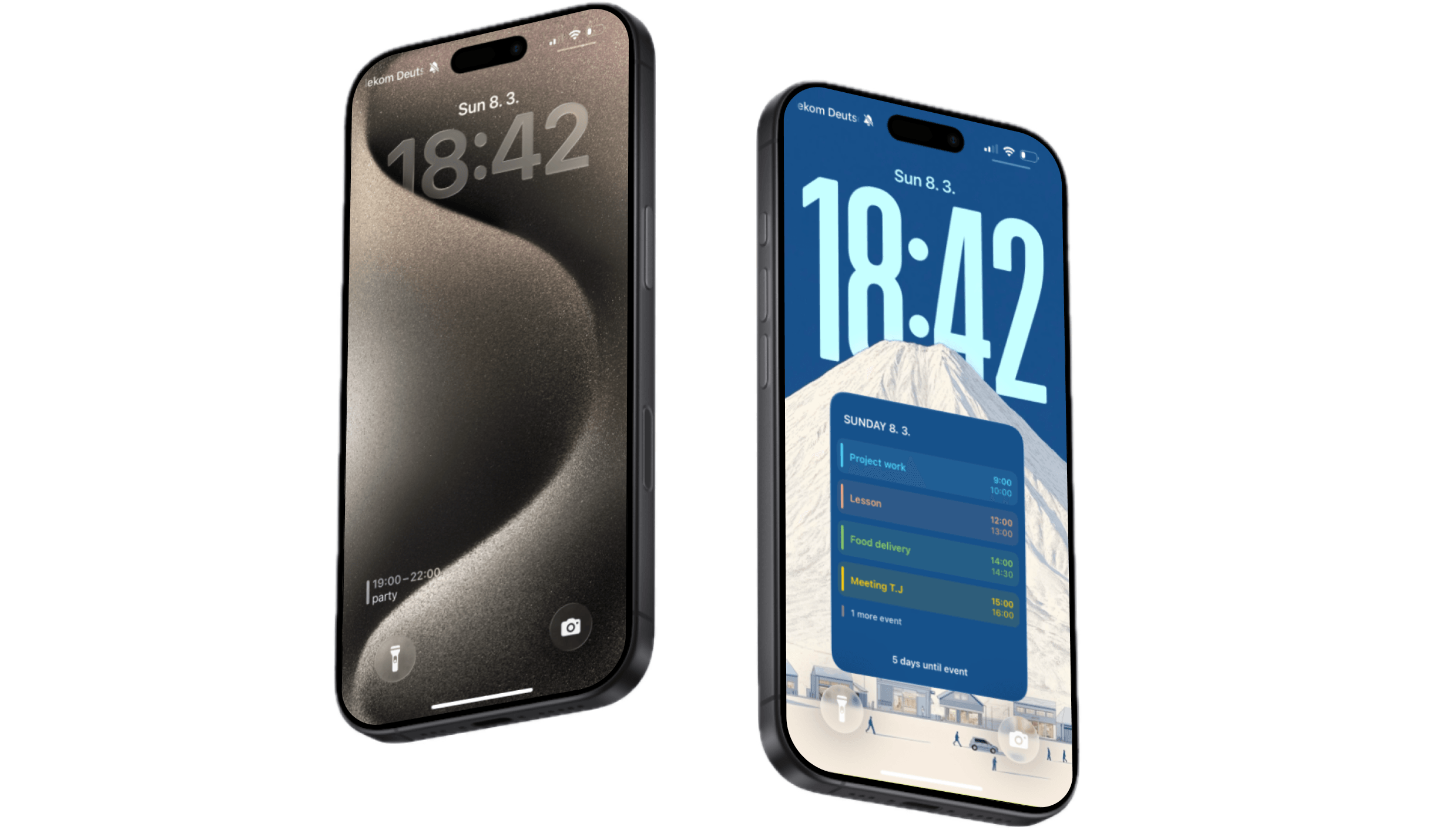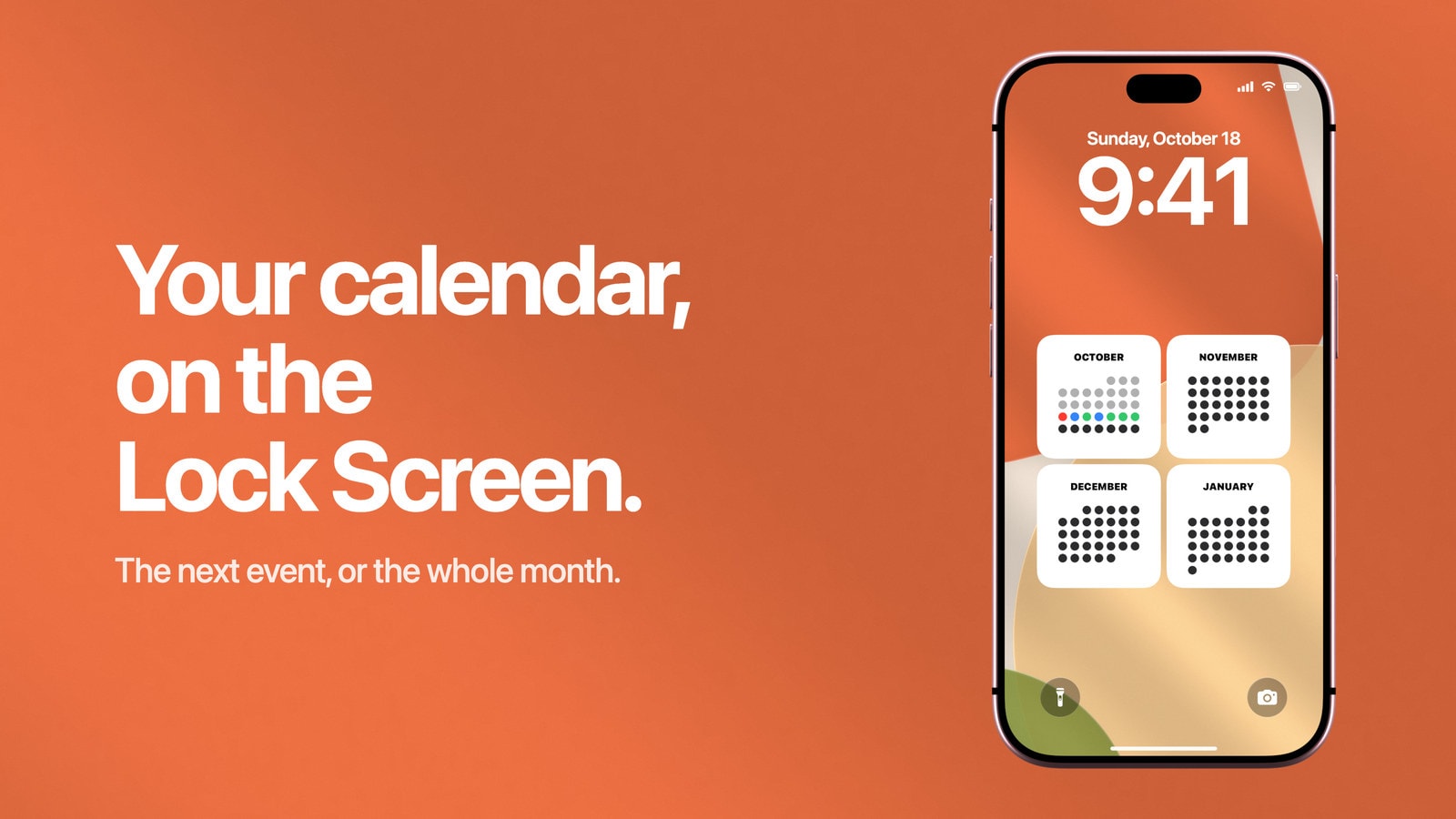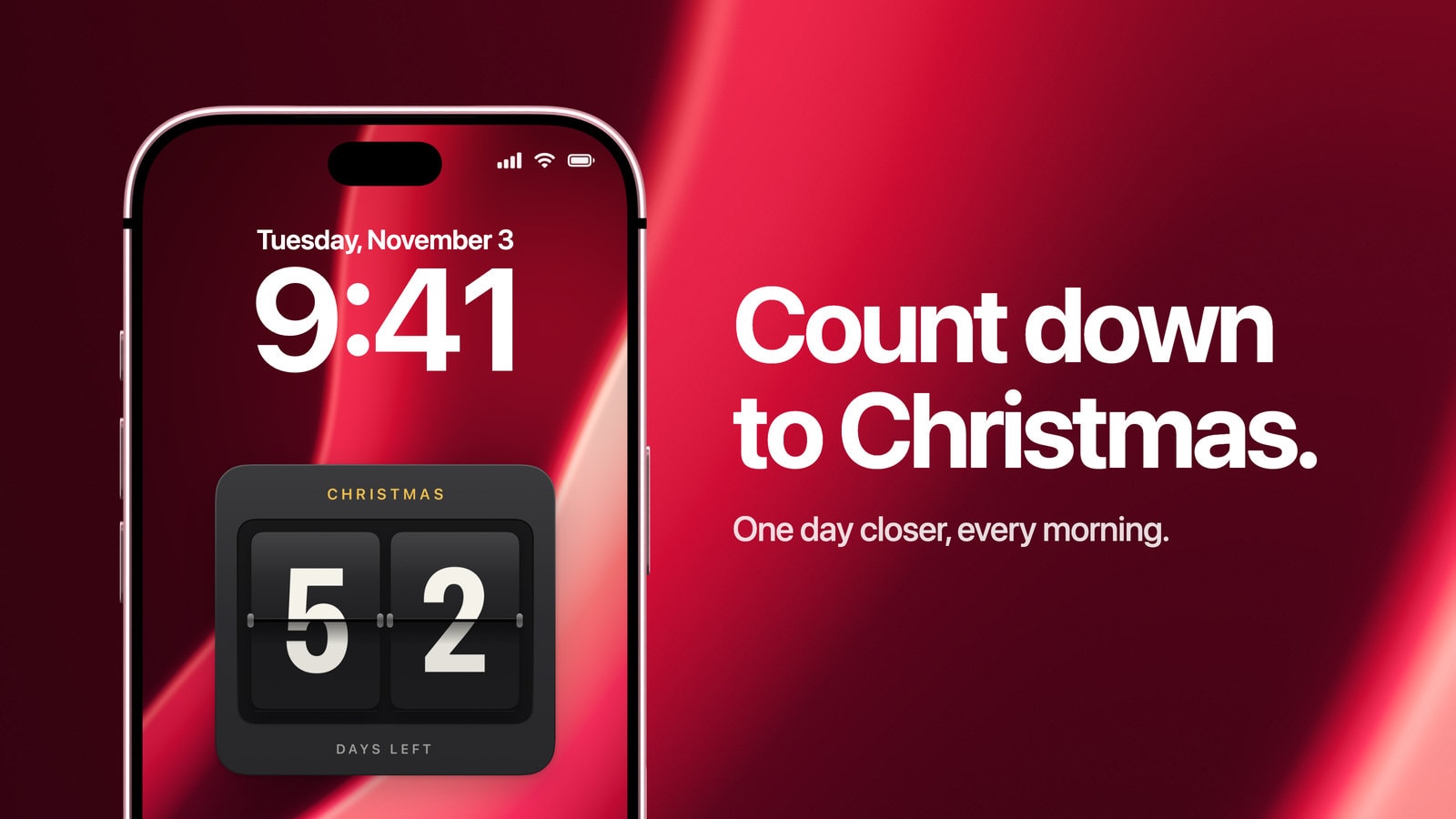
How to Put a Christmas Countdown on Your iPhone Lock Screen
Count down to 25 December right on your iPhone Lock Screen, with a wallpaper that redraws itself every morning. Set up in a few minutes.
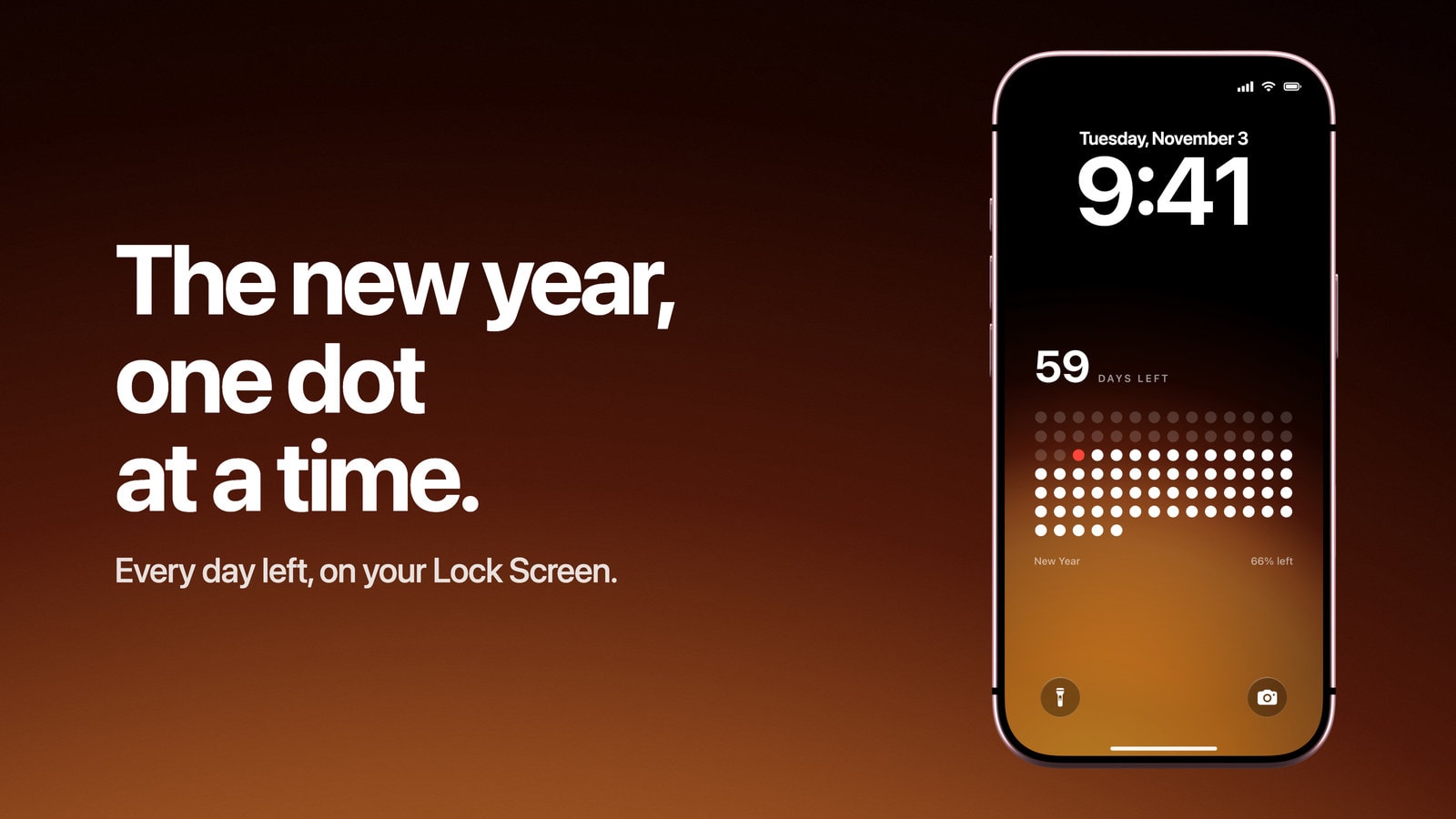
How to Put a New Year Countdown on Your iPhone Lock Screen
The days left until 1 January on your Lock Screen, redrawn every morning. No date to enter, and it starts again on New Year’s Day.
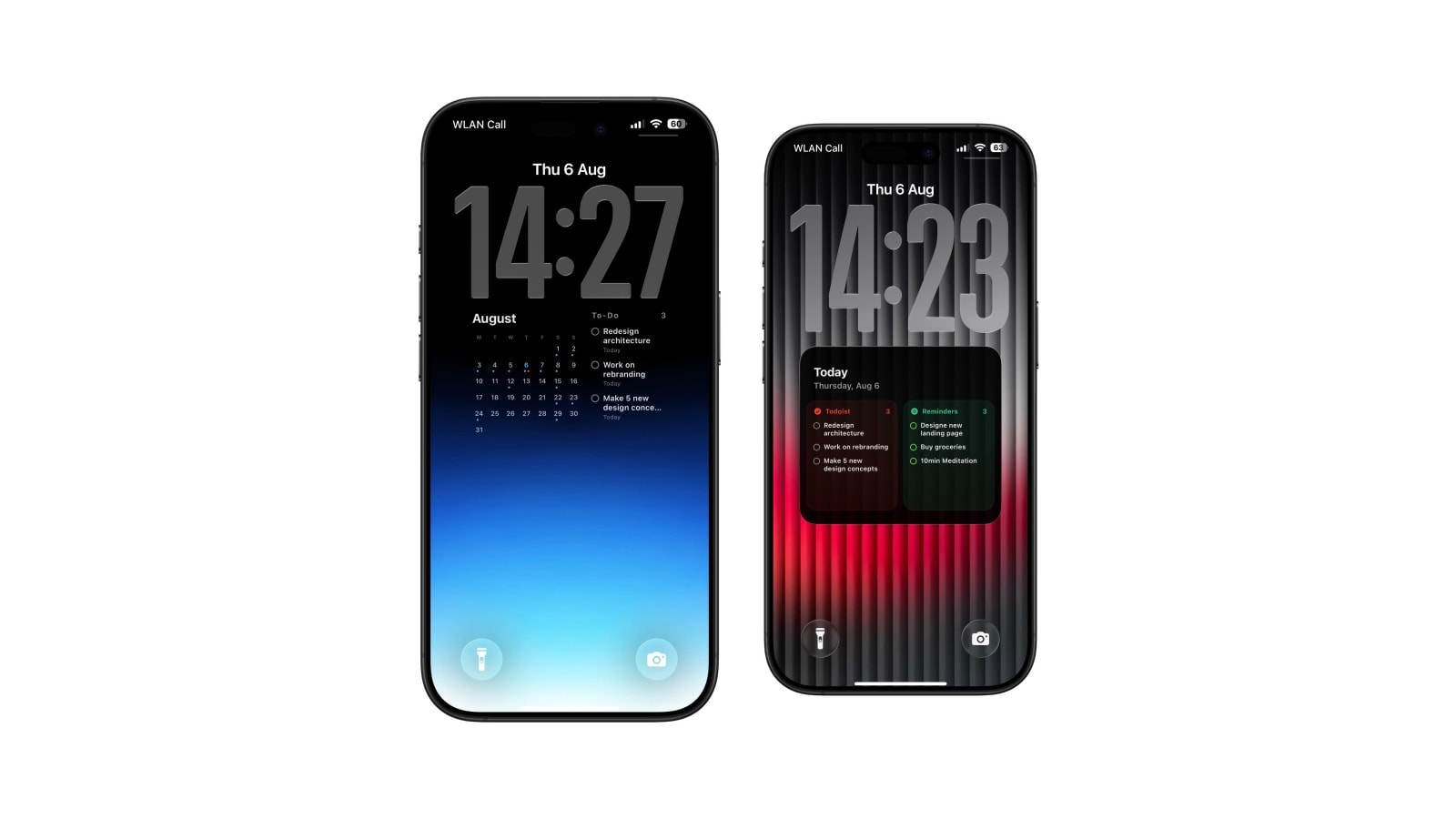
How to Show Todoist Tasks on Your iPhone Lock Screen
Use Todoist's live Lock Screen widgets or a larger read-only wallpaper view. Here is what each option does well, and how to combine them.
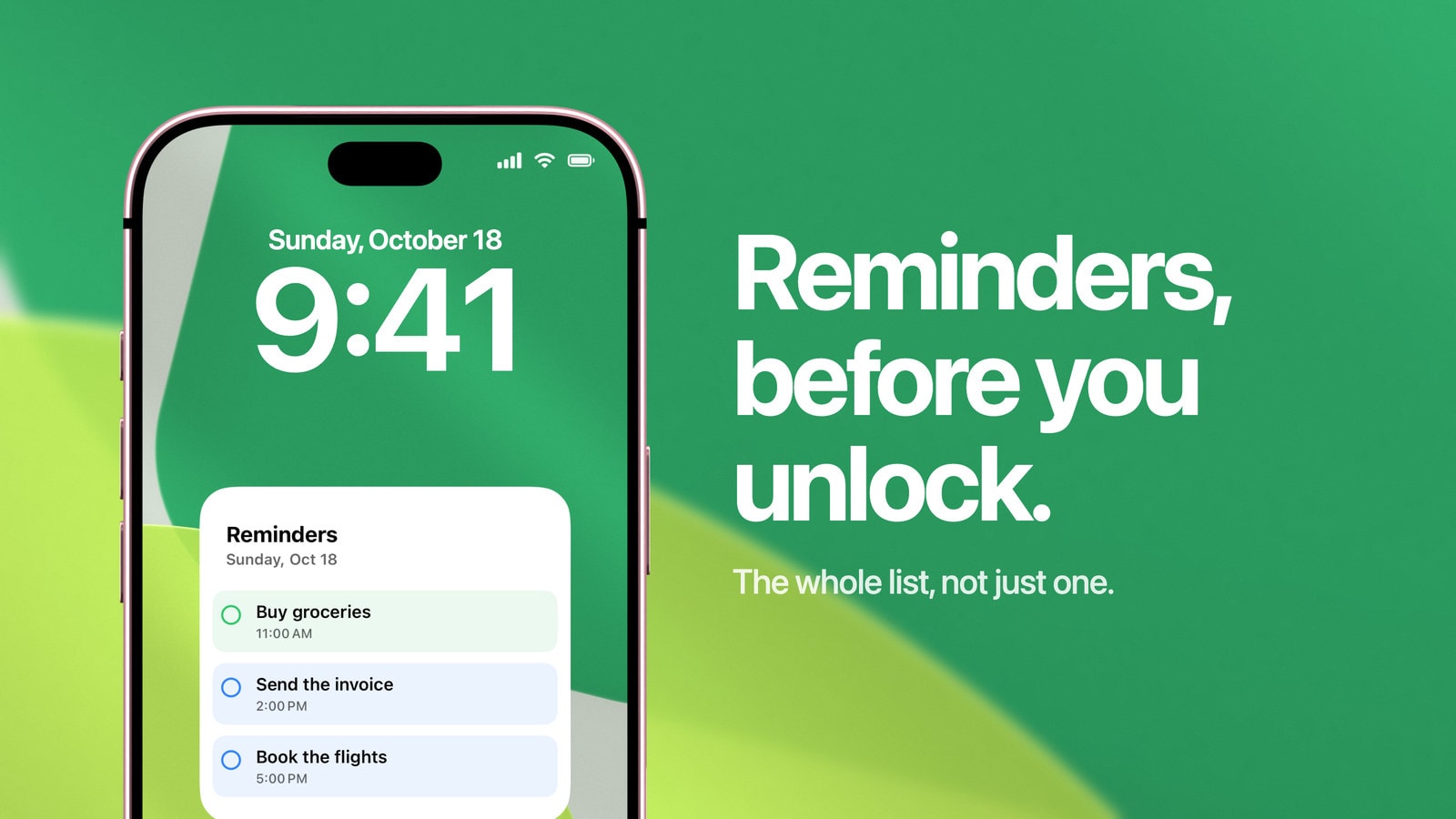
How to Put Reminders on Your iPhone Lock Screen
Add Apple’s Reminders widget, choose which list it shows, or keep the whole list on a wallpaper when one list isn’t enough.
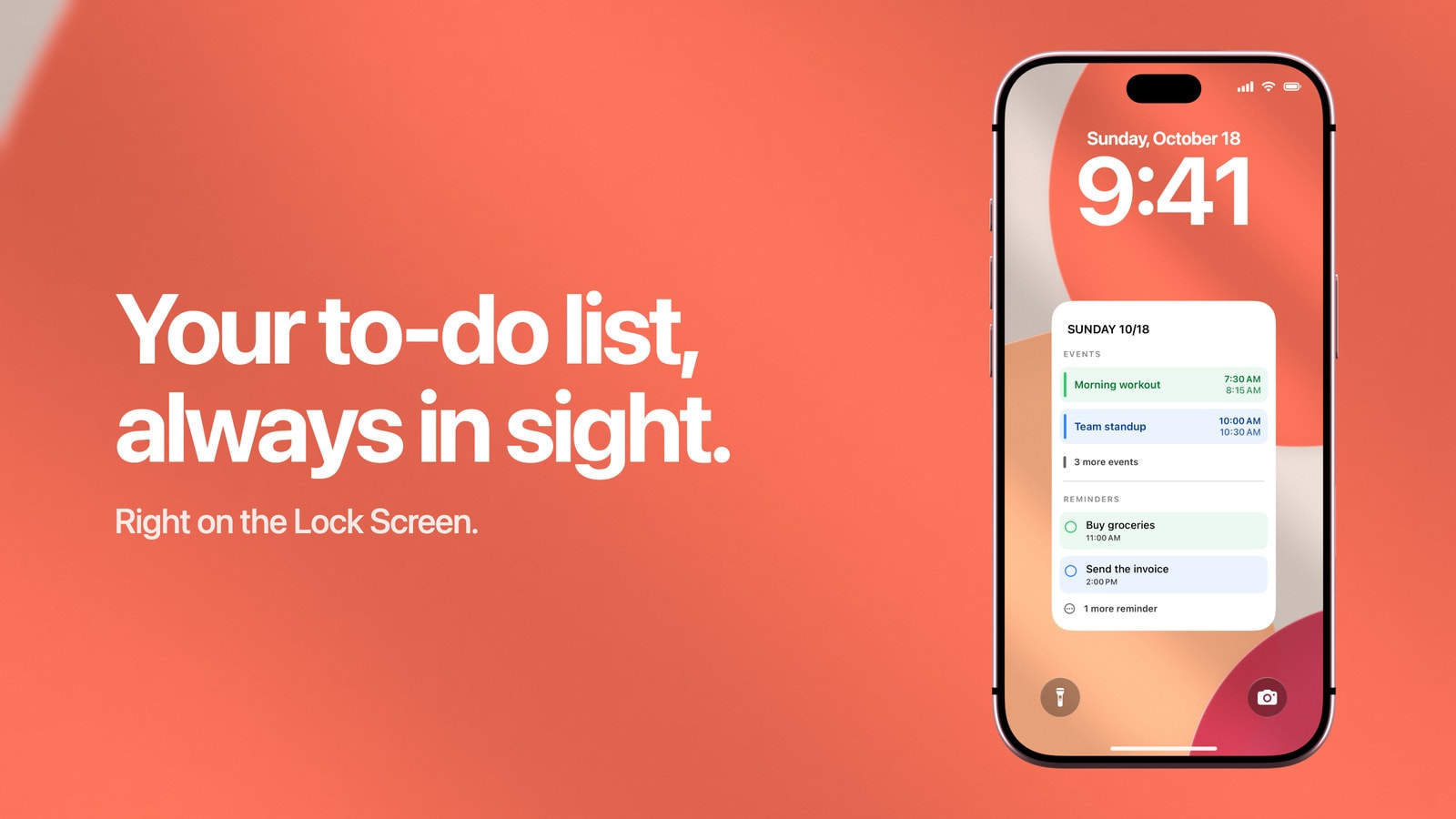
How to Put a To-Do List on Your iPhone Lock Screen
Three ways to keep your tasks in sight before you unlock: a widget, a photo, or a wallpaper that rewrites itself every morning.
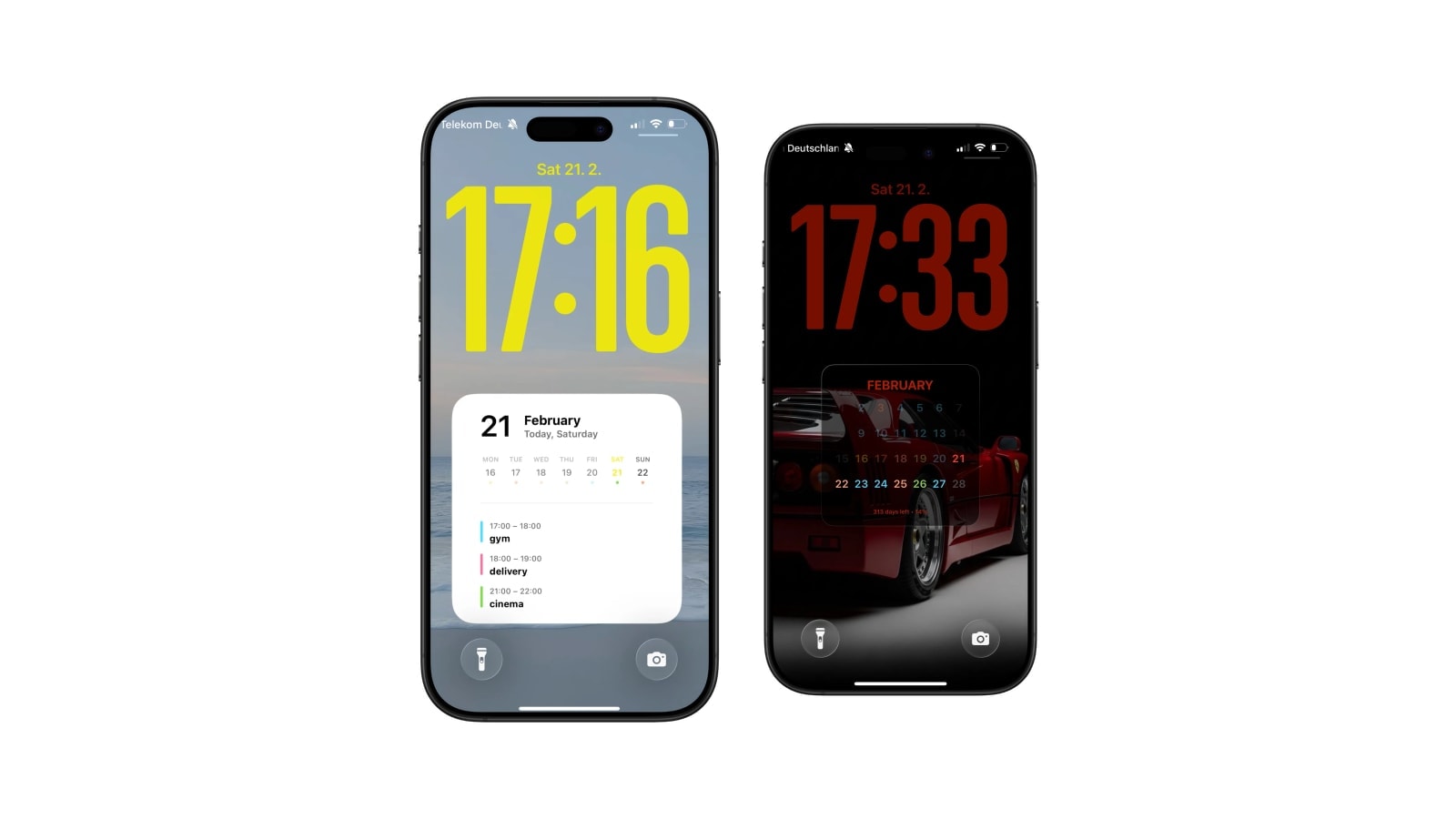
The Best iOS 27 Lock Screen Setup for Your Calendar
Calendar wallpapers still work in the iOS 27 preview. What is confirmed, what may change before fall, and how to keep your setup reliable.
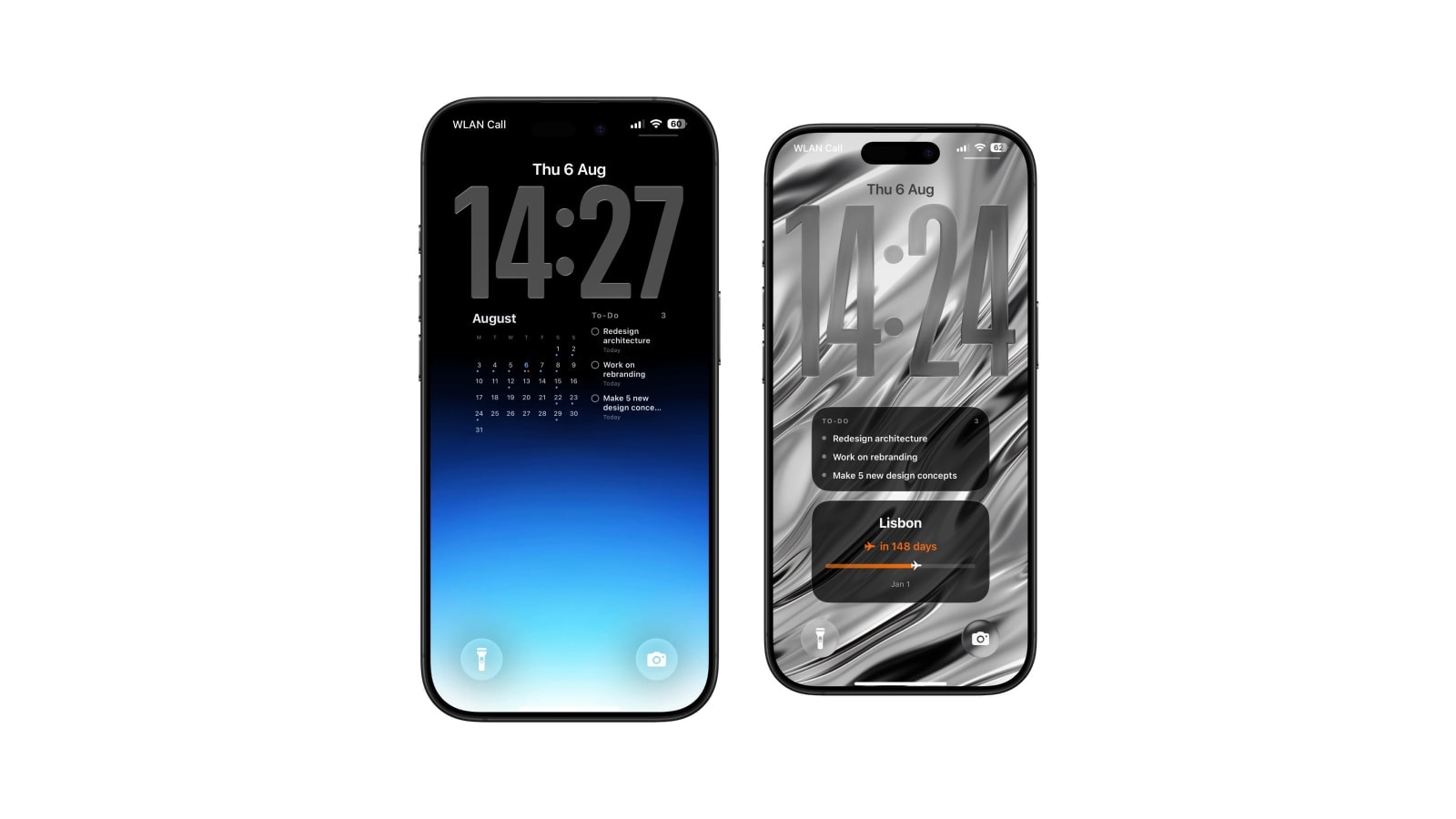
Todoist Lock Screen Widget vs Full Todoist Lock Screen
Todoist's widget is live and interactive. A task wallpaper is larger and read-only. When each one is the right tool.
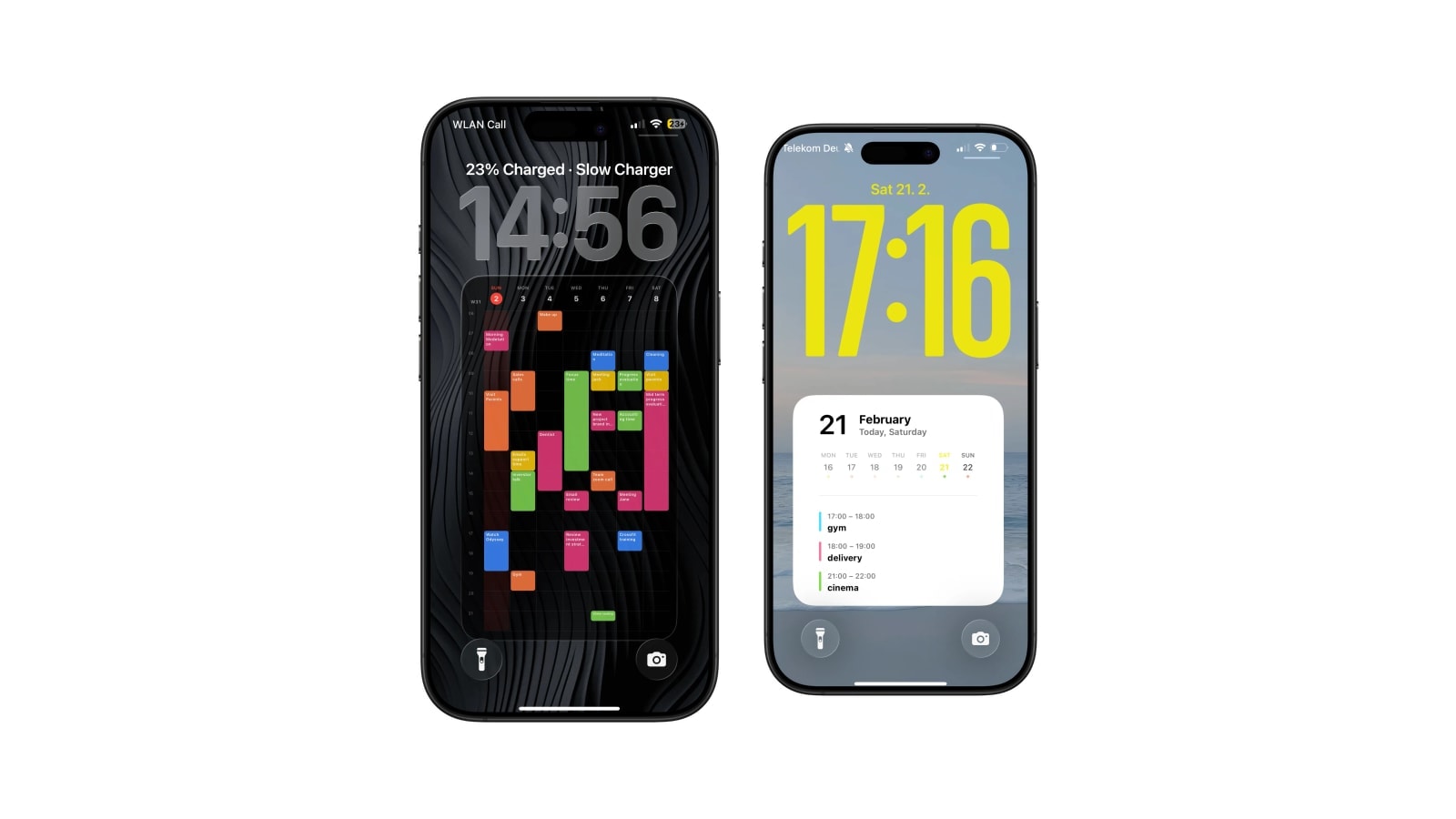
How to Put Your Class Schedule on Your iPhone Lock Screen
Build the timetable once in September, and your week is on the wallpaper until the term ends.
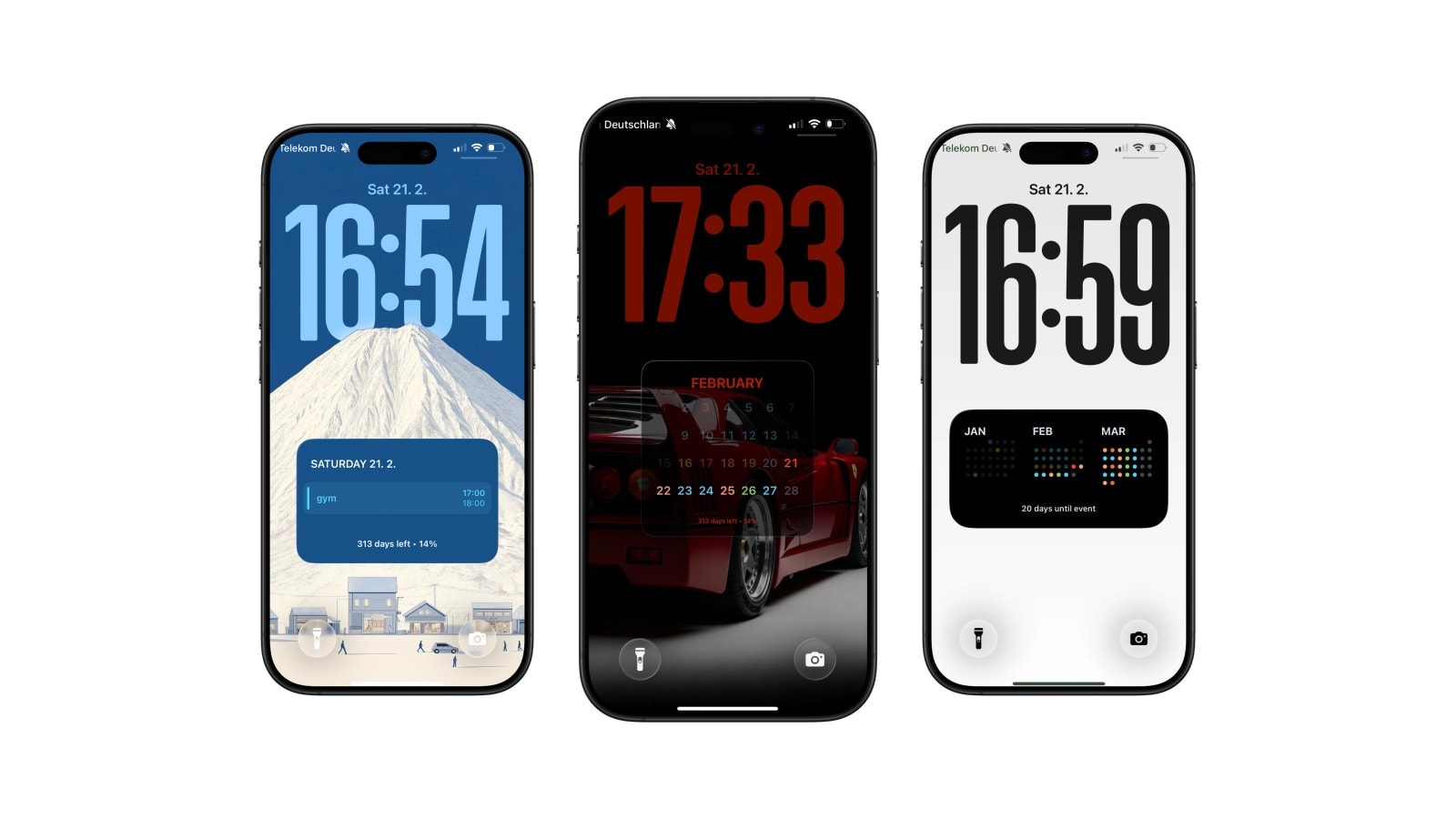
iPhone Calendar Wallpaper That Updates Automatically
A calendar wallpaper is only useful if it shows this week, not the week you saved it. Here is how the automatic kind works.
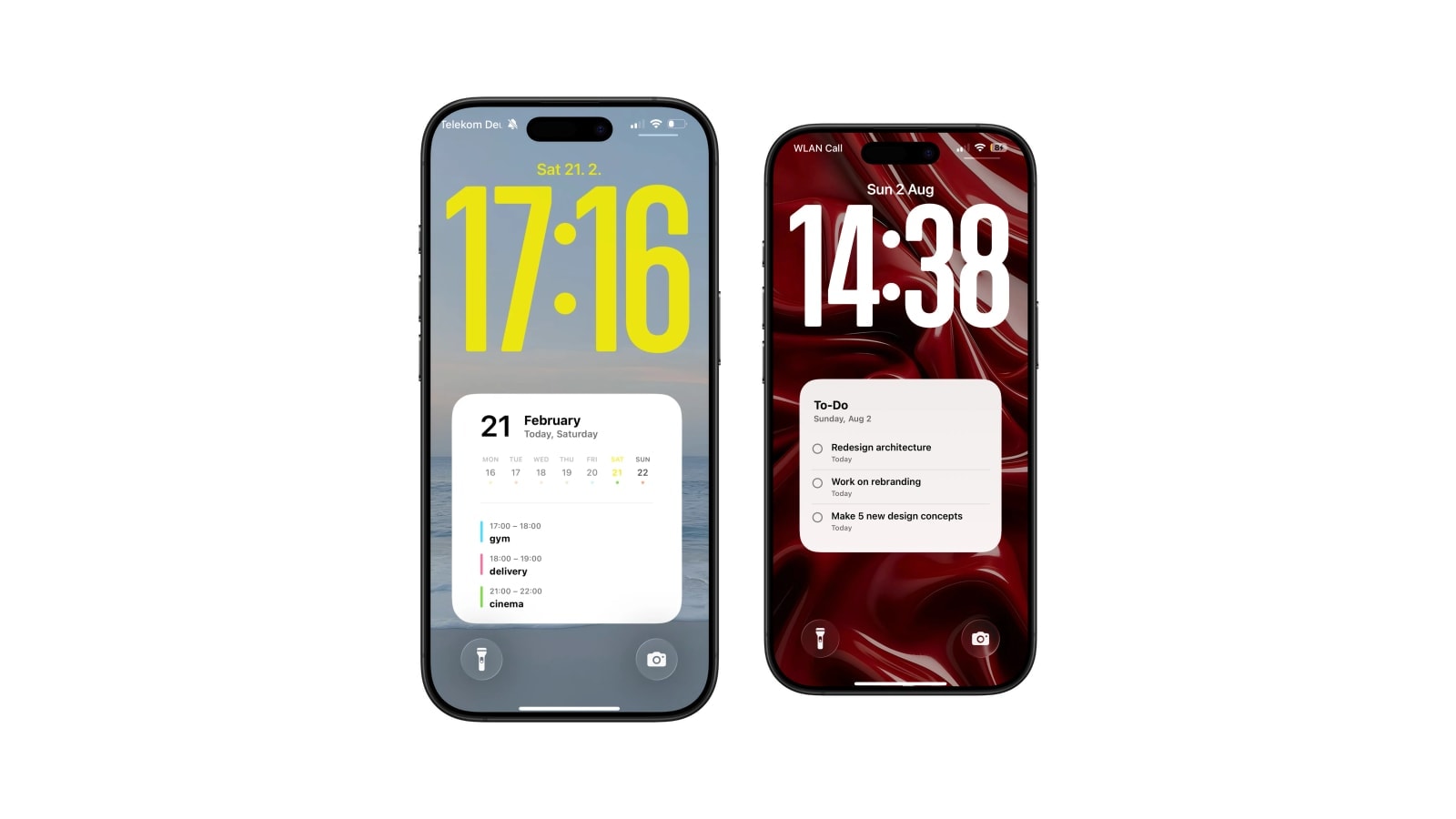
Best iPhone Lock Screen Setup for College Students
Timetable on the wallpaper, deadlines as a countdown, reading list as a note. A setup that survives the semester.
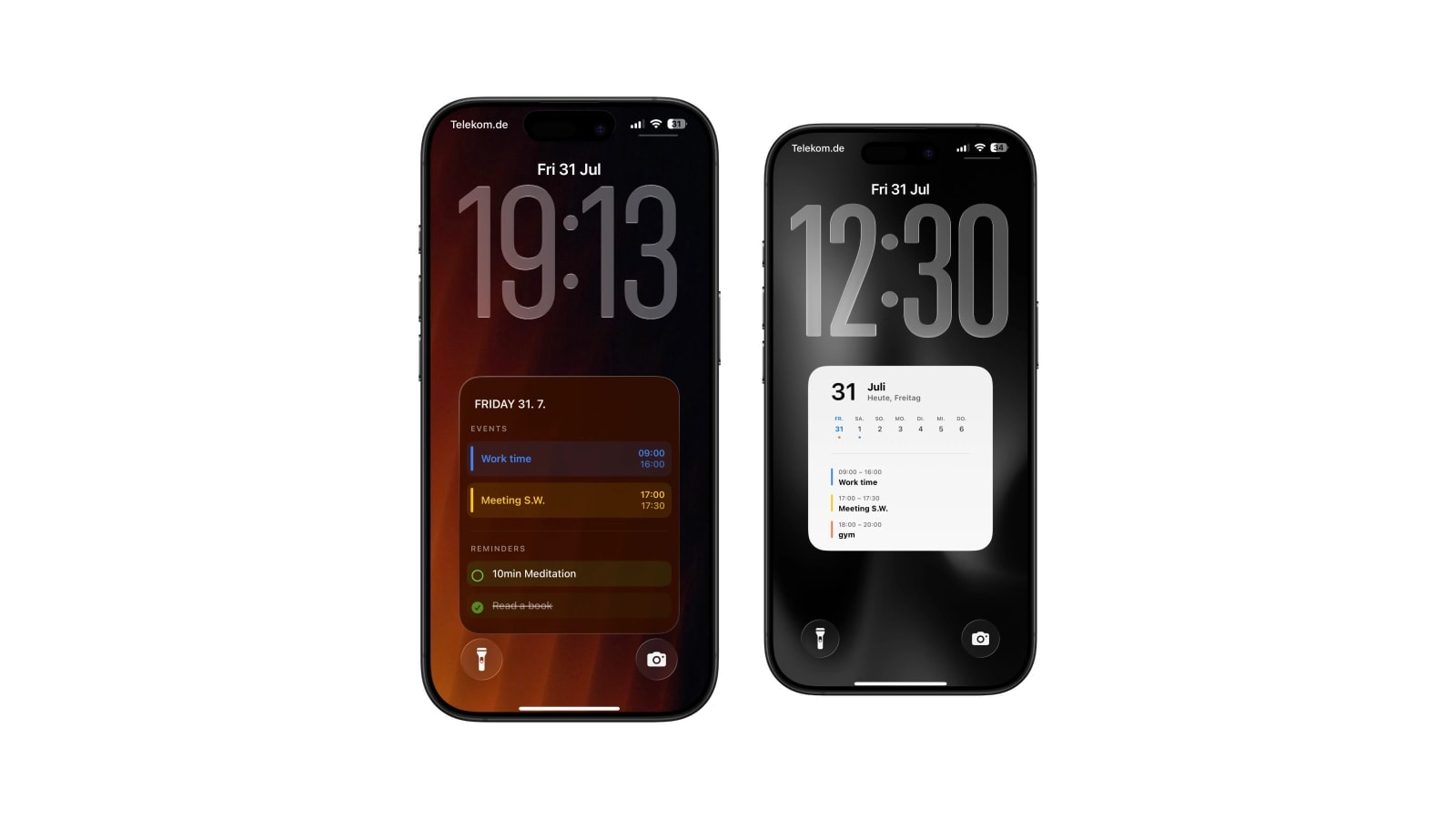
Calendar and Reminders on One iPhone Lock Screen
Keep a live widget for quick actions, or use a larger read-only wallpaper when you want events and reminders in one calm view.
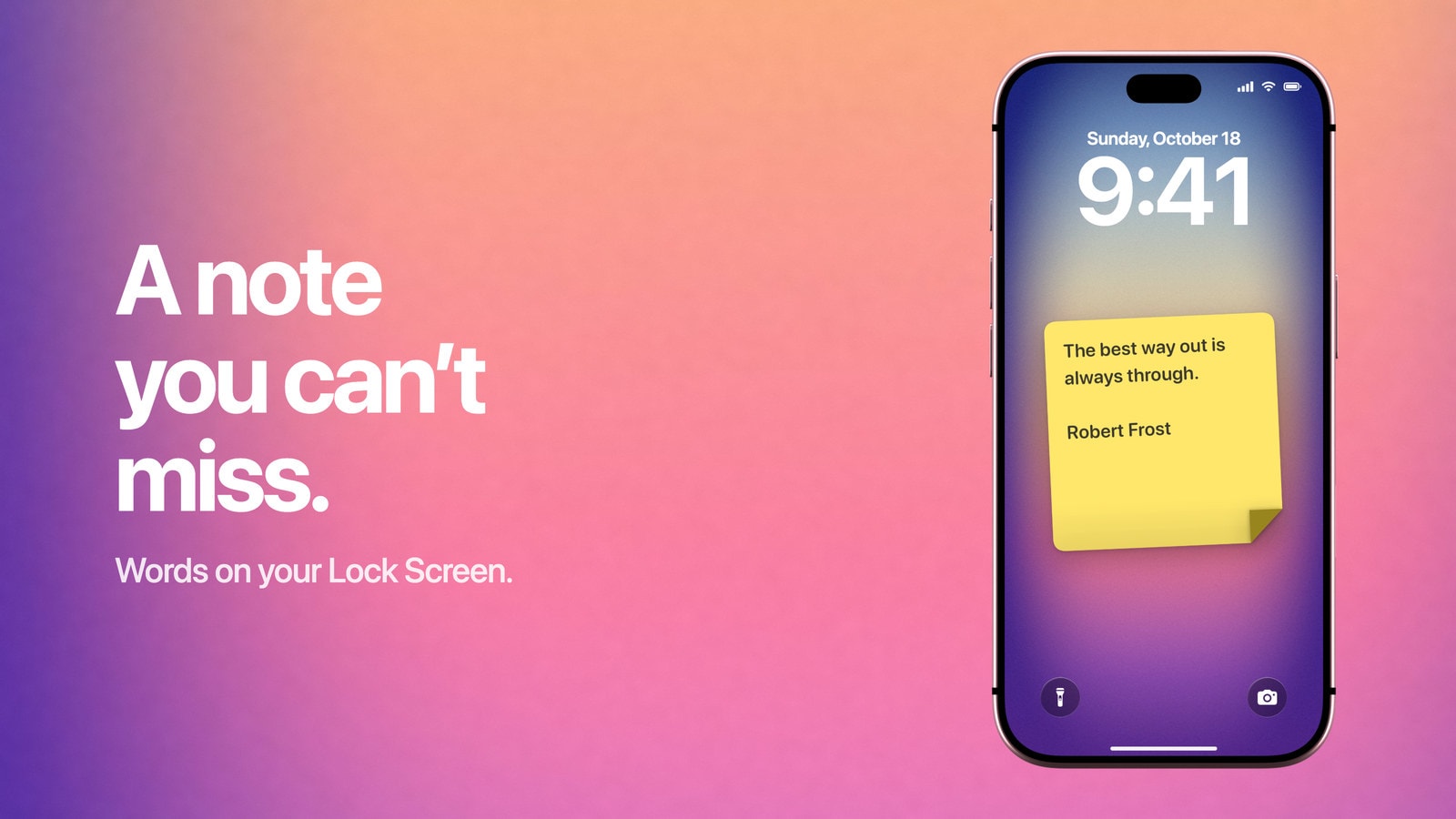
How to Put Notes on Your iPhone Lock Screen
Use a small widget for a shortcut, or put the words directly into a wallpaper when the note itself needs to stay visible.
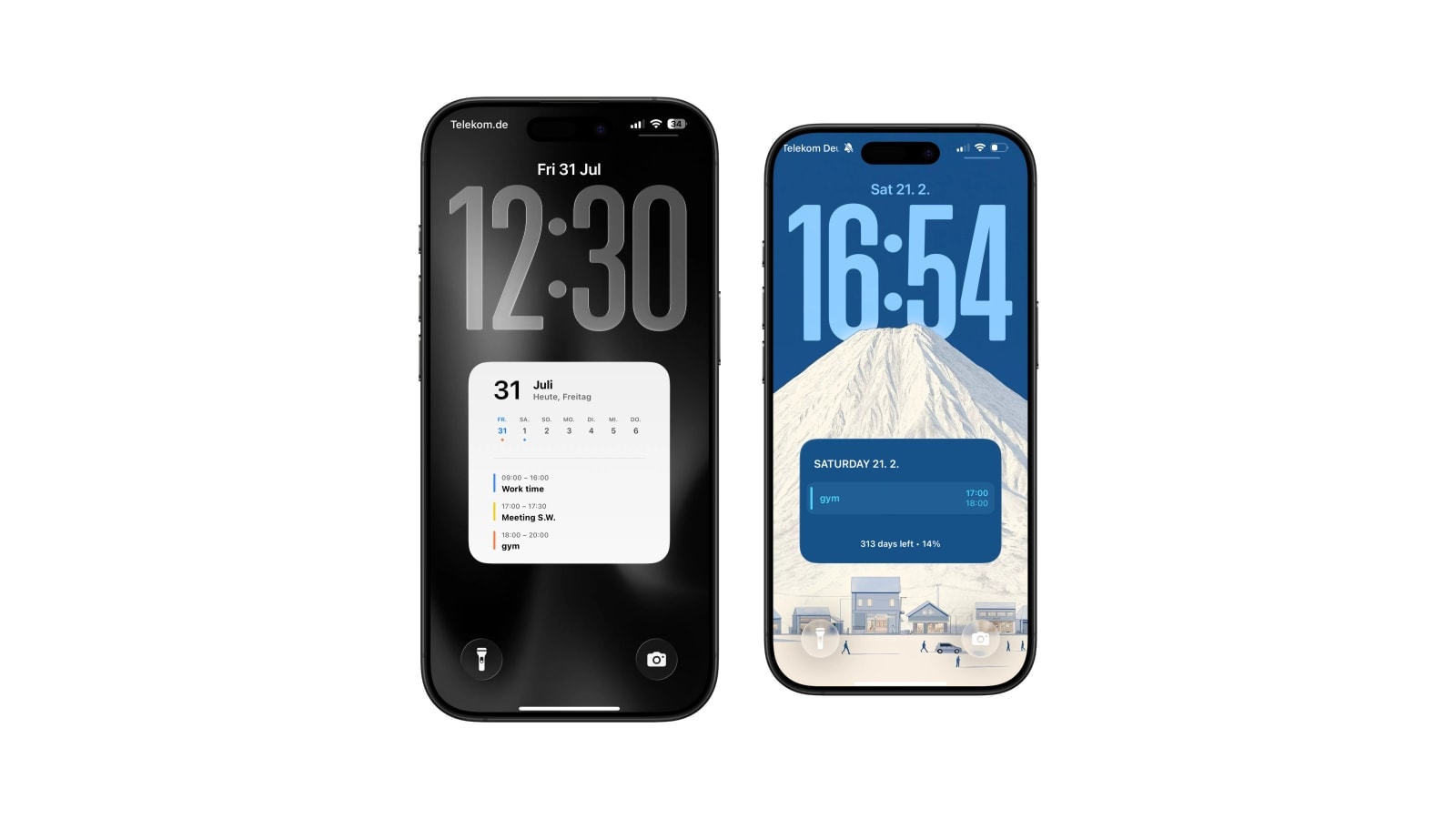
Daily Schedule Wallpaper for iPhone: Today, Hour by Hour
Your day as the wallpaper: events in order, times on the right, gone by tomorrow. How to set it up once.
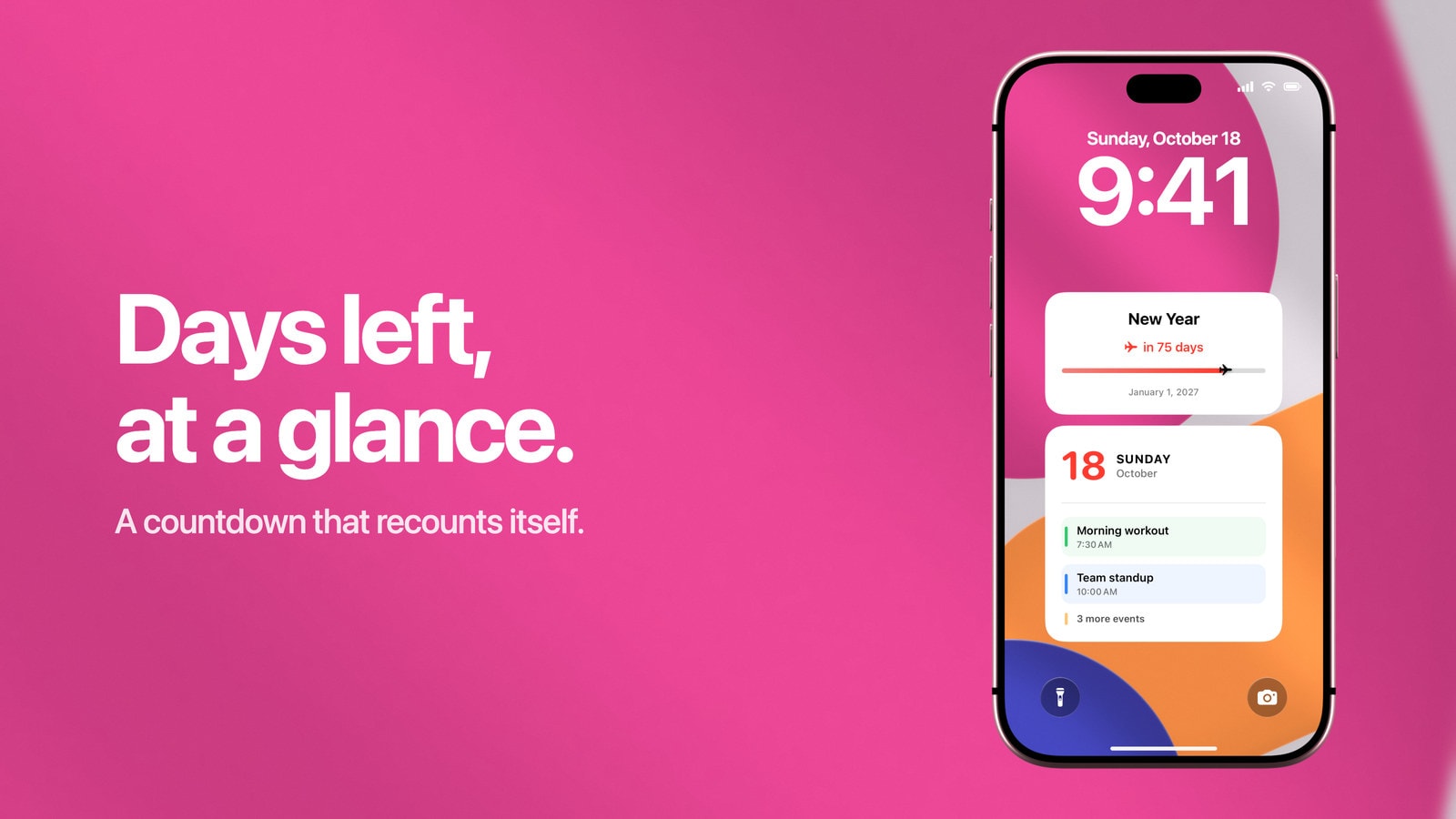
How to Make a Countdown on Your iPhone Lock Screen
iOS has no countdown to a date. What the iPhone can do on its own, and how to put the days left on the Lock Screen.
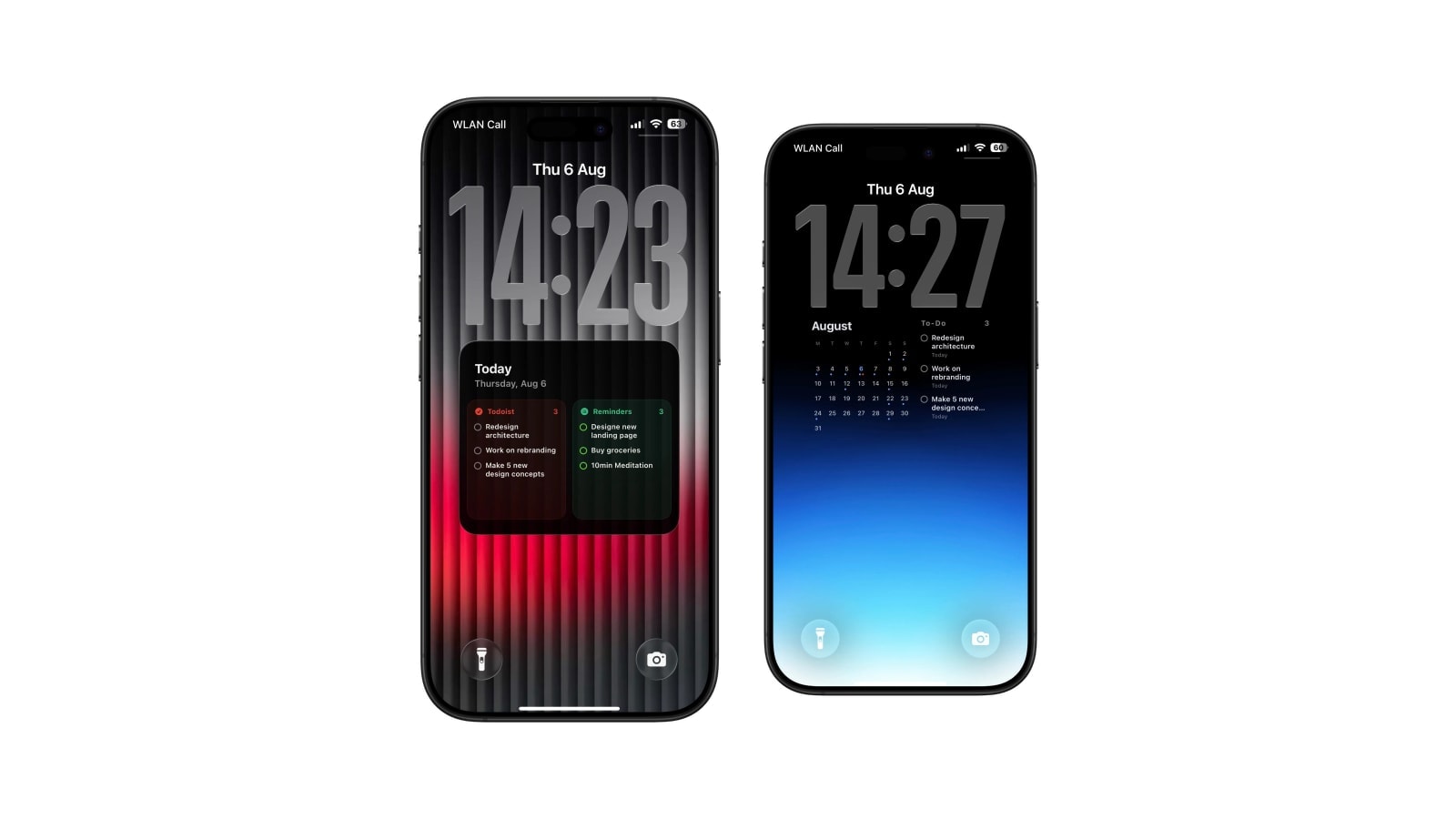
Best Todoist Lock Screen Setup for iPhone
One layout, one source, one automation. The Todoist Lock Screen setup I actually run, and the mistakes to skip.
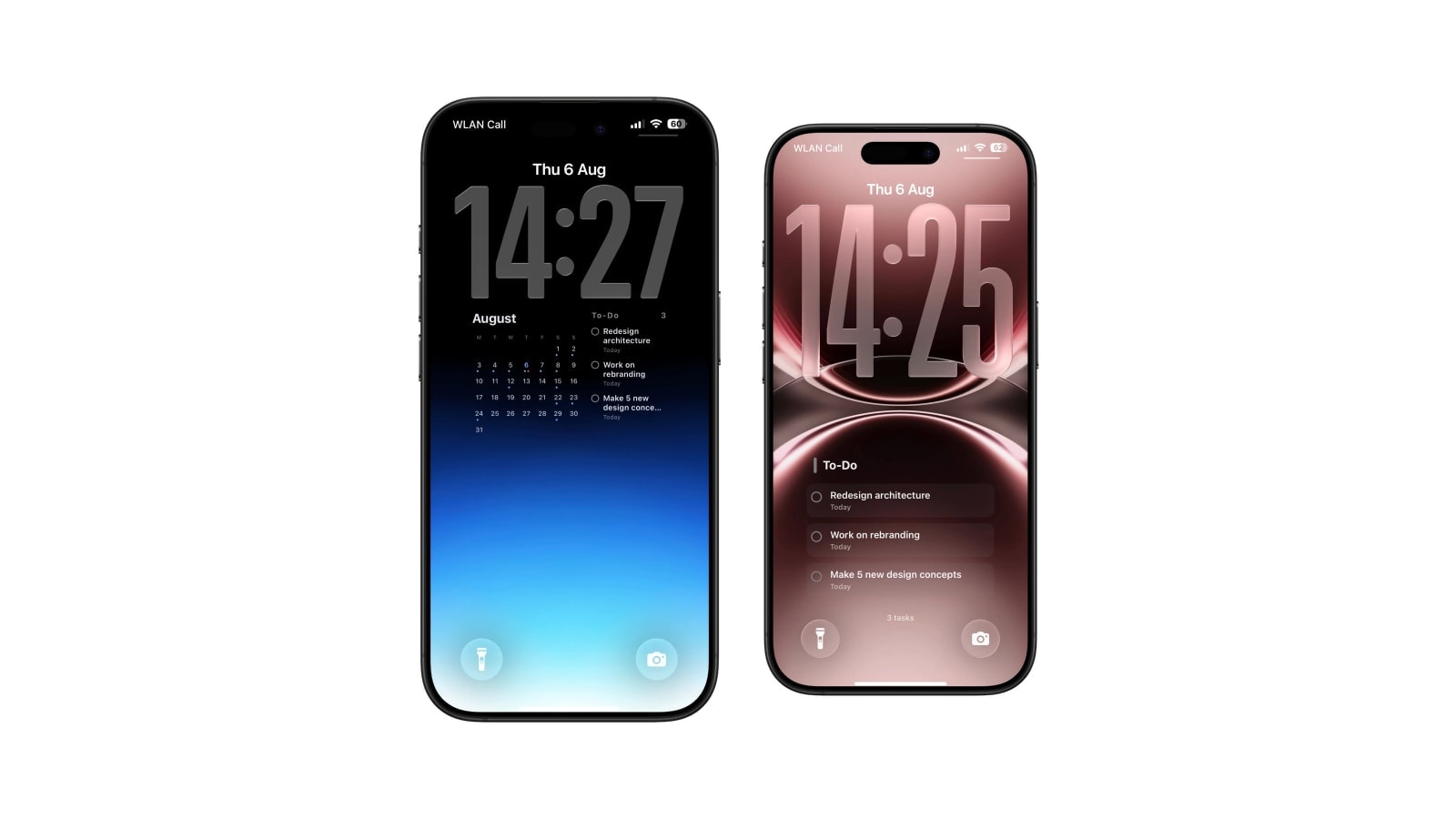
How to See Today's Todoist Tasks Without Opening Todoist
Every check of a task app is a chance to end up somewhere else. Put the list where checking is not an action.
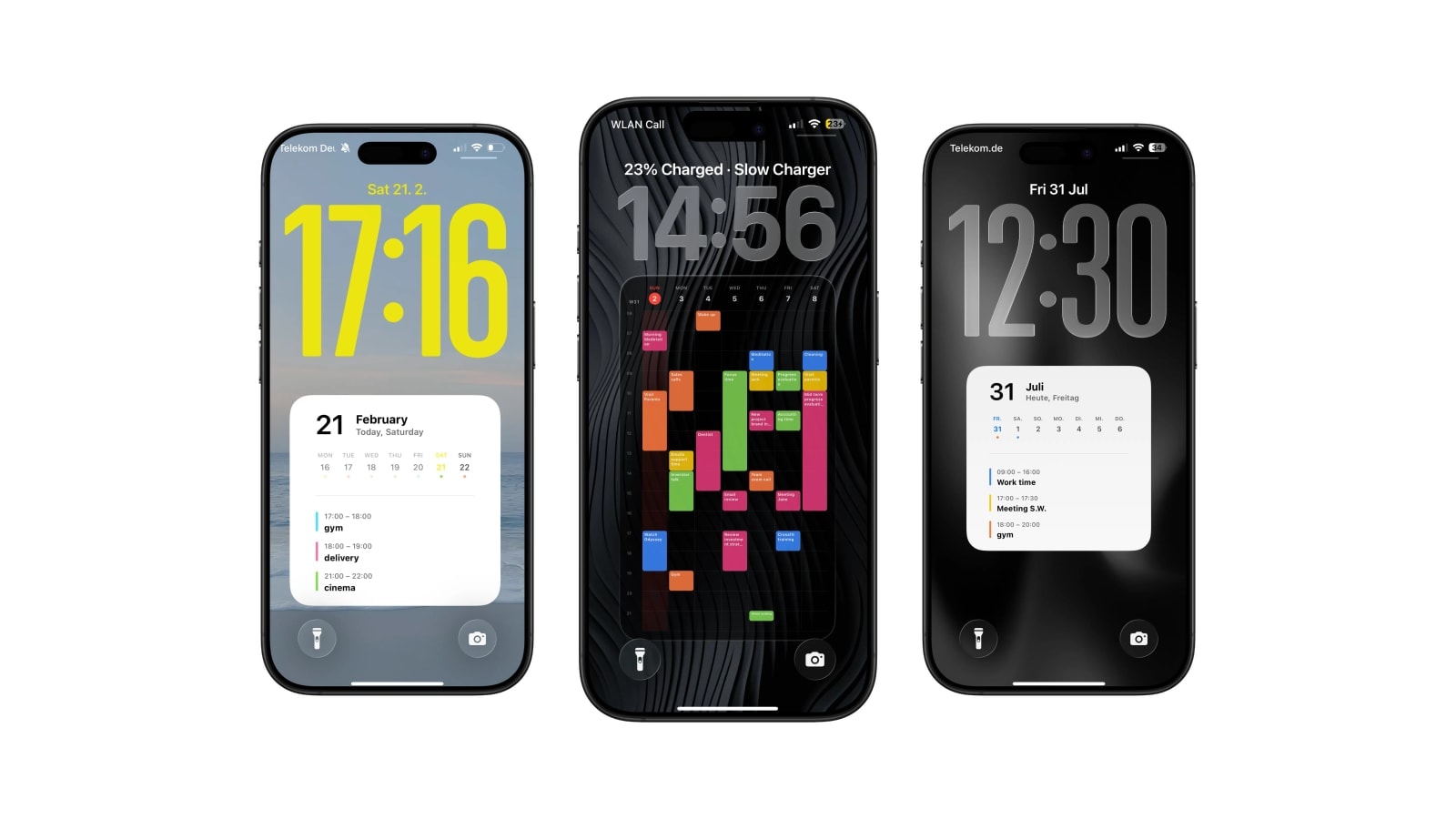
How to Put Your Weekly Schedule on Your iPhone Lock Screen
Shifts, classes and busy weeks on the wallpaper itself, so you stop opening the calendar to check which day you are on.
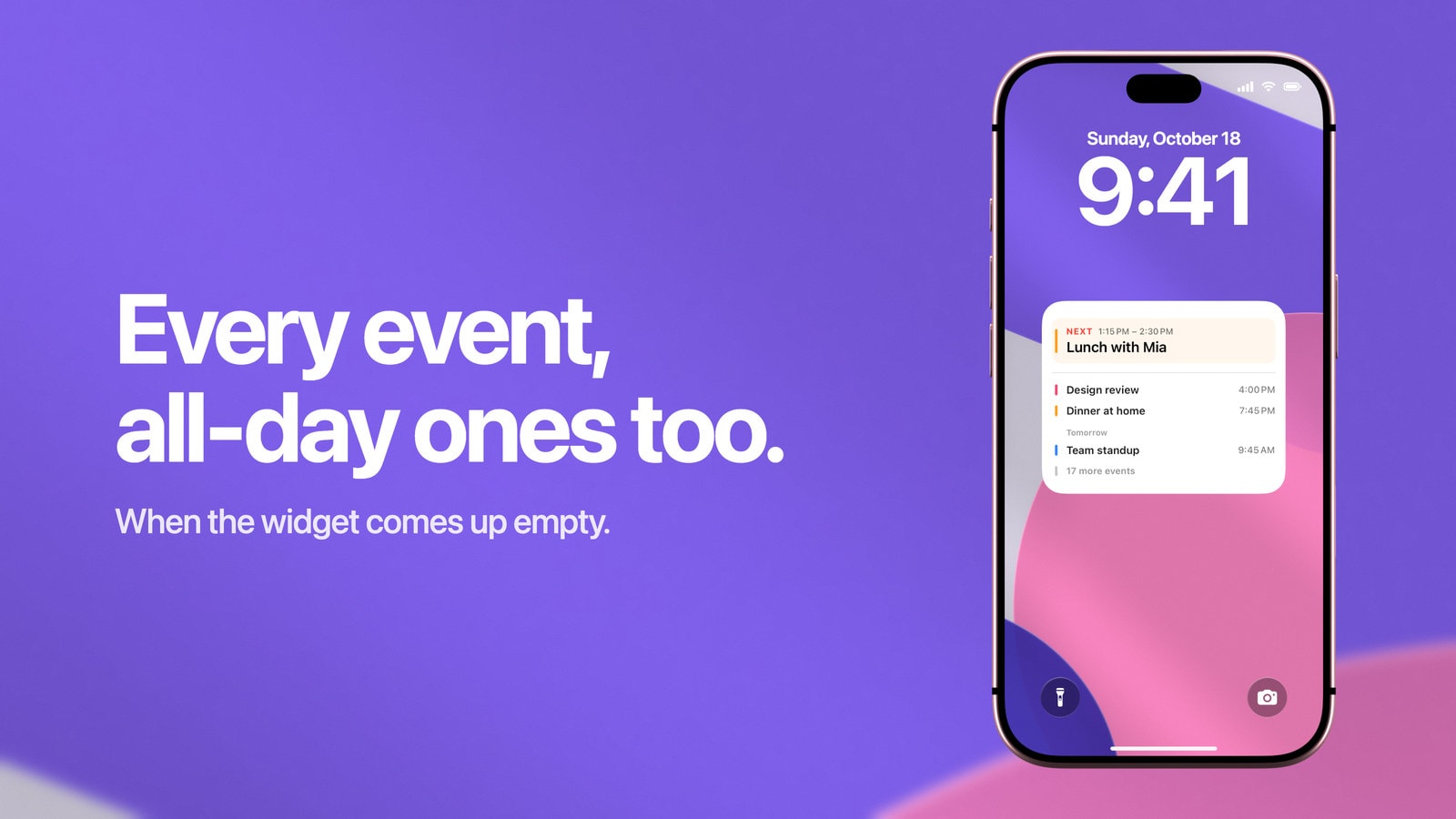
iPhone Calendar Widget Not Showing Events? 5 Fixes
Five checks that bring events back to the Lock Screen widget, and the one case no setting fixes: all-day events never appear there.
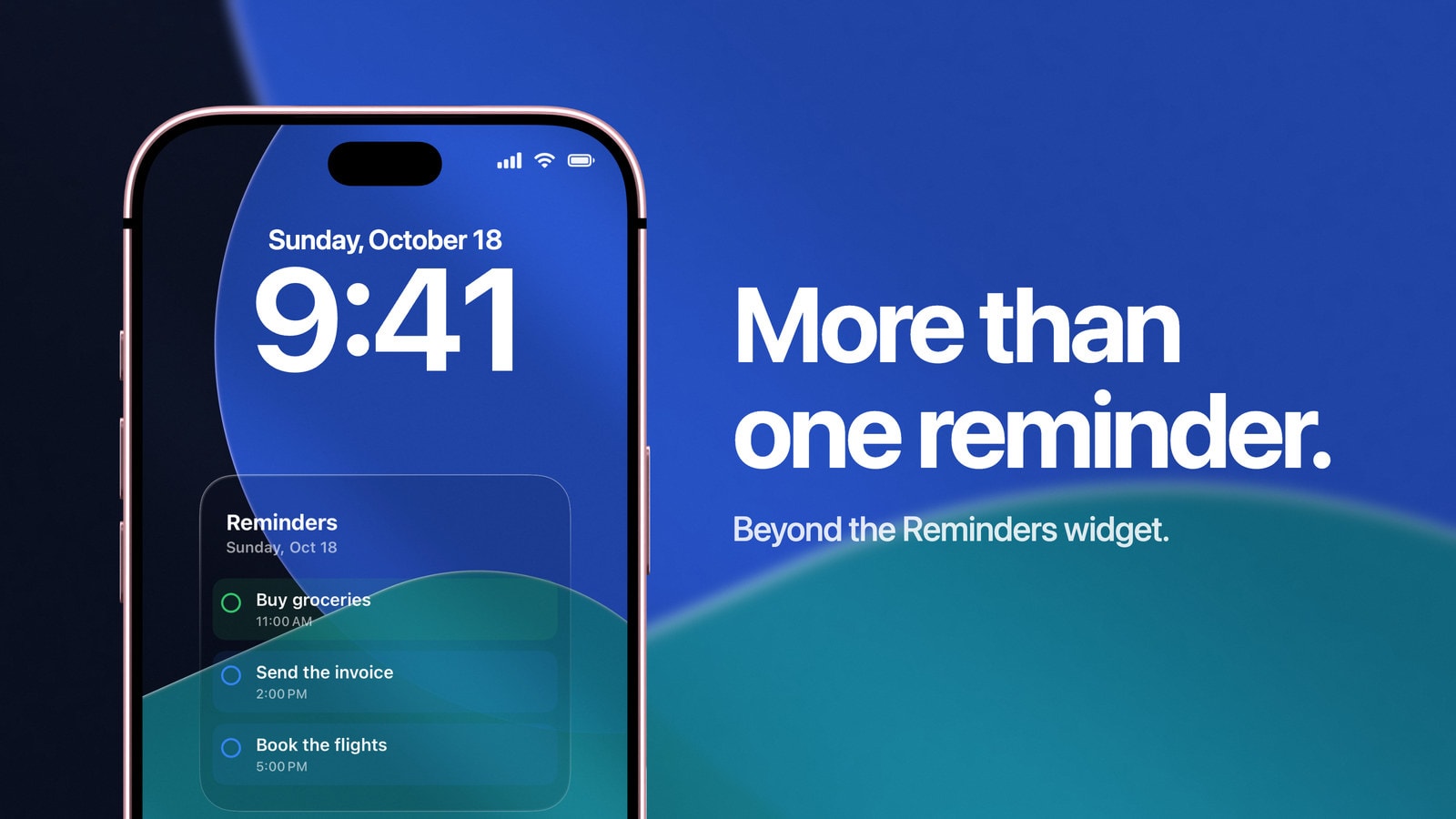
Apple Reminders Lock Screen Widget: What It Can and Cannot Show
What Apple's Reminders Lock Screen widget does well, how to fix an empty view, and when a larger reminder wallpaper makes sense.
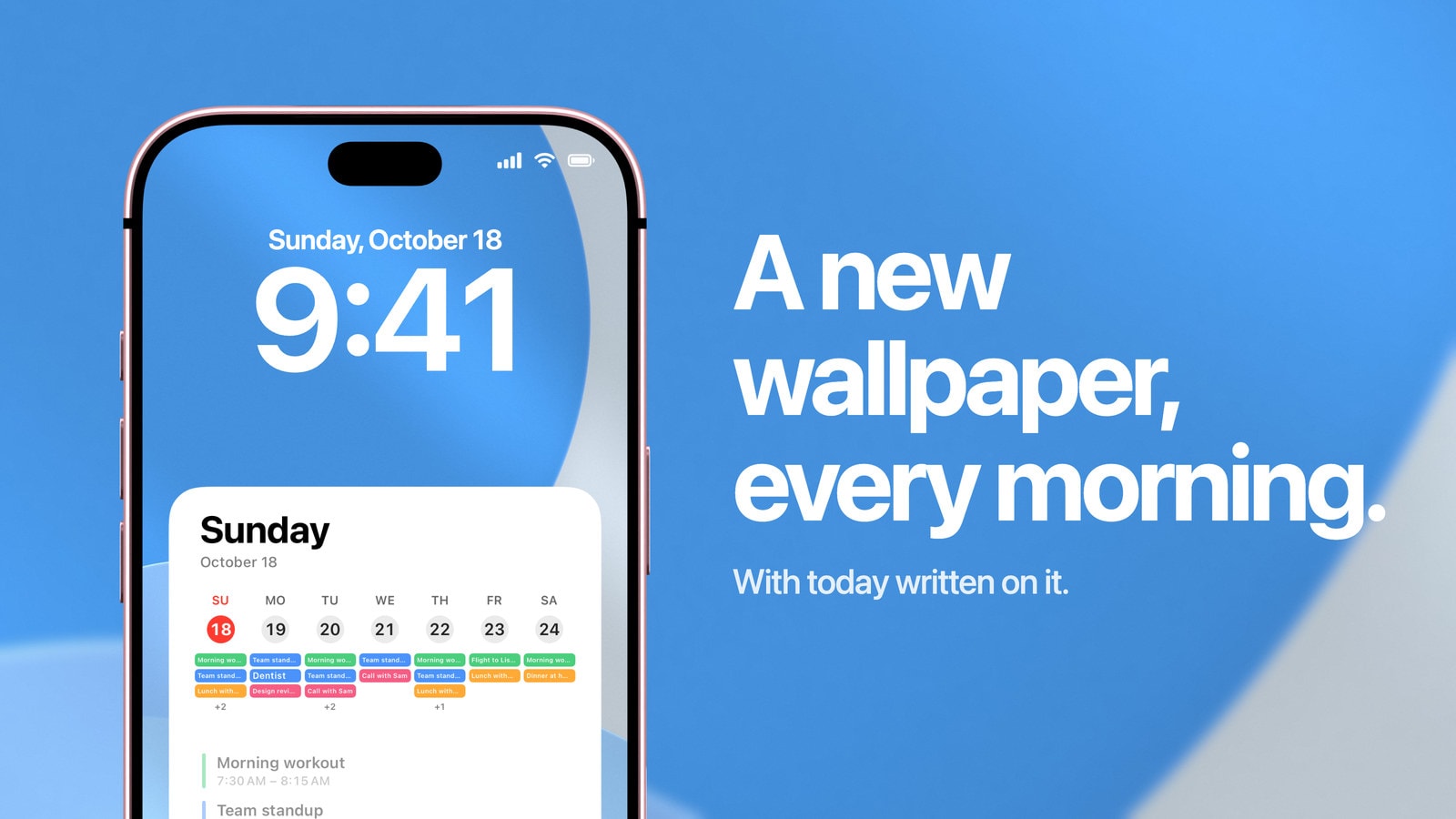
Can iPhone Wallpaper Change Automatically? 4 Ways That Work
Photo Shuffle, Focus, dynamic styles and Shortcuts. What each one can do, and which one changes what the wallpaper says.
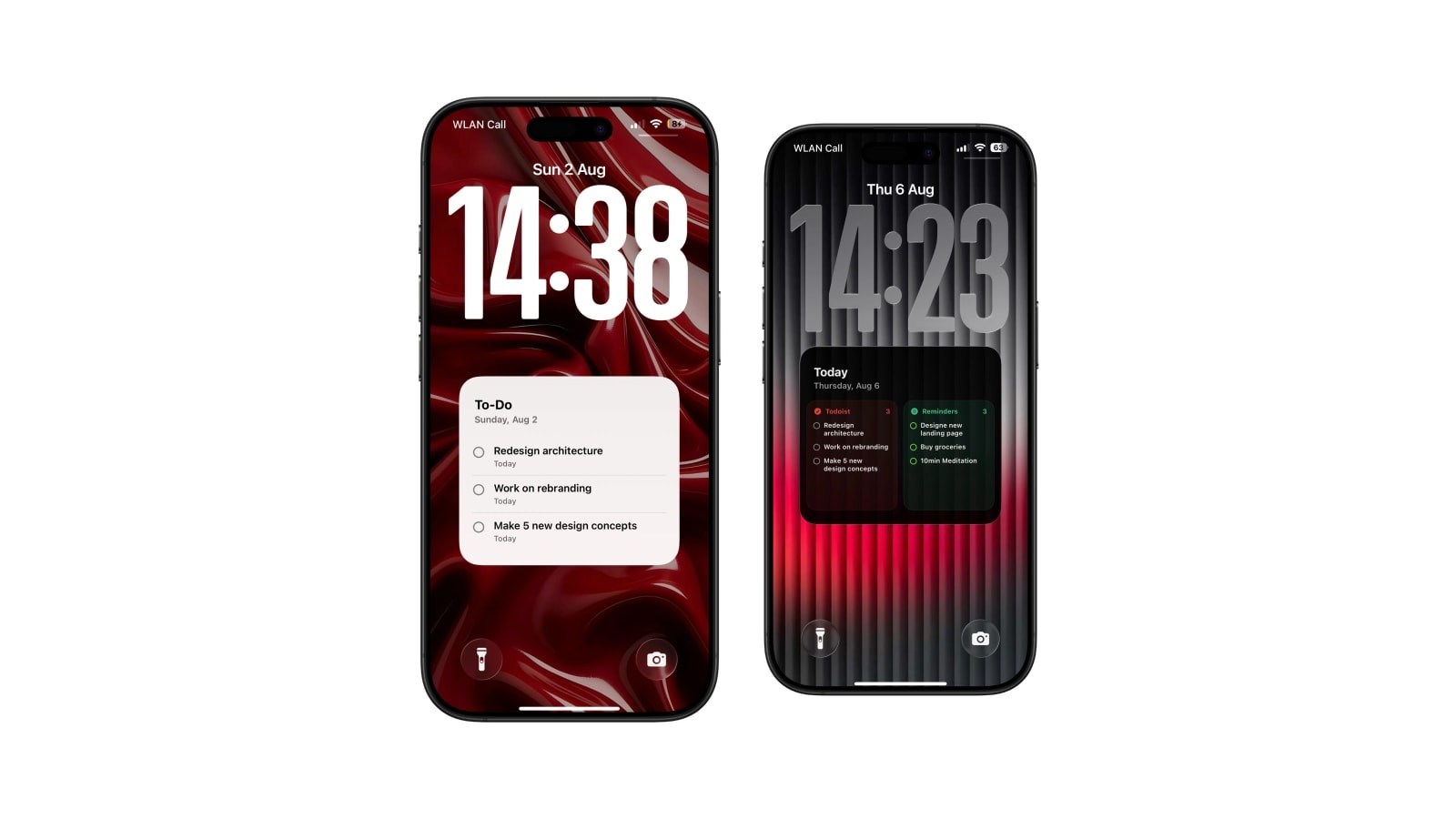
Best Way to Keep Your To-Do List Always Visible on iPhone
Widgets are best for quick actions. A task wallpaper trades interaction for more room and a list you can read at a glance.
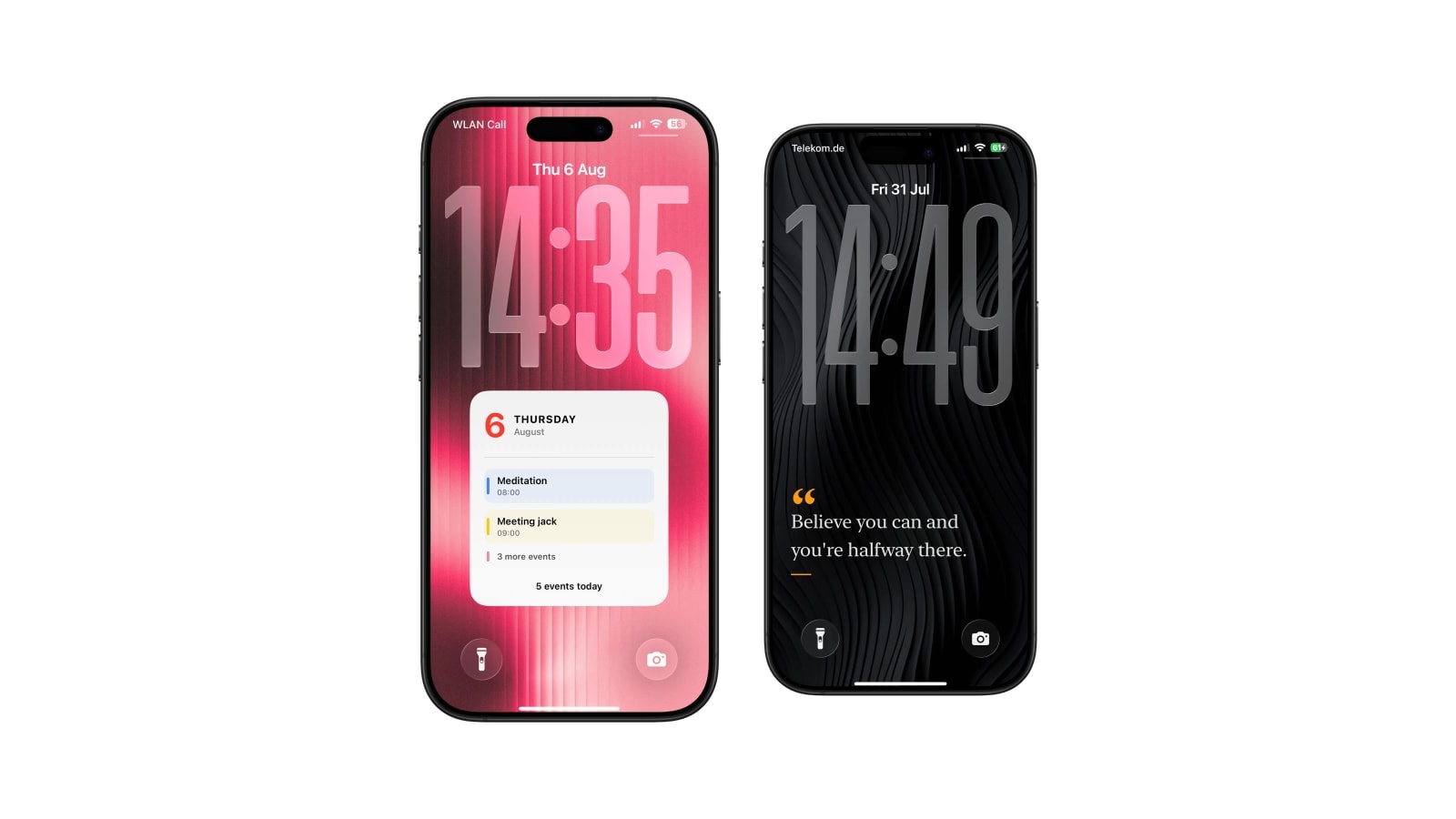
How to Put a Sticky Note on Your iPhone Lock Screen
Keep one short note on the screen you already glance at. Use a static image, a widget, or an automatically updated wallpaper.
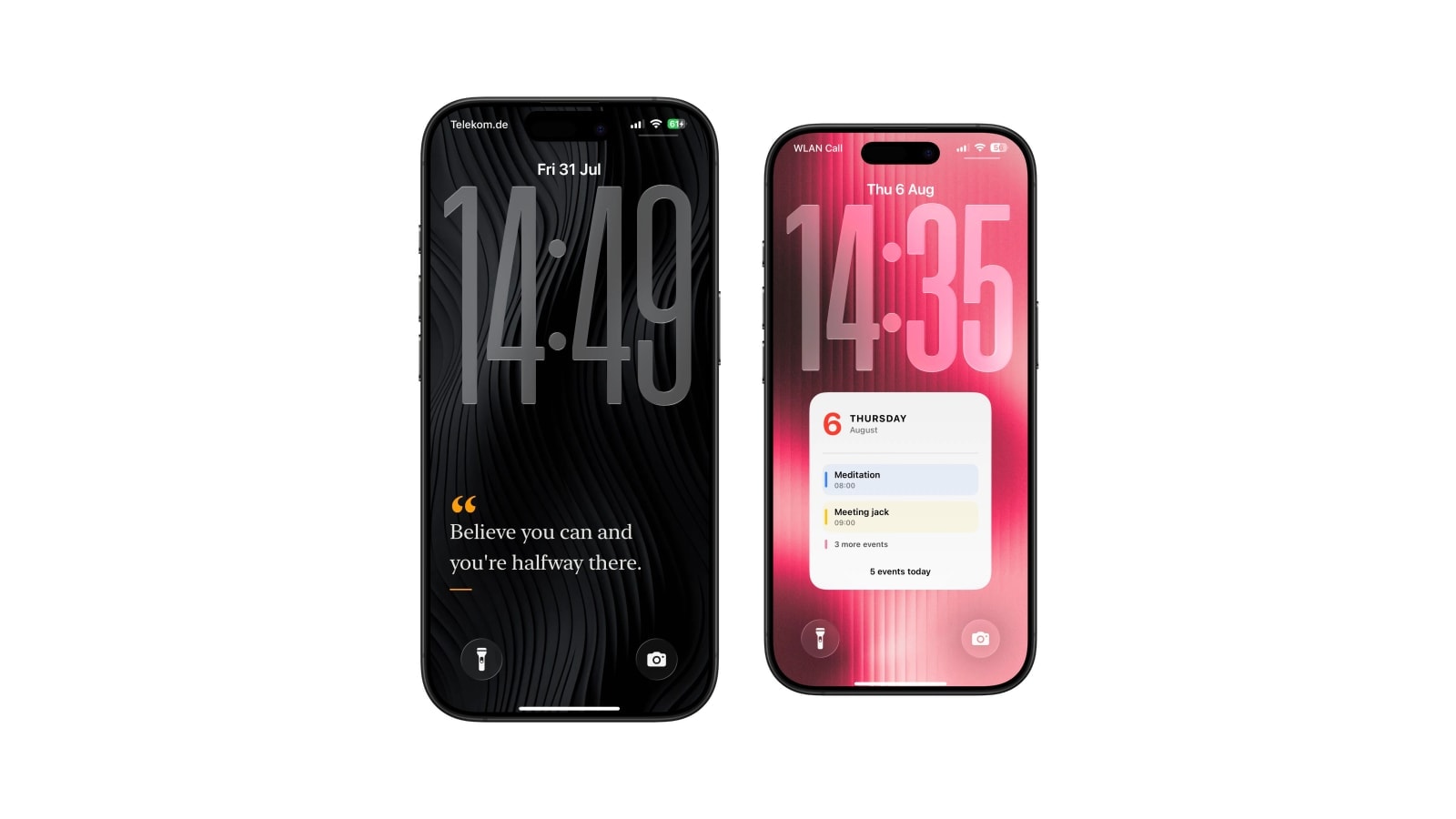
How to Write Something on Your iPhone Lock Screen
Three ways to keep words on the Lock Screen: the caption trick, a photo, or text drawn into the wallpaper itself.
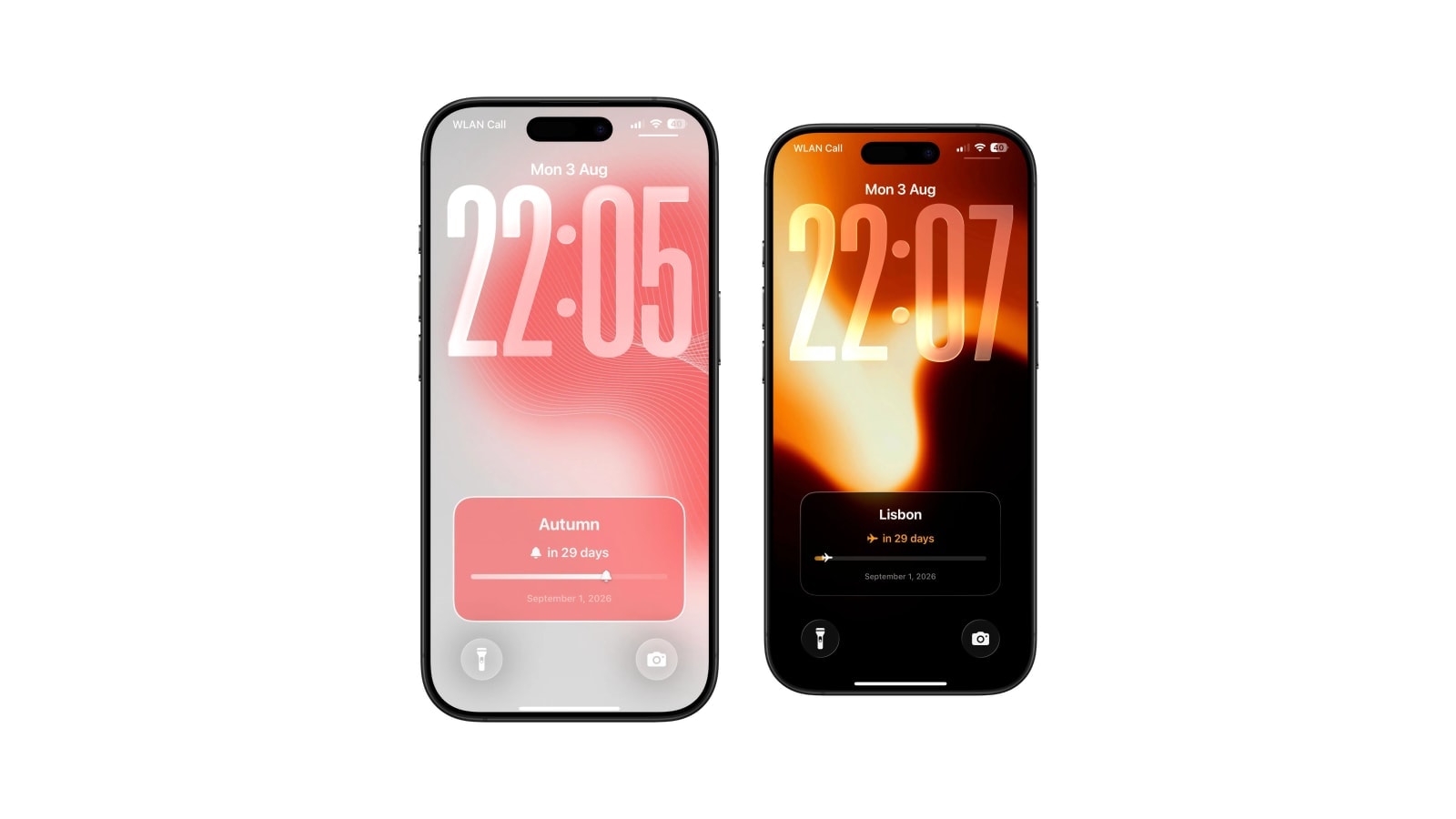
Birthday Countdown on iPhone Lock Screen
Days until the birthday, on the wallpaper, correct every morning. Yours or someone else's.
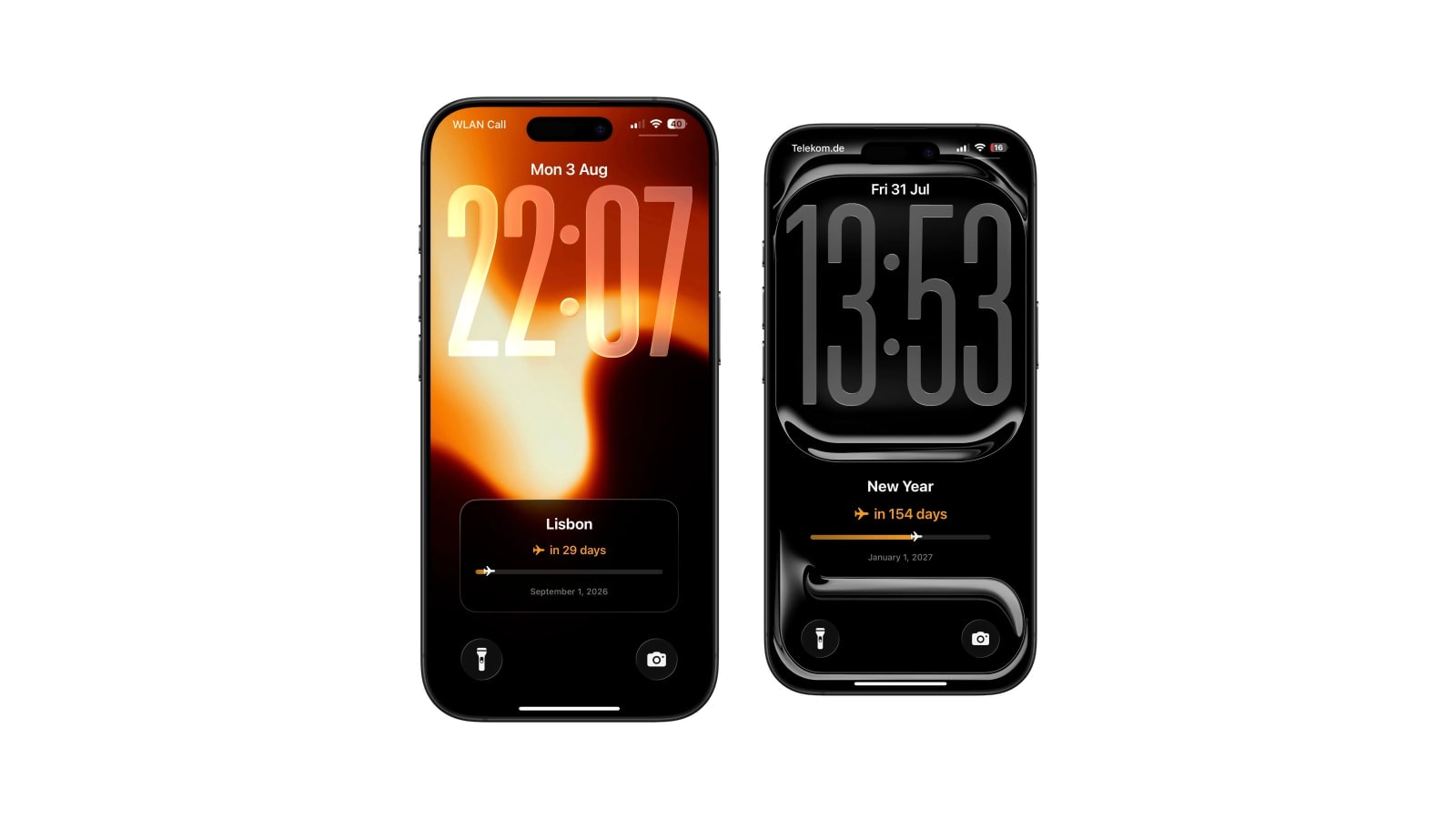
Vacation Countdown on iPhone Lock Screen
The trip is booked. Put the days left where you will see them, and let the number do the looking forward for you.
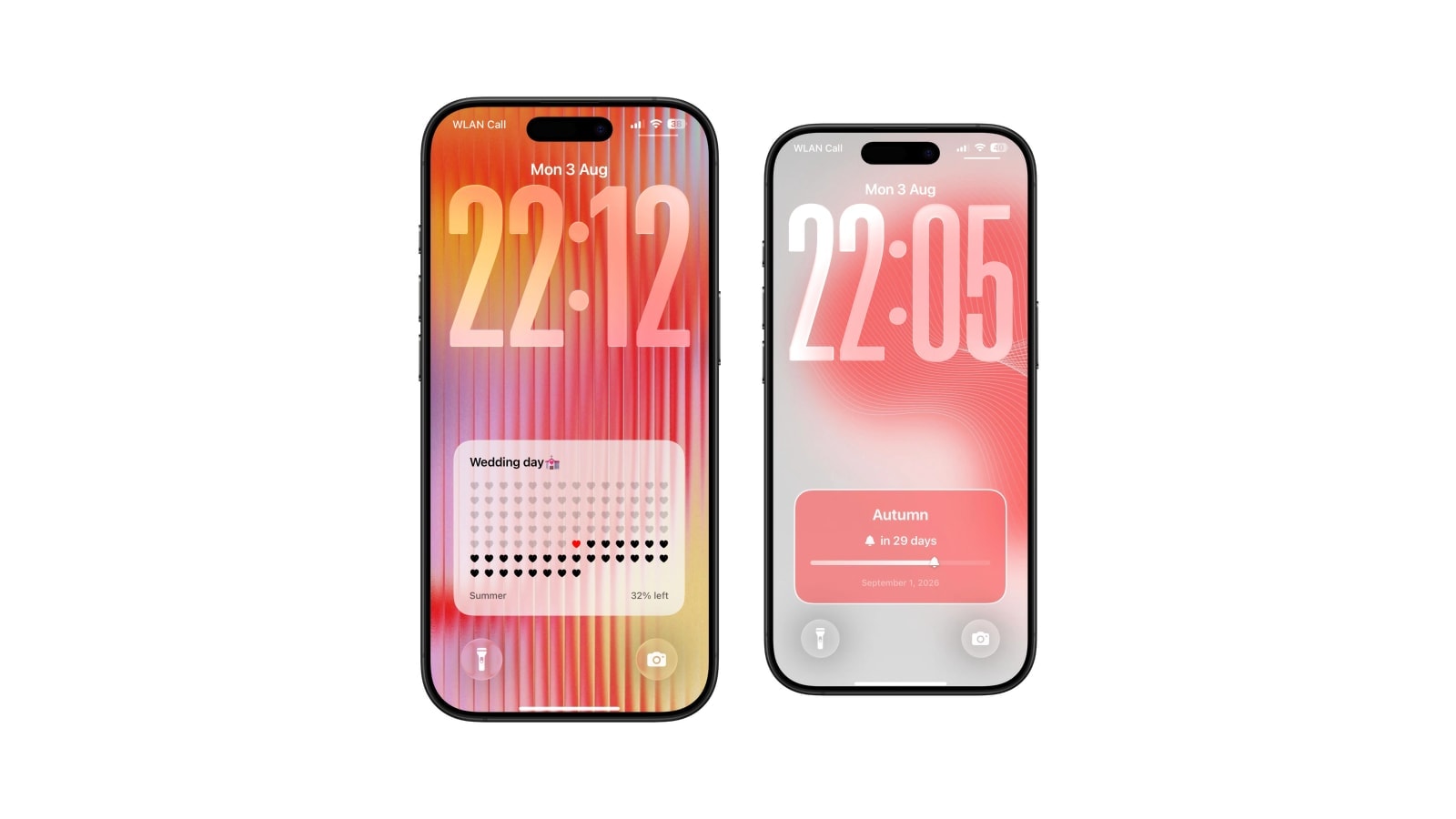
Wedding Countdown on iPhone Lock Screen
Days until the wedding with milestones along the way, drawn into the wallpaper. Works on two phones at once.
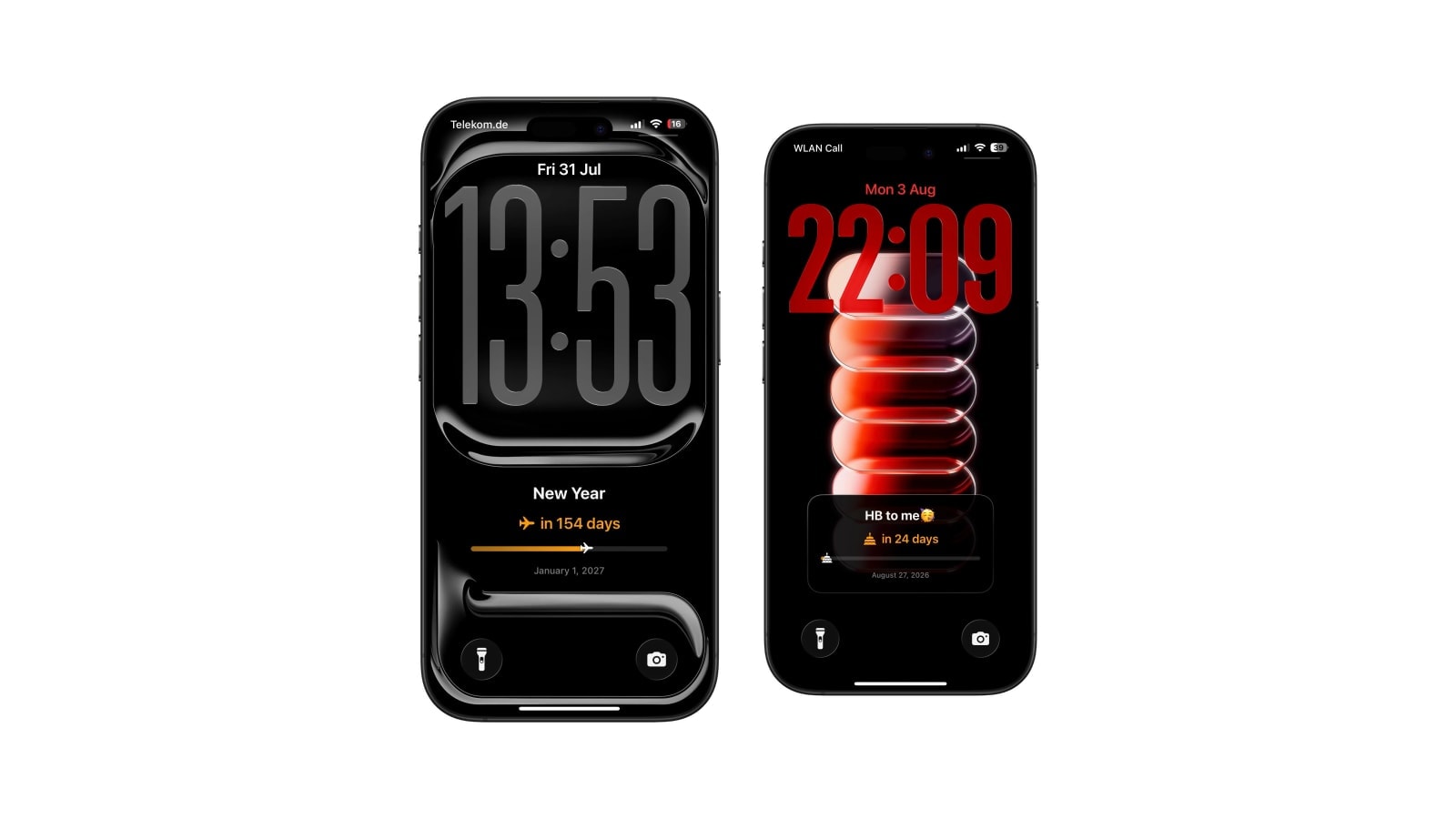
Exam Countdown on iPhone Lock Screen
Days until the exam, visible every time you pick up the phone. The number doubles as a study budget.
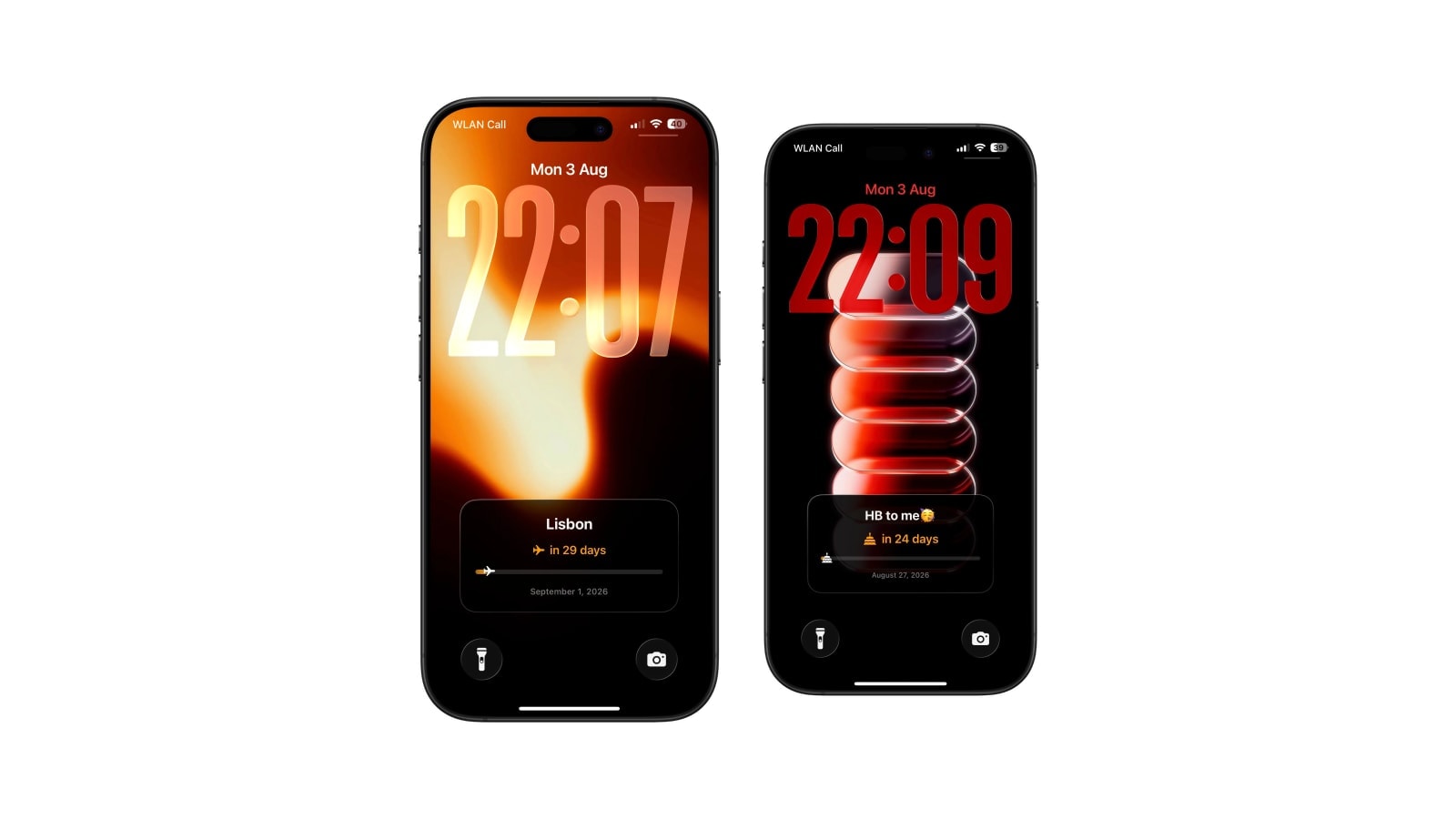
Days Since Counter on iPhone Lock Screen
Counting up instead of down: the streak, the quit date, the move. The same wallpaper mechanics, reversed.
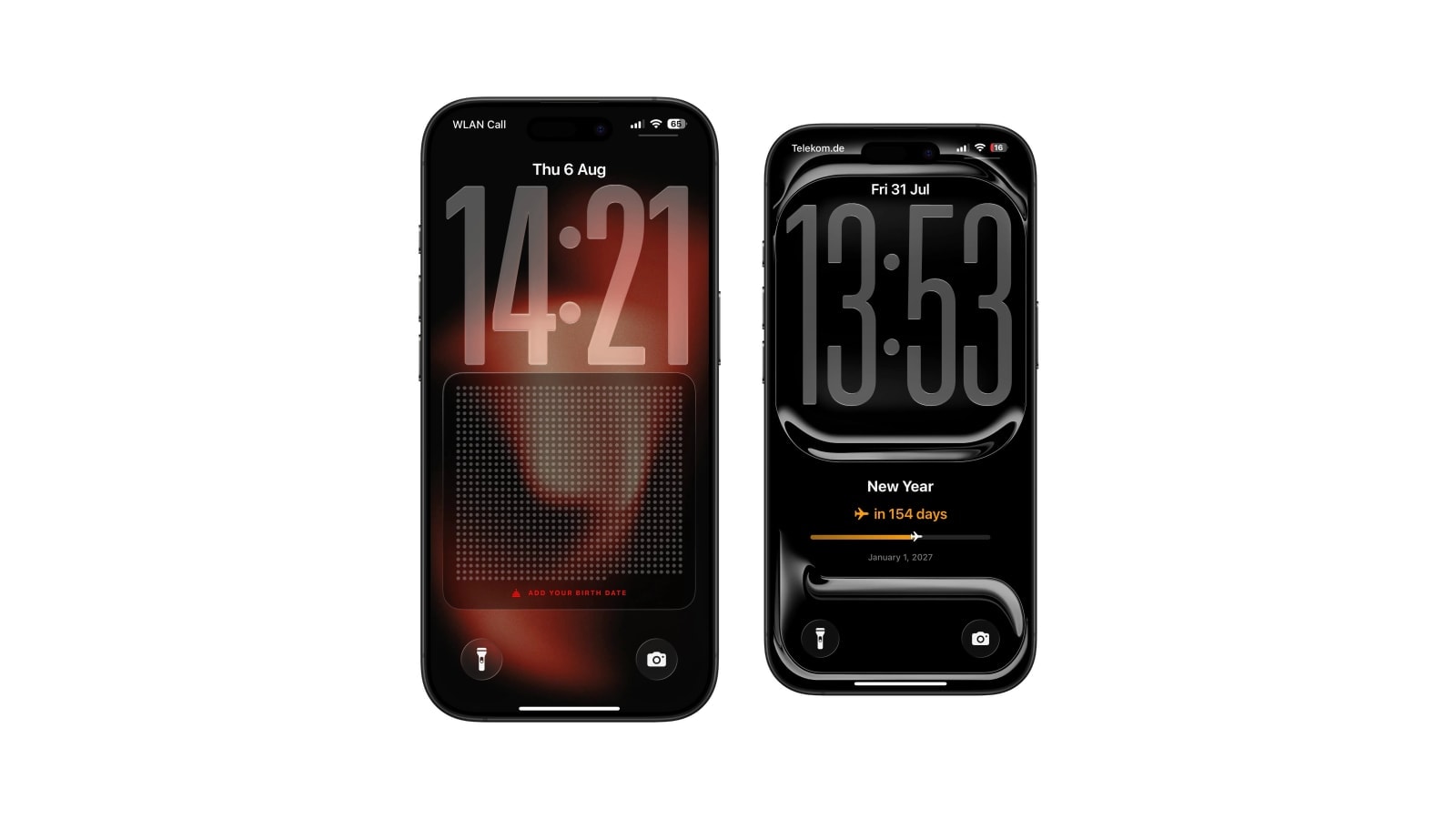
Life Calendar Wallpaper Not Updating? Here Is Why
A life calendar that never advances is almost always one of four things, and three of them are settings you can check in a minute.
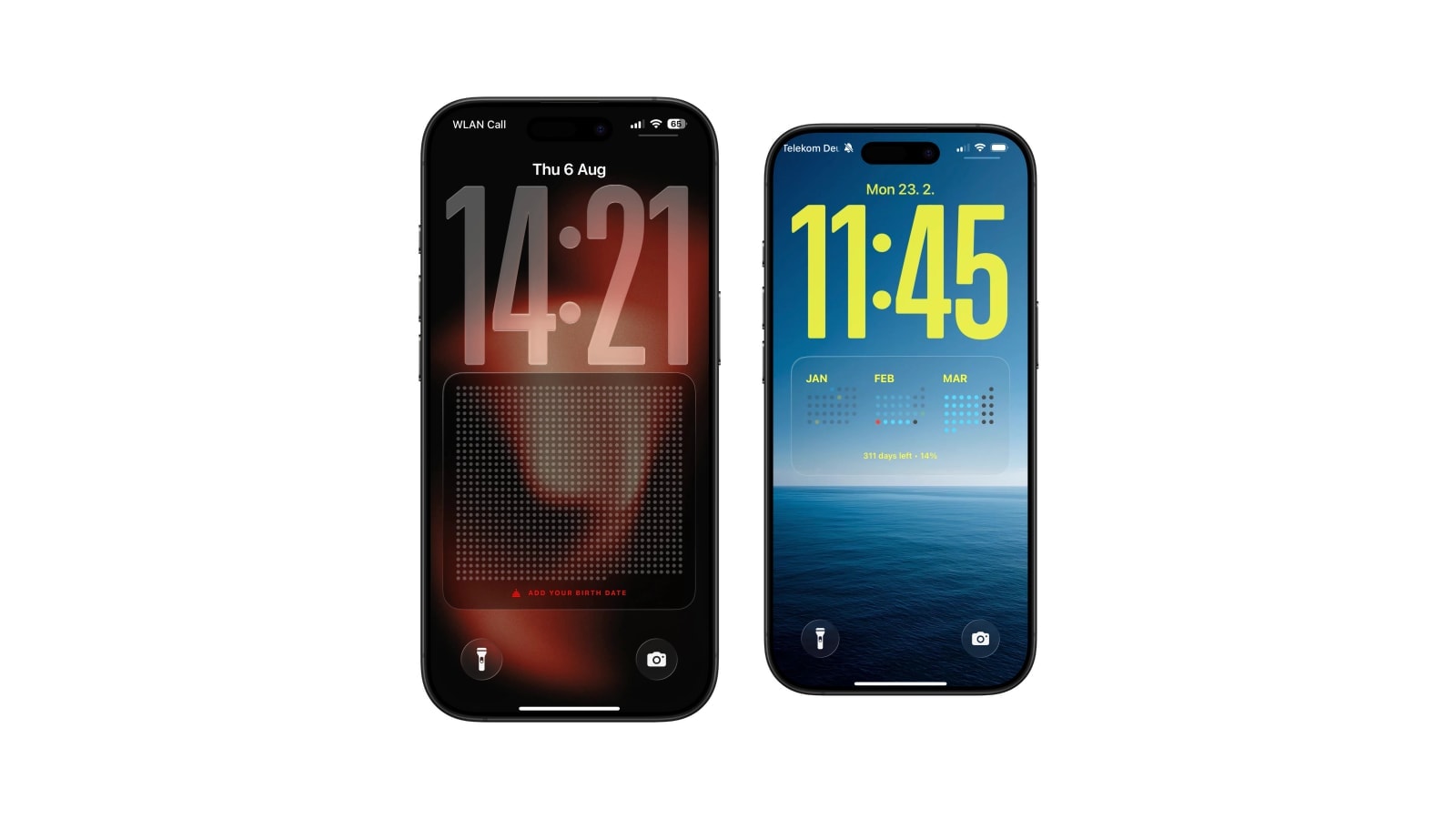
How to Set Up a Life Calendar on Your iPhone
Choose the dates and design, add a two-minute Shortcuts automation, test the Lock Screen, and understand why the grid moves weekly.