Life Calendar App for iPhone: What to Look For
Most life calendar apps are a chart you open. The one thing that decides whether you keep using it is whether you ever have to open it at all.
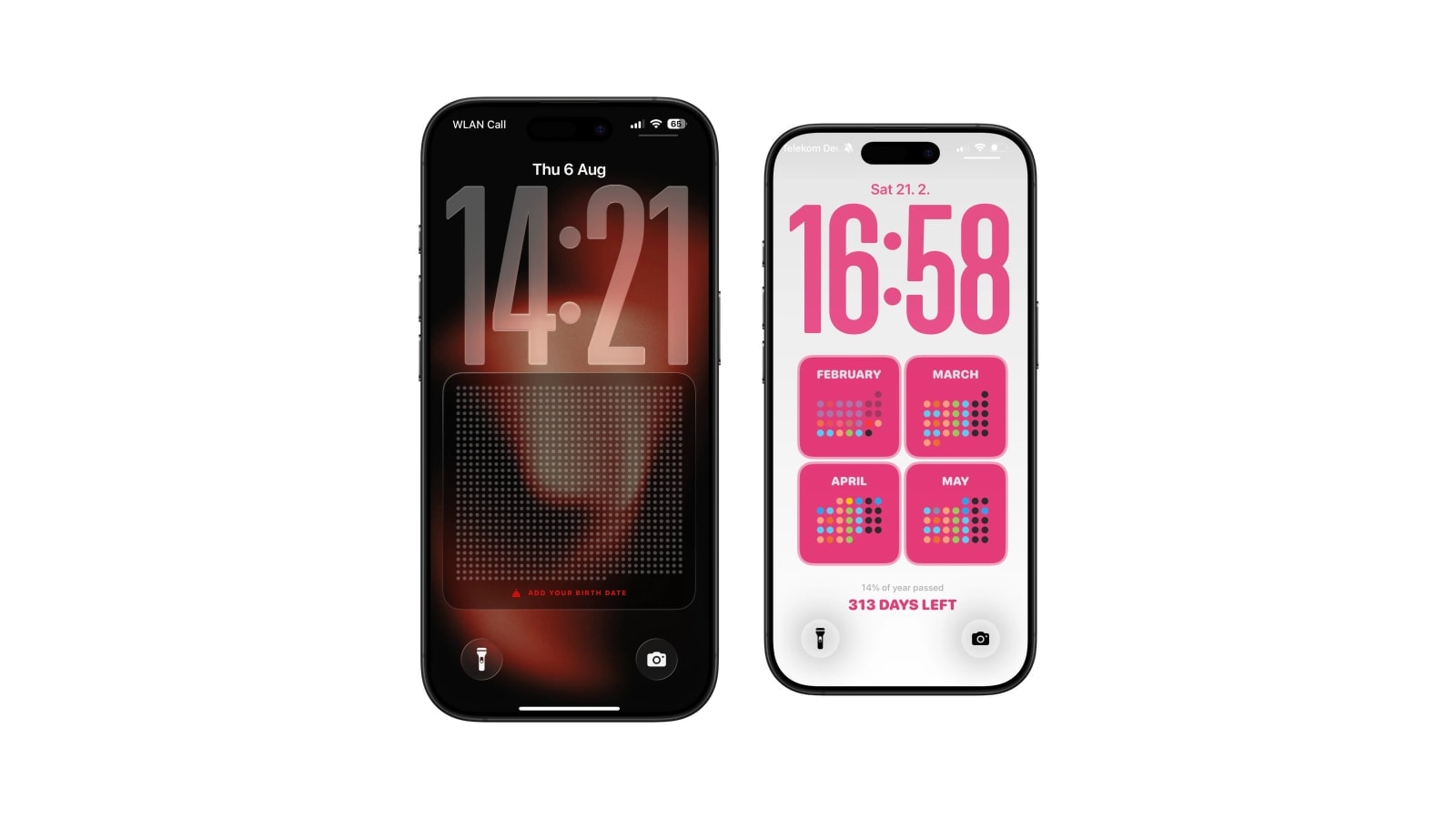
There are plenty of apps that will draw a life calendar, and they are much less alike than the screenshots suggest. The four things worth checking are whether it calculates from a real date, whether it is honest about what the target age means, where the chart actually ends up, and what happens to your birth date.
It is also worth asking whether you need an app at all. If the appeal is writing on it, a poster beats every app on this list. An app earns its place when you want the current week to stay correct without you doing anything, which is a real and specific benefit rather than a general one.
What follows is the checklist, then an honest account of what Calendarly does and does not do here.
Four checks before choosing
- Real date arithmetic
The current week should come from your birth date, not from your age multiplied by 52. The second version drifts by a few weeks per decade and nothing tells you it has.
- Honest wording about the horizon
A good app calls the end a chosen target. Anything that presents it as an expected date is both wrong and unpleasant.
- A destination that suits you
Widget, wallpaper, printable sheet or private in-app view are four different products. Decide which you want before comparing features.
- Clear handling of the birth date
Know whether it stays on the device, whether an account is required, and what the app does with it. This is the most personal number most people will ever type into a decorative app.
Where Calendarly fits
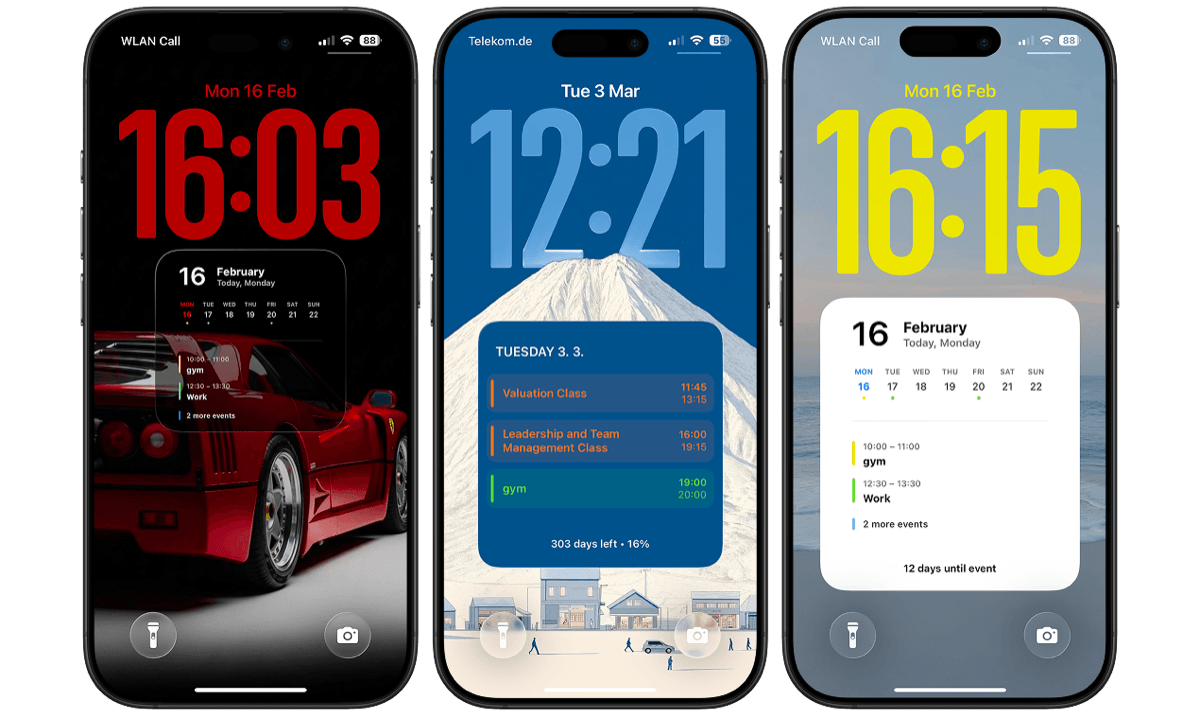
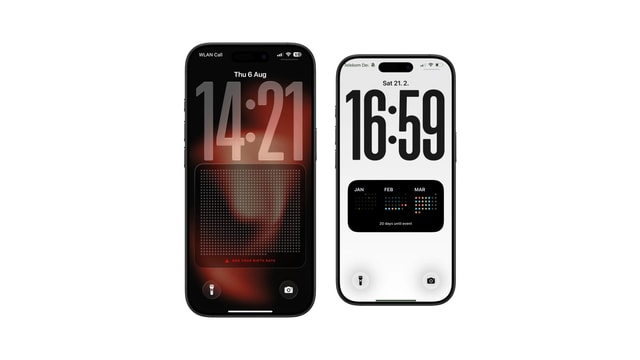
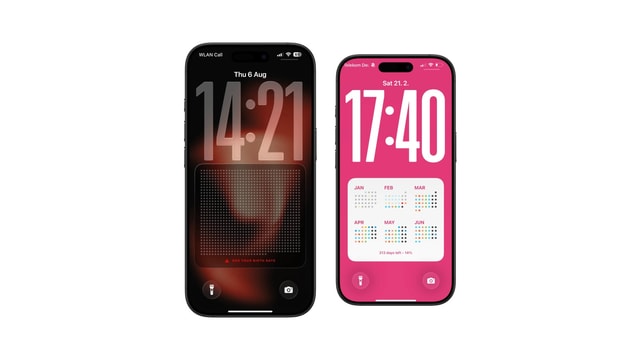
Calendarly is a Lock Screen wallpaper app first, and the life calendar is one of the things it can draw. It works out the position from your birth date on the phone, renders the style you chose, and refreshes through Shortcuts. There is no account, and the app never invents a birth date for you: the editor asks the first time you open the layout, and the grid does not pretend to know anything until you answer.
What it is not is a journal. You cannot write into individual cells, attach a memory to week 1,412, or build a history in it, and any attempt to use it that way will be frustrating. If annotation is the point, print a large grid and keep the phone for the week marker.
The differences that only show up after a month
Feature lists are unhelpful here because every one of these apps draws a grid, and the grid is not where they differ. What separates them becomes obvious only once you have lived with one for a few weeks, and it comes down to three things.
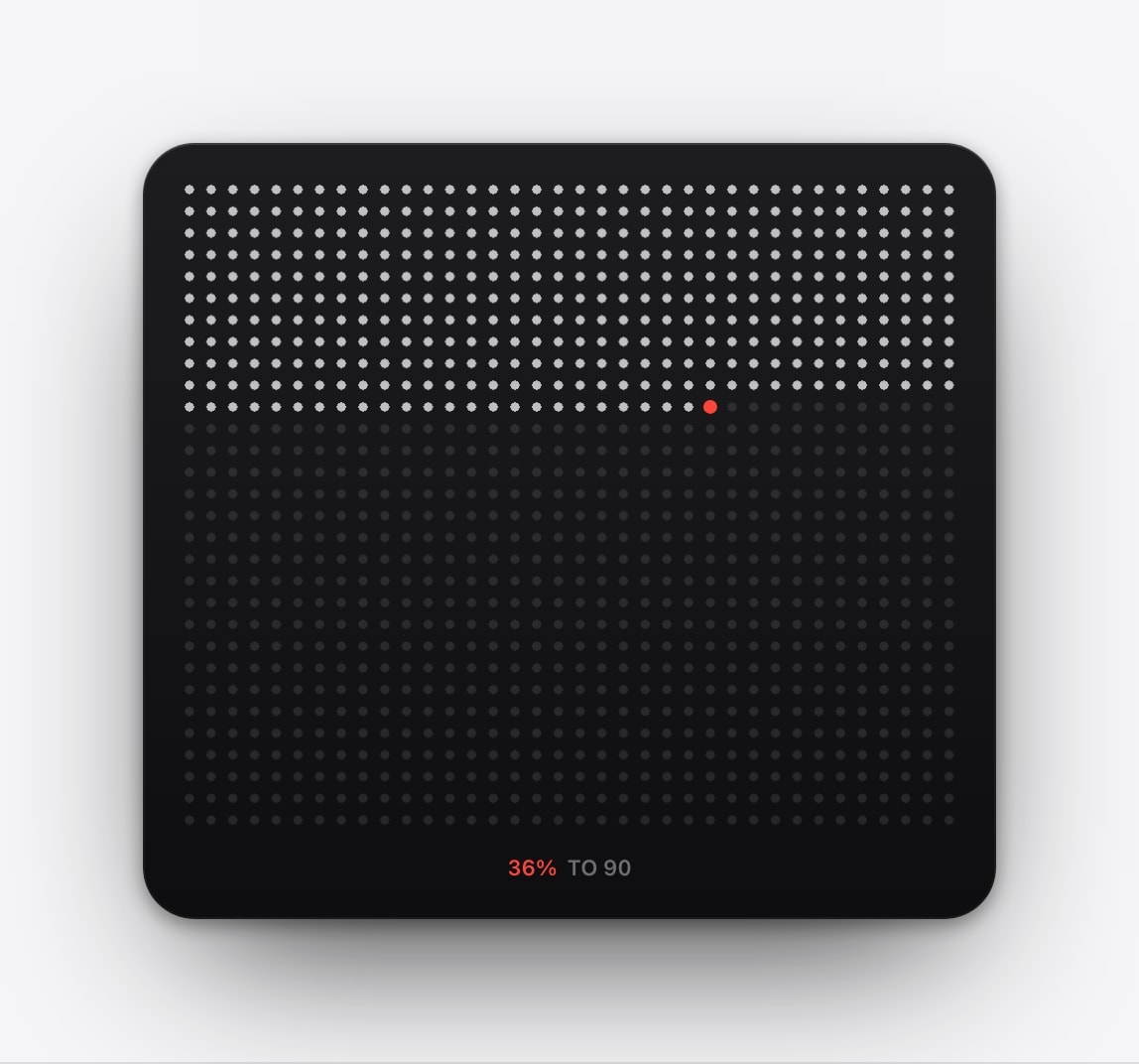
Can you find yourself instantly? A current-week marker that is a slightly different shade of the same colour is useless at a glance, and finding your own position should not take effort in a chart whose entire purpose is showing you where you are. Does it stay correct without being opened? An app that recalculates when you launch it is an app you will stop launching. And can you change the horizon later without rebuilding everything? People do revise it, usually upward, and an app that treats the number as permanent makes that harder than it should be.
When not to use one at all
If a life calendar on your Lock Screen produces anxiety, compulsive checking, or the sense that ordinary time is being wasted, that is a sufficient reason to remove it, and it does not need to be justified further. The emotional response is the whole outcome here; there is no other benefit that outweighs it.
A year view, a monthly calendar, or no progress graphic at all are all perfectly good alternatives, and one of them is the right answer for a lot of people. Give it a week, then notice how you feel when the screen lights up, and let that decide it.
Check in after a week. Keep the chart if it gives you perspective. Change it if all it gives you is pressure.
Questions people ask
Yes, several. They differ mainly in destination: widgets, wallpapers, printable charts, or an in-app view.
The current position from your actual birth date using real calendar arithmetic, rather than an age multiplied by 52.
No. Paper is better for annotation and a spreadsheet is enough for the numbers. An app helps when you want the chart visible and current automatically.
On the iPhone, where it is used for the calculation. There is no Calendarly account.
No. Calendarly is an iPhone app.