Life Calendar Wallpaper for iPhone: See Your Life in Weeks
A chosen span of years, drawn as weeks. How the grid works, what its horizon really means, and how to keep the current week marked.
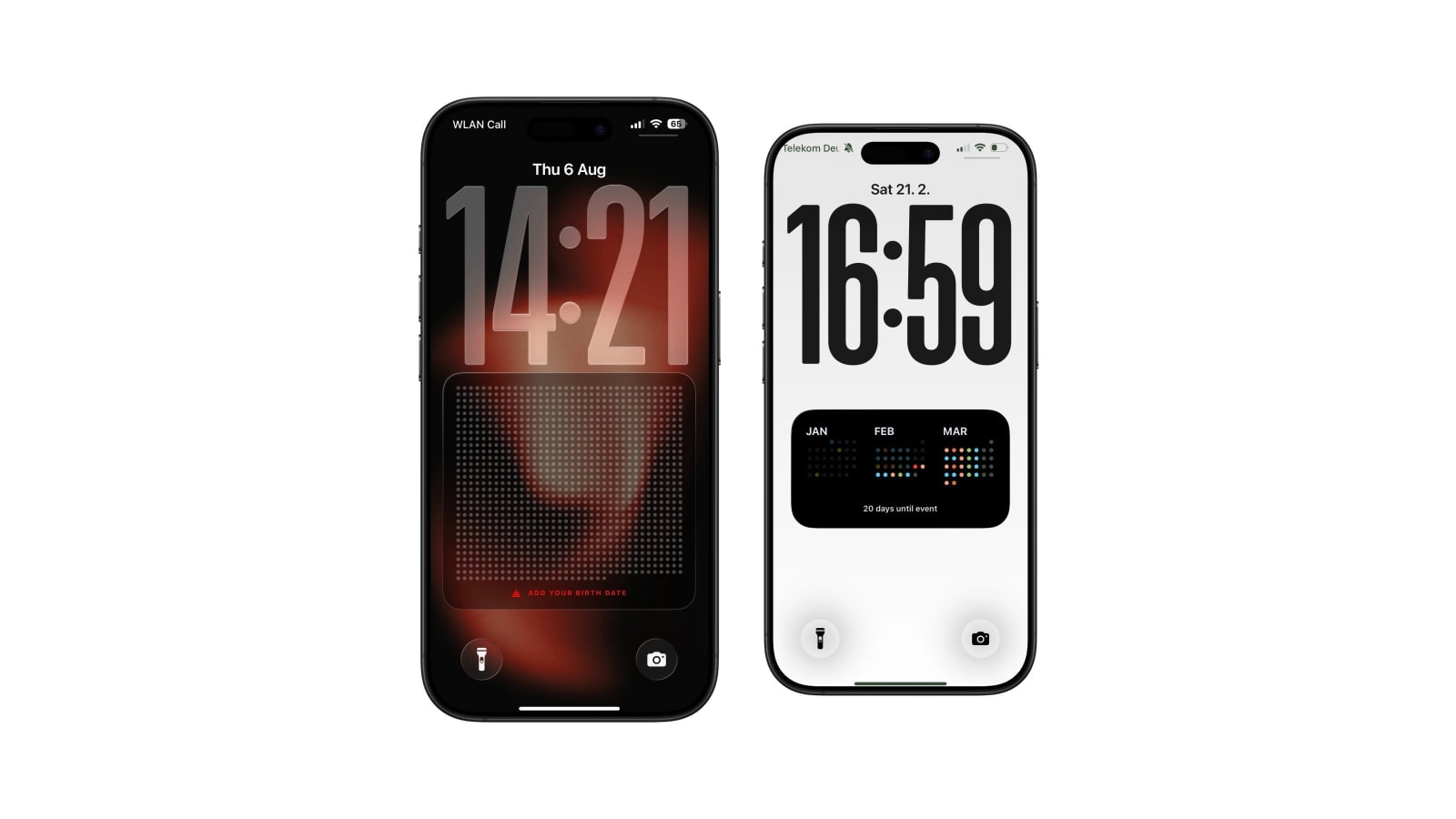
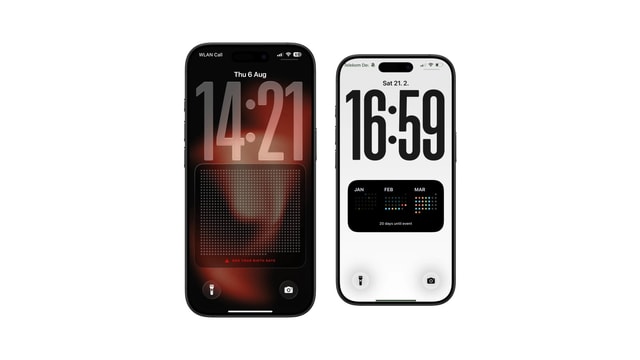
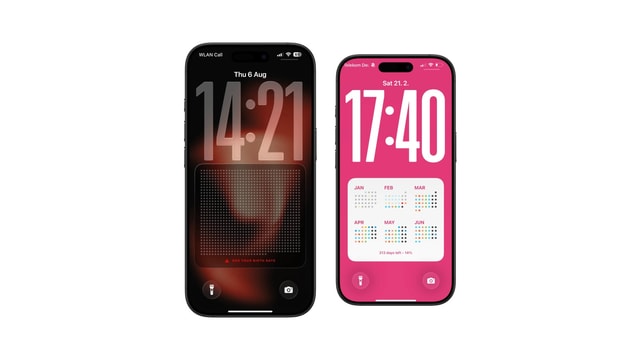
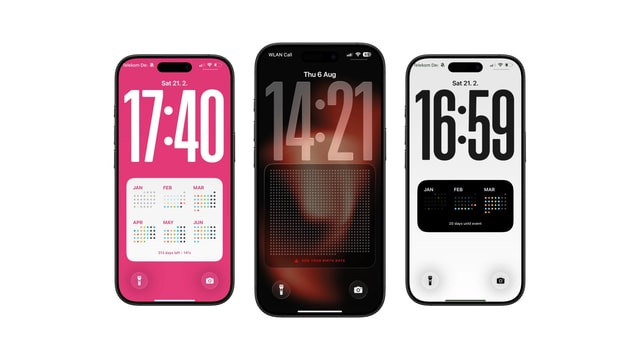
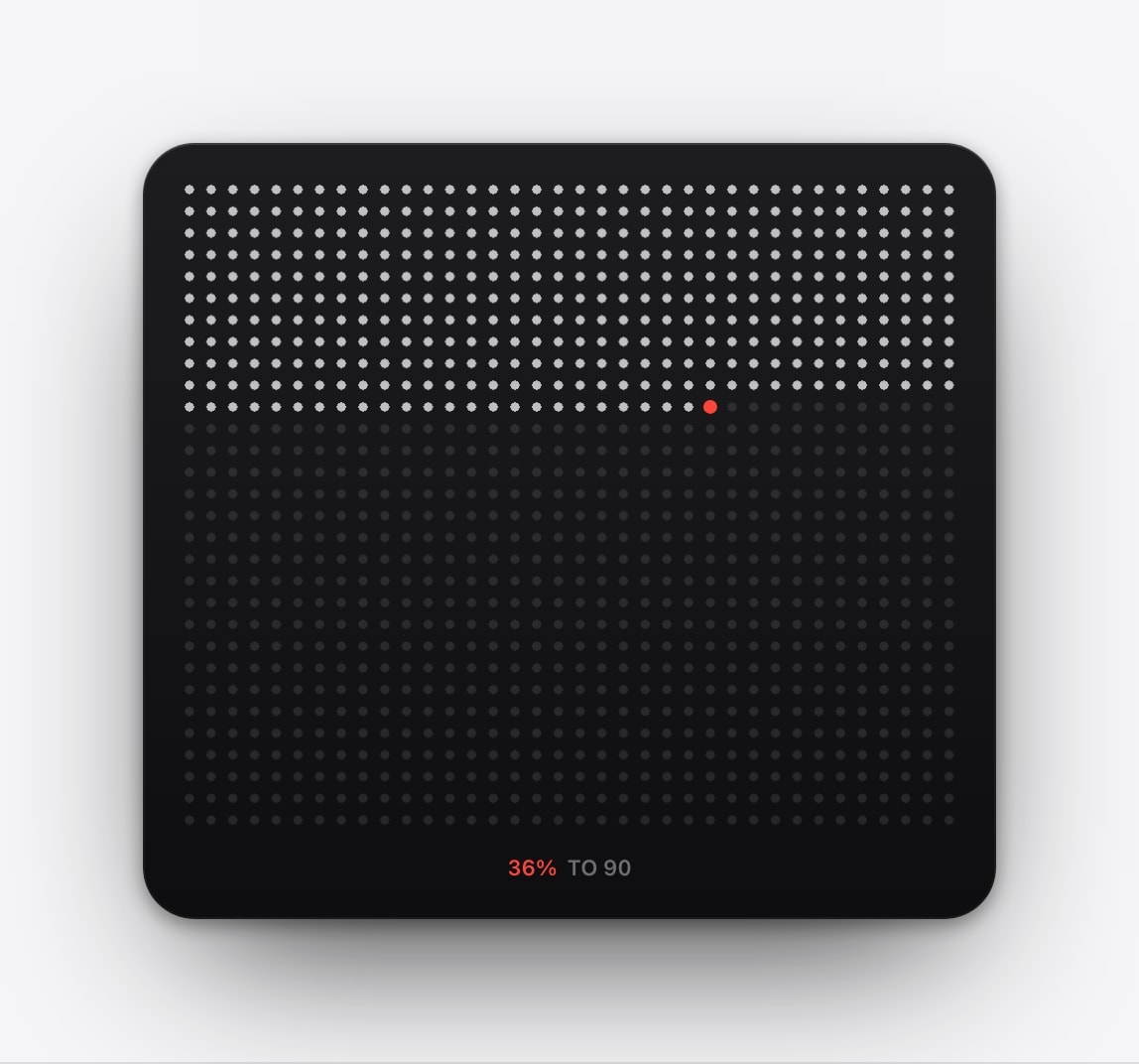
A life-calendar wallpaper turns a chosen span of years into a grid of weeks on the Lock Screen: the weeks behind you filled, the current one marked, and the rest running to the horizon you picked.
Ninety years is roughly 4,700 real calendar weeks, though a tidy 90-by-52 display draws 4,680 cells. Either way the grid is a model built for perspective, and the last row is where the drawing ends rather than a statement about how long you will live.
Putting it on a Lock Screen is a decision worth making deliberately, because it is the difference between meeting the idea occasionally and meeting it every time you pick up your phone.
What the grid is showing you
Calendarly works out the current position from your birth date and marks it inside the horizon you selected. The remaining cells are simply the rest of the drawing: not a guarantee, not an entitlement, and not a forecast. That distinction sounds pedantic until you have looked at the chart for a fortnight, at which point it becomes the difference between perspective and a low hum of dread.
Movement is slow by design. The marker advances once a week, so most mornings the wallpaper looks identical to the previous one, and the daily automation is really there to keep everything current and to apply any design change you make.
Setting it up without overthinking it
- 1Pick the horizon
80, 90 or another age, treated as a neutral frame rather than as a target.
- 2Enter the birth date
The calculation happens on the iPhone.
- 3Choose a calm style
The grid already carries visual weight. A plain background is usually the better decision.
- 4Add the refresh
The guided Shortcuts setup takes about two minutes and then needs nothing further.
Two settings that change the whole chart
The first is the unit. Weeks is the default and the most affecting, because 4,700 cells is a lot of visible detail. Switching to months drops it to around 1,080 and switching to years to fewer than a hundred, and each step makes the chart calmer without changing anything it says. If the weeks version feels like too much but the idea still appeals, changing the unit is a much better move than abandoning it.
The second is whether the future is drawn at all. With future cells hidden, the chart stops being a countdown and becomes a record: a block of lived weeks that grows, with nothing beyond the edge. It is the same data and a completely different object, and a lot of people who bounced off the standard version get on well with this one. It is worth trying before deciding the life calendar is not for you.
If the whole-life view turns out to be too much
This happens to a reasonable number of people, and usually not on the first day. The chart is interesting for a week, and then somewhere in the second week it stops being an idea and starts being a fact about you, which some people find bracing and others find genuinely upsetting.
There is no need to make it work. Year progress covers the same territory at a scale you can still act on, a monthly calendar carries none of the weight, and a printed life calendar in a drawer gives you the reflection without the daily encounter. Different surfaces carry very different emotional loads, and choosing the lighter one is not a failure of nerve.
Compact, powerful, and heavier than it looks on the day you set it up.
The same sense of movement, at a scale you can still change, and easy to reset each January.
A quiet marker for now
The current cell is the only one you can do anything with. The grid is at its best when it makes that visible and stops there, rather than when it is asked to make every week count for something.
Questions people ask
A grid where each cell is one week between a birth date and a chosen target age, with elapsed weeks filled in.
A tidy 90-by-52 grid shows 4,680 cells. Ninety actual calendar years is about 4,696 weeks.
No. The target age is a display setting only.
The marked position advances weekly and appears at the next wallpaper render.
Yes. A year-progress wallpaper is a shorter and usually gentler horizon.