Days Since Counter on iPhone Lock Screen
Counting up instead of down: the streak, the quit date, the move. The same wallpaper mechanics, reversed.
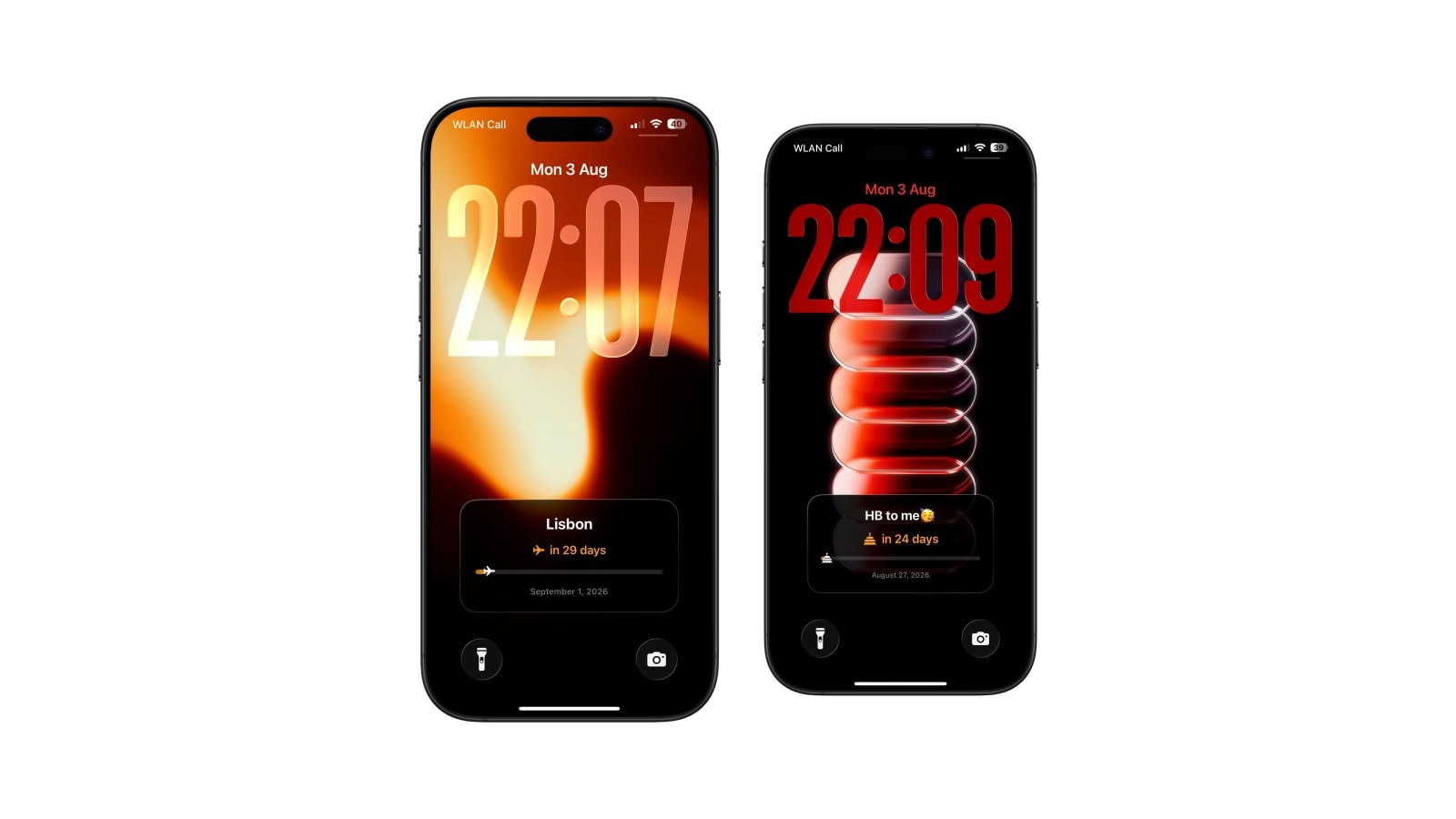
A days-since counter measures distance from something that already happened instead of towards something that has not. It suits a move, a launch, a habit you are building, an anniversary, or the start of a chapter you want to keep track of.
The arithmetic is trivial and the framing is not. The same number can read as encouraging or as a scoreboard depending entirely on what you attached it to and how you feel about it that week, which is worth thinking about for thirty seconds before putting it on a screen you see two hundred times a day.
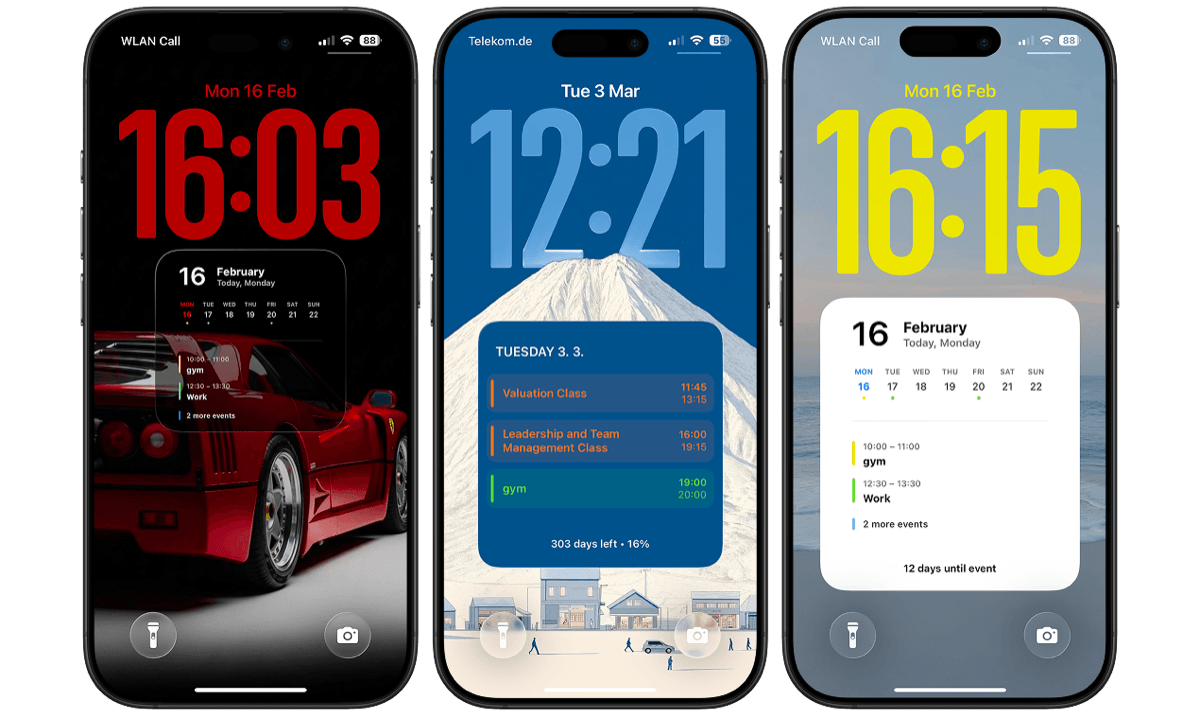
Calendarly draws the count into the wallpaper and recalculates it with the normal refresh, so once it is set there is nothing to maintain.
What people actually count from
- A beginning
Moving city, starting a company, the first day of a course, the day a routine started. These age well because the number is context rather than judgment.
- A memory
A relationship, an anniversary, a day worth revisiting. Nothing is being measured, which is precisely why it stays pleasant.
- A practice
Days of writing, playing, saving, running. Useful as a cue and risky as a score, depending on how you take a missed day.
- A recovery date
Only when a visible counter genuinely feels supportive. Specialist services and private tools exist for this and are better suited to it than a wallpaper.
Setting a counter that tells the truth
Two small decisions determine whether the number stays meaningful. The first is whether the start day counts as day zero or day one, which is a genuine convention question rather than a right answer; pick one and stay with it, because a counter you have silently reset the rules on is a counter you no longer believe.
The second is how you name it. Something short and non-specific keeps the meaning yours: “Since Berlin” or “Days writing” is legible to you and opaque to everyone else who sees your phone on a table.
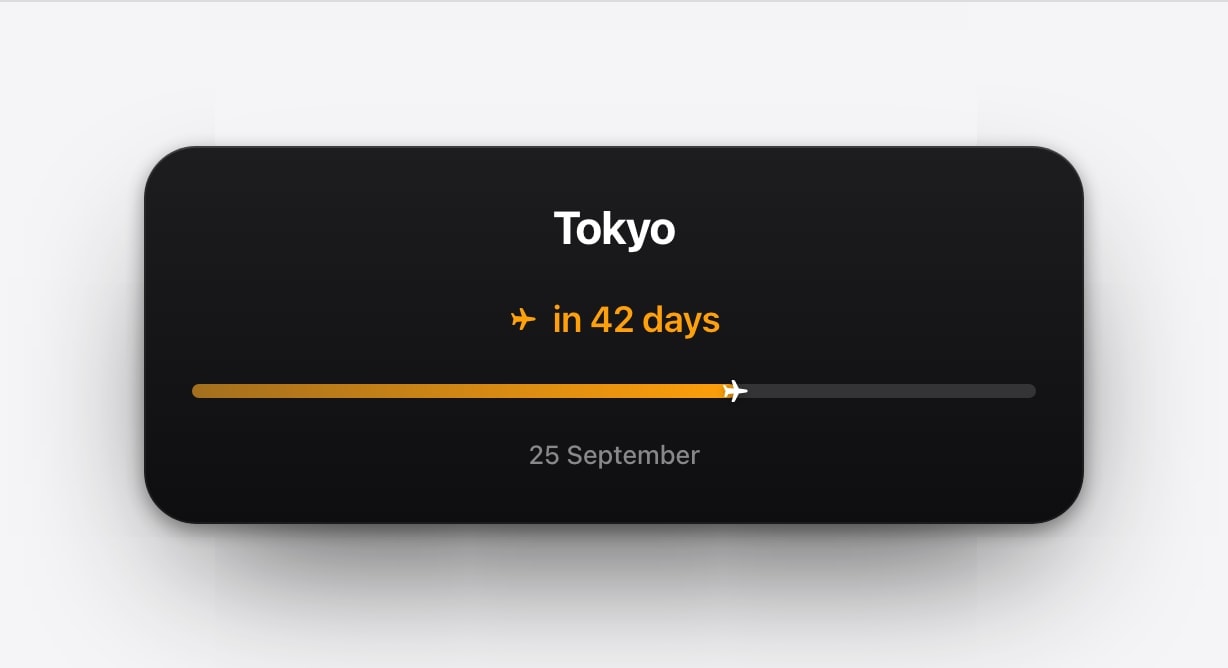
- 1Use the real date
The local calendar date the period began, not a rounded one that makes the number nicer.
- 2Name it plainly
A few words. Enough to know what it is, not enough for a stranger to reconstruct anything.
- 3Pick a restrained layout
A large number, a progress path or a simple card in Calendarly. The meaning does not need decoration.
- 4Add the refresh
The next generated wallpaper recalculates the elapsed days on its own.
When a streak is the wrong measurement
Streaks are effective at producing repetition and terrible at surviving a normal life. A single missed day resets a number that took four months to build, and the resulting feeling is out of all proportion to what actually happened, which is that you had one busy Tuesday.
For a skill, total sessions or a weekly count is usually a better measure, because both survive an interruption and both still describe the thing you care about. If the counter starts generating pressure rather than perspective, change what it measures or take it off the screen; it is supposed to be working for you.
The counter serves you, not the other way round. Change the measure, reset it or stop showing it whenever it stops supporting the reason you started.
Questions people ask
Use a count-up app’s widget, or choose a Calendarly count-up layout, which draws the number into the wallpaper.
Any meaningful past date: a move, a launch, a relationship, a routine, a milestone.
Either works. Pick one convention and keep it, so that the number stays comparable with itself.
No. Some people find them energising and others find a reset disproportionately discouraging. Total sessions or a weekly count is often a better measure.
Yes, each time the Calendarly shortcut generates the next image.