7 Useful Things to Keep as a Note on Your Lock Screen
A door code, a phrase you are learning, the rule you keep breaking. Seven notes that earn the most visible spot you own.
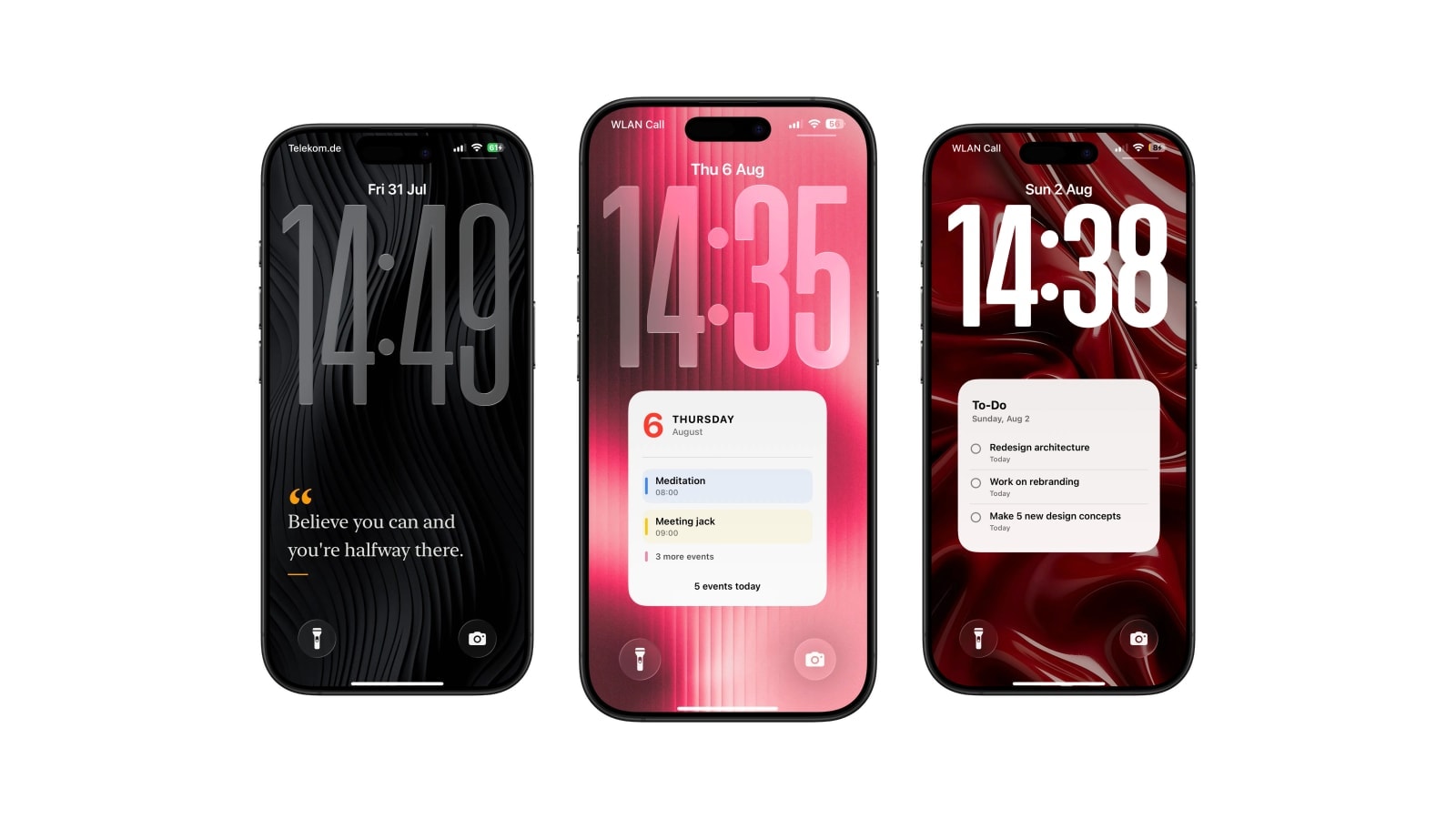
A good Lock Screen note passes two tests at once: it is useful to you before you unlock, and it is meaningless to anybody else who picks the phone up. “Bring the library book” passes both. A door code passes neither.
Within those limits there is more range than people expect, and the seven below are the kinds that actually survive past the first week. None of them needs a system: write the words onto a photo, use a small text widget, or pick a note layout in an app that regenerates the wallpaper for you.
The one habit that matters more than the choice of note is changing it. Visibility only works while the words still feel present.
1. The thing you have to bring
Passport, returns parcel, gym shoes, the document already printed and waiting by the door. Physical objects are the strongest category because the note has a natural end: it is useful right up until you leave, and useless after, which means you will actually remove it.
Write the object and nothing else. “Passport + charger” does the whole job, and any sentence you build around it just makes the note slower to read.
2. The call you keep postponing
Put a name and a time window in: “Call the dentist after nine.” The window is doing more work than it looks like it is, because the reason the call keeps sliding is usually not reluctance but the small question of whether now is a reasonable time. Answer that in advance and the task gets much lighter.
Take it down the moment the call is made. A finished instruction sitting on the screen is worse than no note at all, since it trains you to look past that part of the wallpaper.
3. A phrase you are learning
A sentence in another language works here because the repetition is free: you are not scheduling a study session, you are just seeing it forty times. Pick something you could realistically use that week rather than an isolated vocabulary word, since a phrase you have a use for gets rehearsed and a word you do not gets skipped.
Change it every few days. Leave it up for a month and your eye will learn the shape of the text without reading the words, which is exactly the failure this whole category is prone to.
4. The rule for this week
“No email before breakfast.” “Walk after lunch.” “One tab at a time.” A rule works when it describes a boundary you can notice yourself crossing, and fails when it describes a value, because you cannot catch yourself in the act of not being disciplined.
Keep it explicitly temporary. At the end of the week, decide whether it helped before replacing it, which is the part of habit-building that most people skip and the part that actually tells you something.
5. A small piece of temporary context
A parking level, a hotel floor, a locker number: things you will look up four times in two days and never again. These are ideal for a Lock Screen note precisely because they are worthless out of context.
Strip the context deliberately. “P3 · blue” tells you where the car is and tells a stranger nothing; the same note with the name of the car park and your registration is a different object entirely. If the information would cause a problem on a lost phone, it belongs behind authentication.
6. A line that steadies you
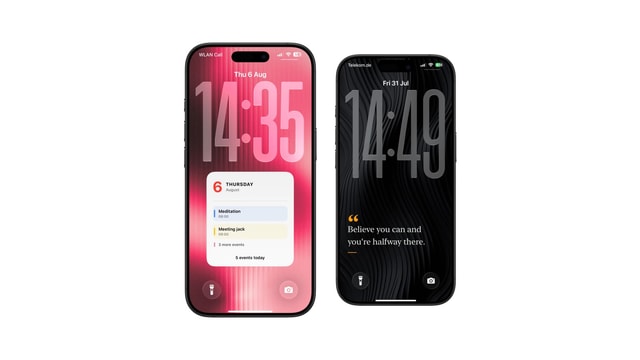
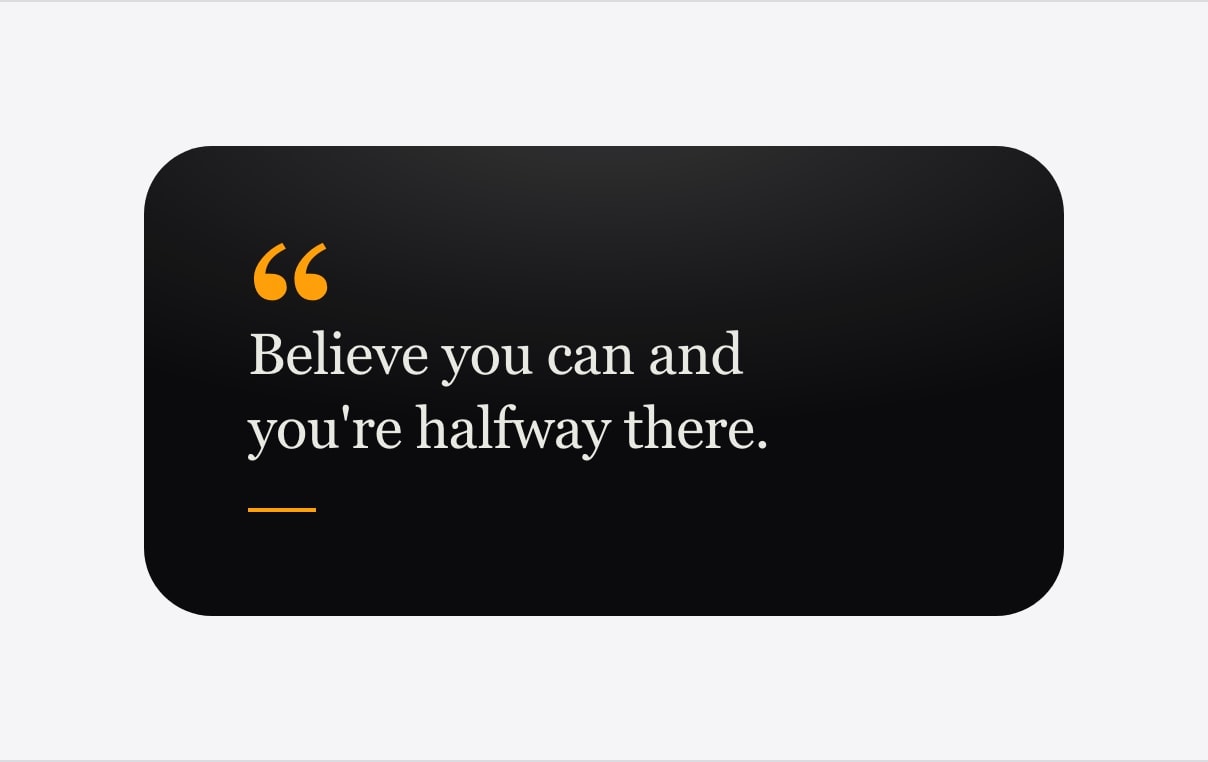
A short sentence can interrupt a loop or restore some proportion, and this is the one category where the note does not need to be actionable. Choose your own words, or a line whose source you actually remember, rather than the kind of generic encouragement that reads as decoration within two days.
Give it the screen to itself. Squeezed in beside six tasks it becomes another item in a list, which is the opposite of what it is for.
7. Today’s three
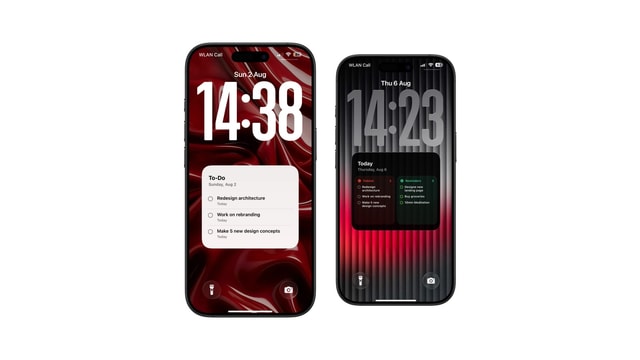
Three priorities are enough to direct a spare twenty minutes without reproducing your entire backlog on the most public screen you own. Start each with a verb, and make sure all three could genuinely move today, because one impossible item on a list of three poisons the other two.
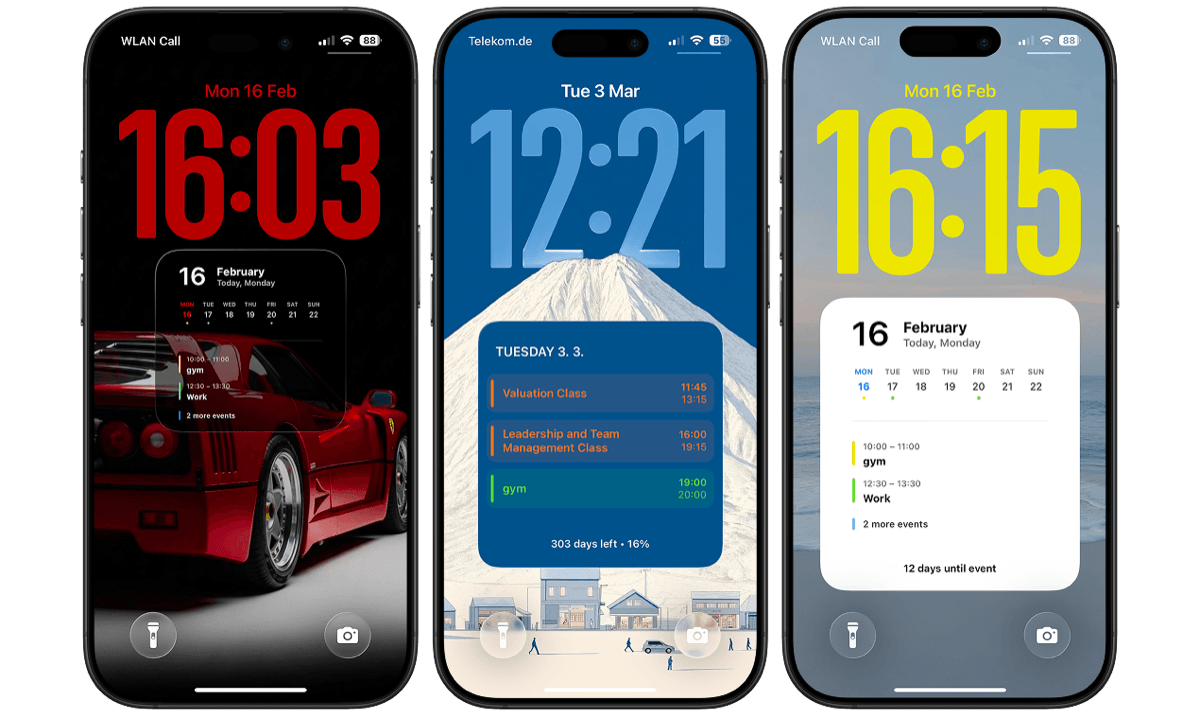
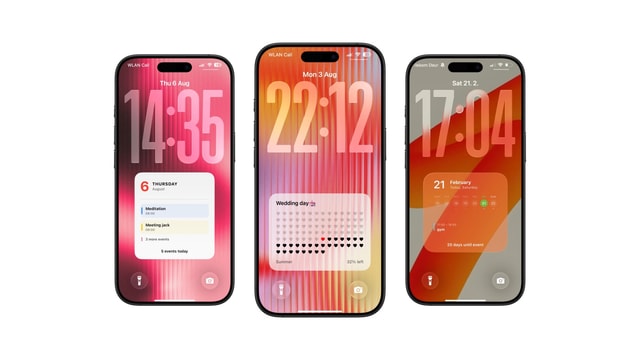
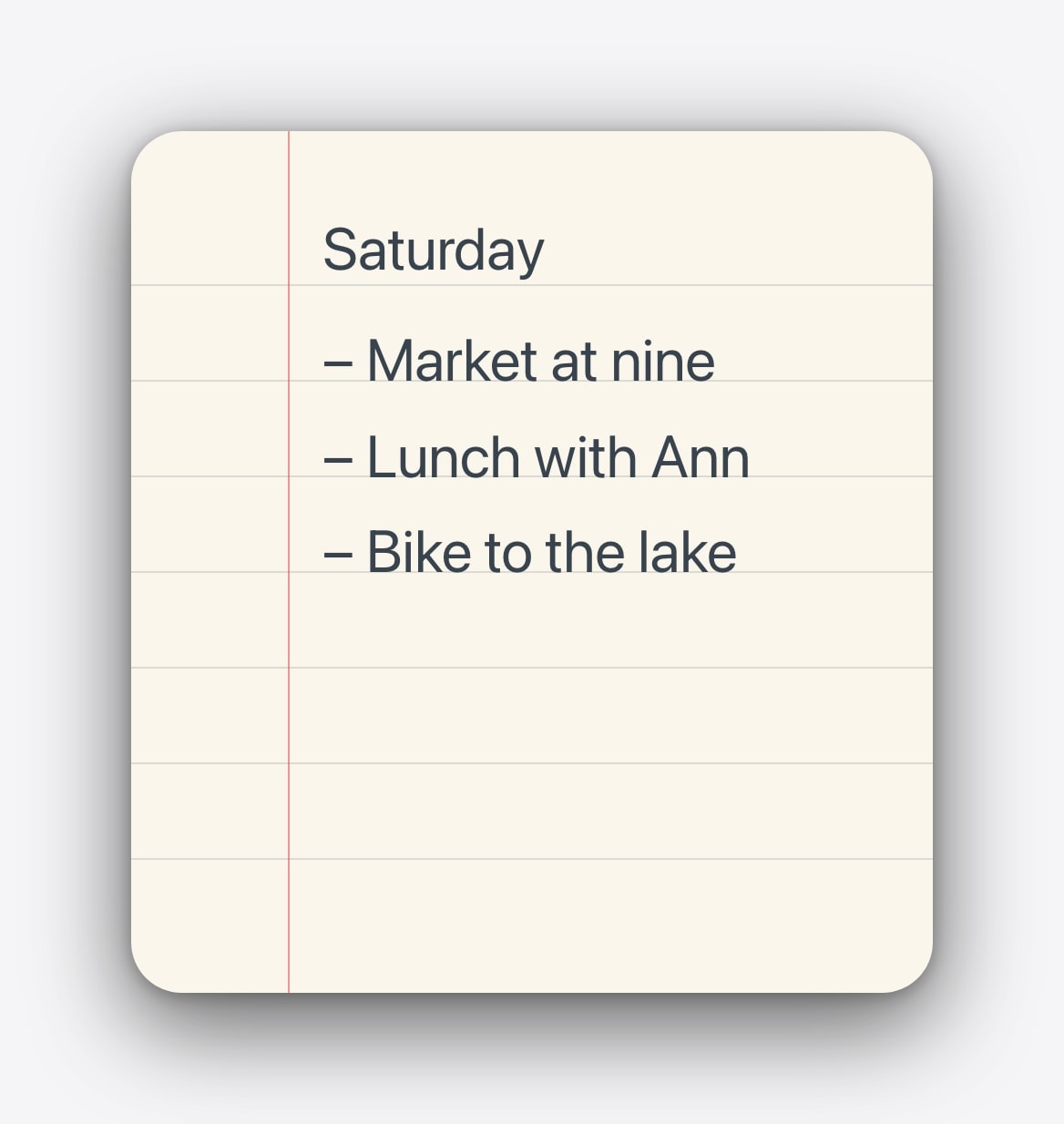
Calendarly can draw them as paper, a ruled page or a plain card. If the three already exist in Reminders or Todoist, use a task layout that reads them rather than typing a second copy by hand, since a duplicate list is a list that will disagree with itself by Thursday.
Give every note an ending. The trip starts, the call is made, the week finishes, the phrase is learned. Take it down at that moment so the next one can be seen.
A strong place, used lightly
A note seen dozens of times a day is surprisingly effective, and that is exactly the reason to be careful about what earns the position. One good line feels personal. Seven permanent panels feel like an app you did not install.
Questions people ask
A short, current cue tied to a real moment, phrased so that reading it takes no effort and so that it means nothing to a stranger.
When the moment passes, or as soon as you notice you have stopped reading it. Those are usually the same week.
Only if it cannot be connected to an address, a person or a service. Never show a code together with what it opens.
Yes, if you keep it short. If both halves become hard to scan, give the schedule the space and cut the note to a few words.
Not when it is generated by Calendarly. It is drawn into the wallpaper image itself.