Your Todoist, on your
iPhone Lock Screen.
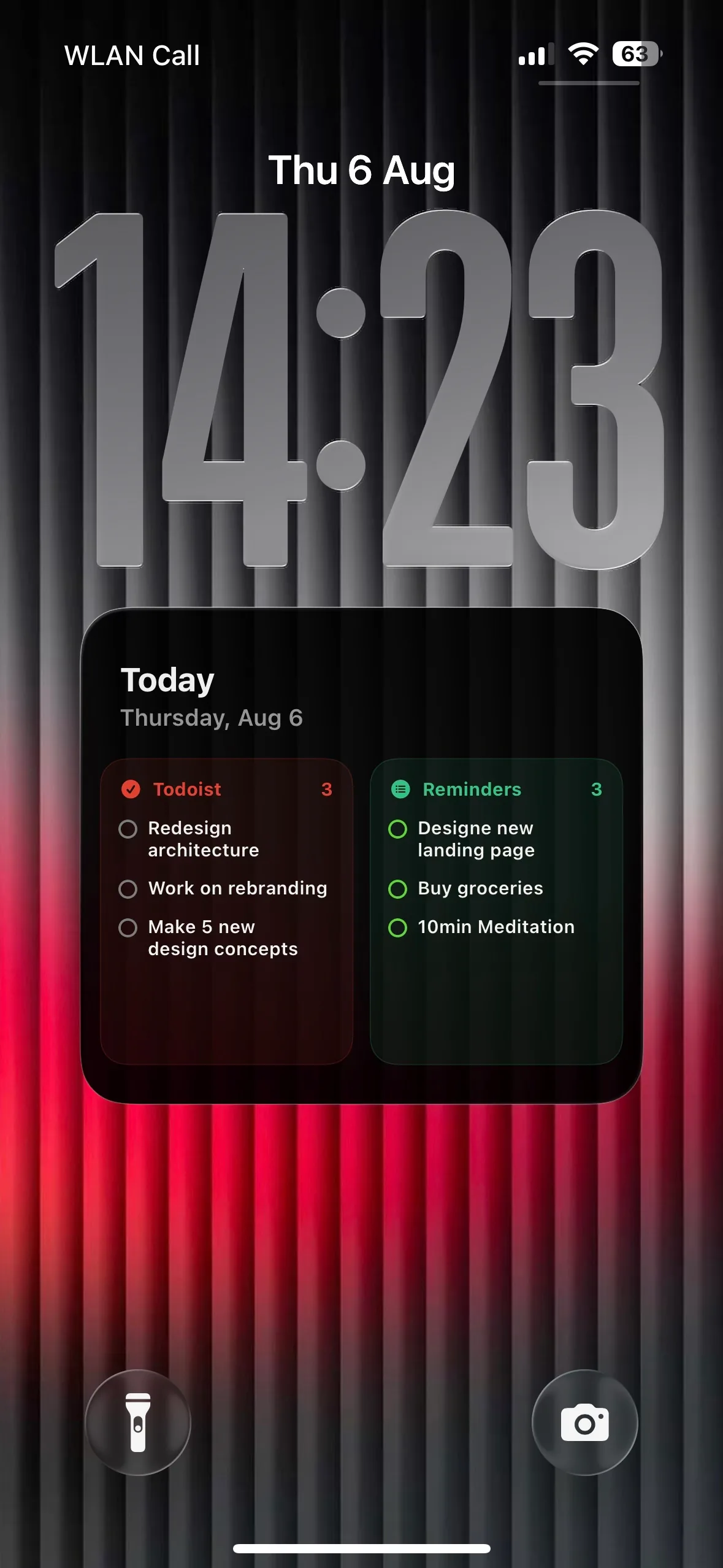
Calendarly draws today's list onto your wallpaper and makes a new one every morning. You see it the moment you pick up the phone.
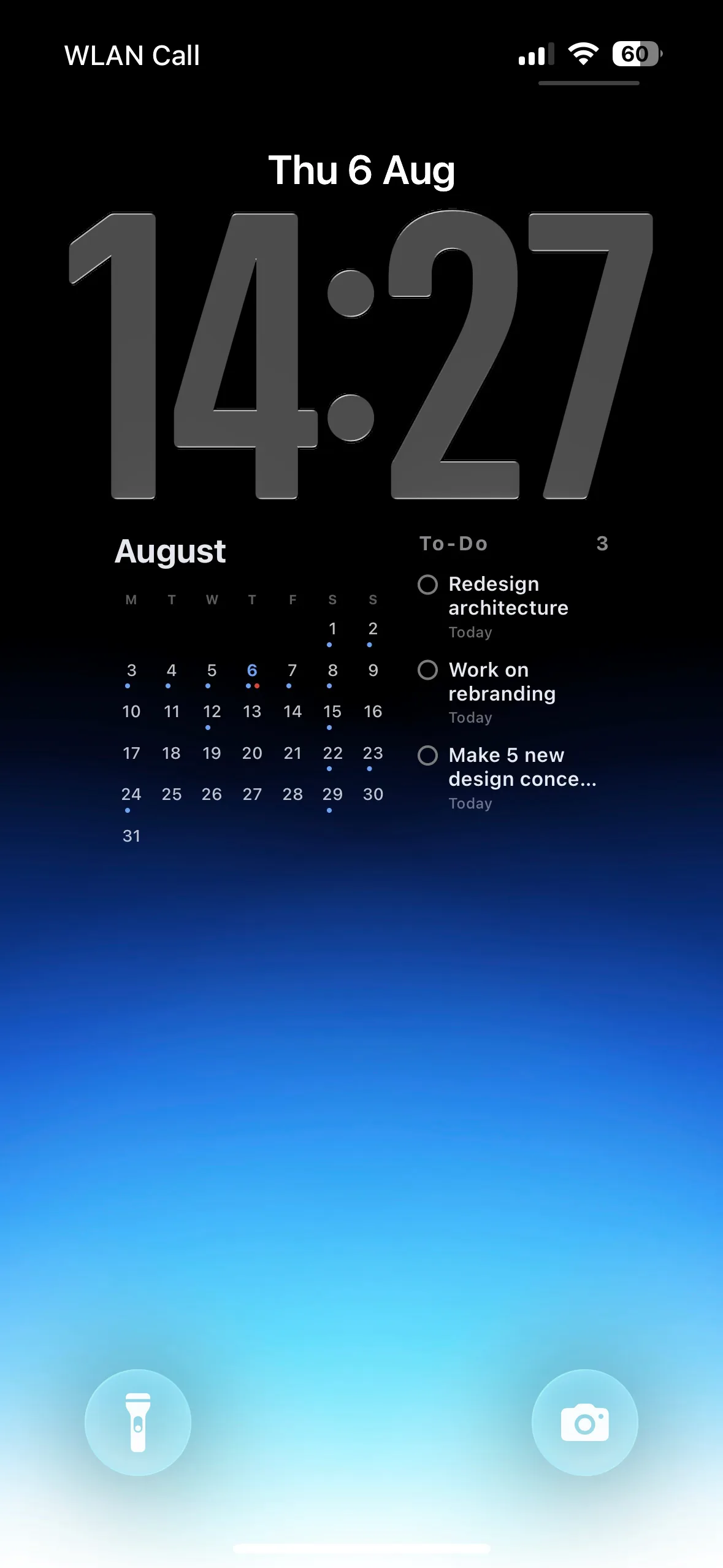
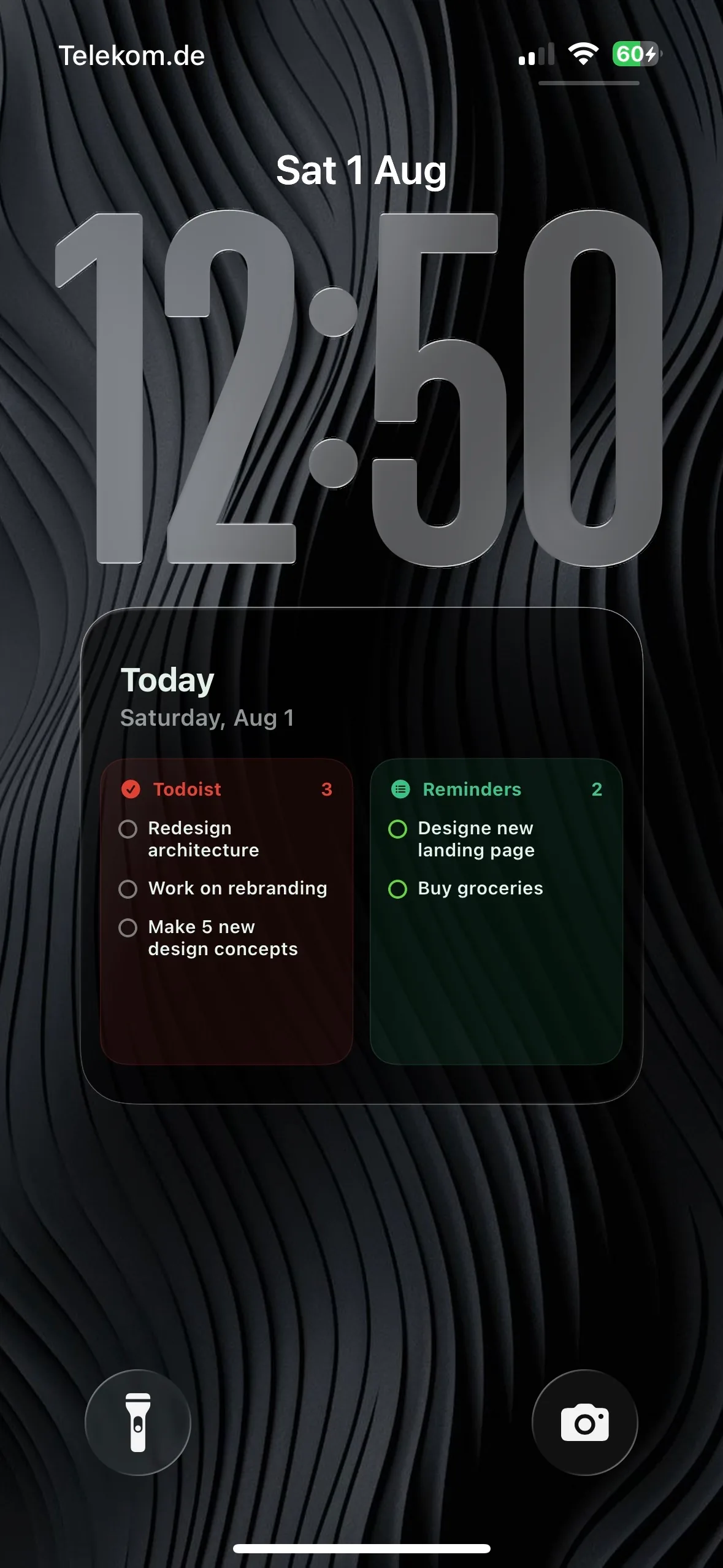
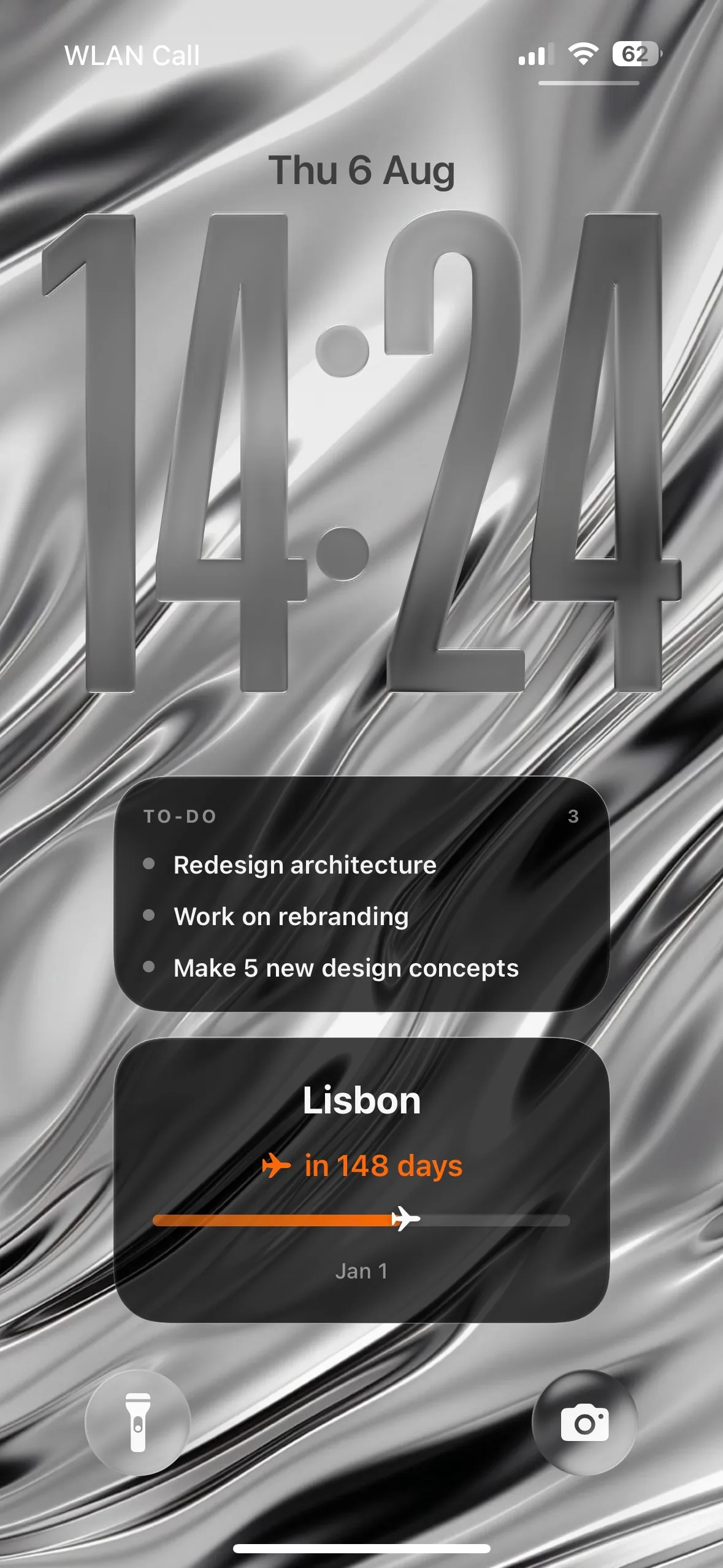
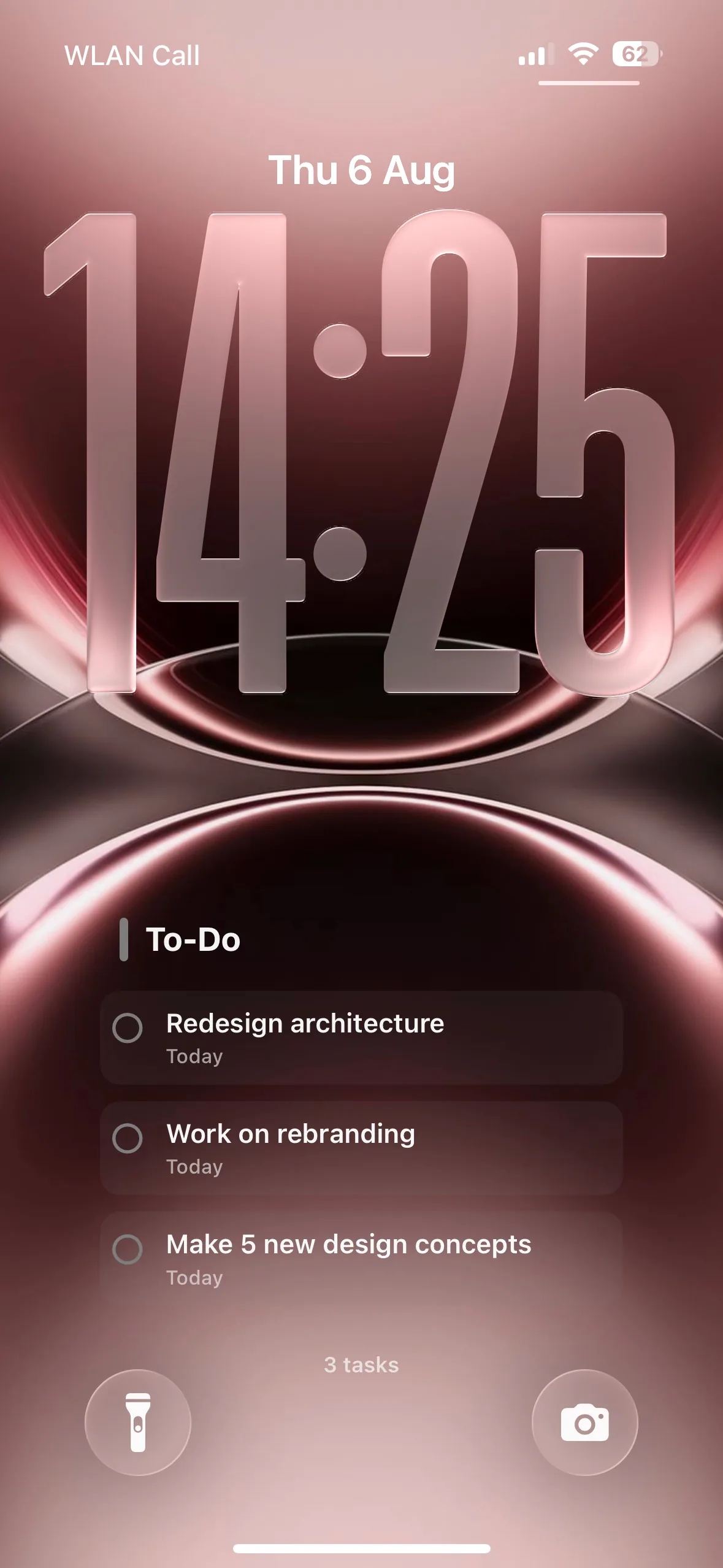
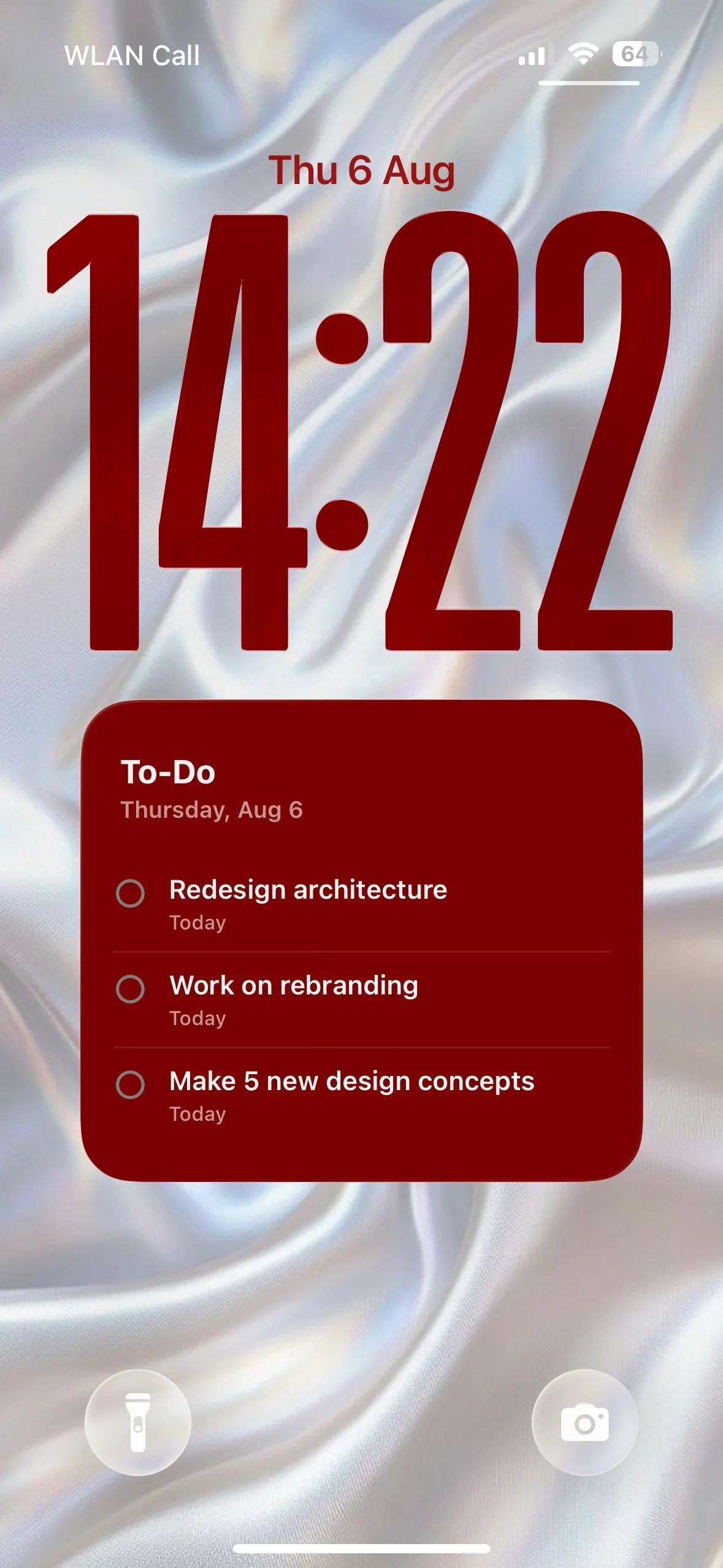
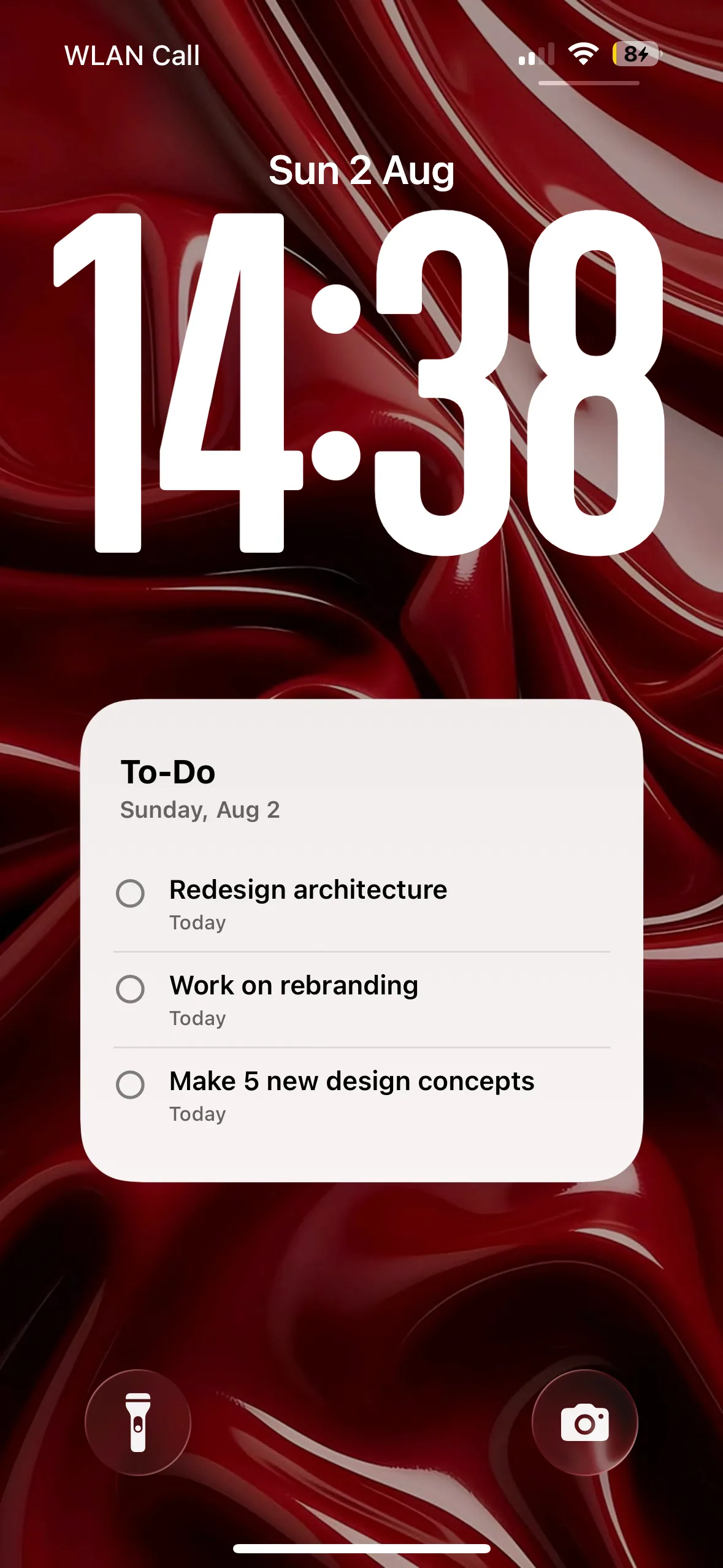
See your day before you unlock.
You choose what Calendarly takes from Todoist. It draws that fresh each morning, then leaves it alone all day.
- Today's tasks, and anything overdue.
- Or one project, and nothing else.
- Or your tasks next to events and reminders.
Connectedin a minute.
You do it once, inside the app. Nothing to install anywhere else, and no account to create on our side.
- 1
Get Calendarly
Free on the App Store. It opens straight into the app.
- 2
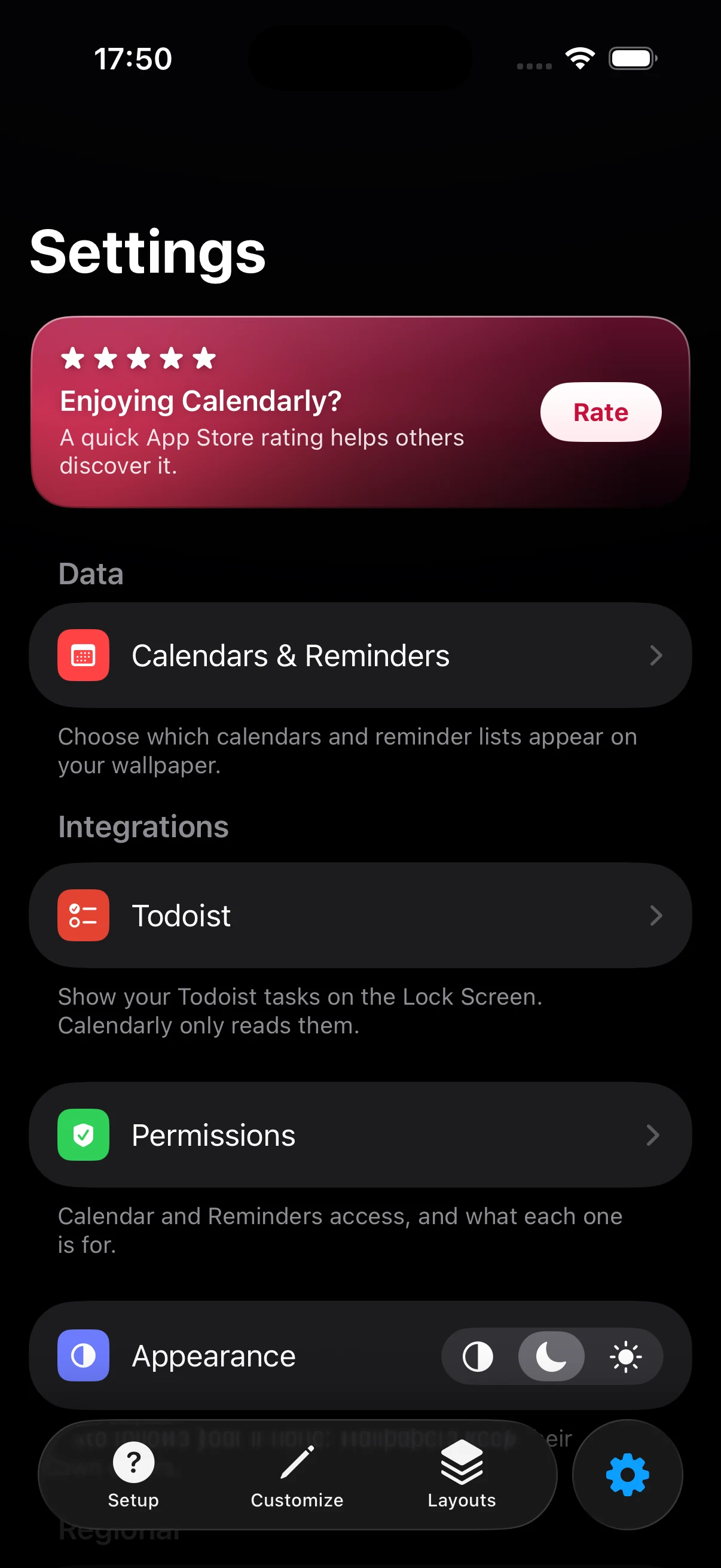
Sign in under Settings → Integrations
Tap Todoist and sign in on their own page. Then choose what you want to see: today, the next few days, or one project.
- 3
Pick a layout
Choose one of the seven and Calendarly keeps it current from then on, redrawing your wallpaper each morning. See the setup guide.
Your tasks stay on your phone.
Calendarly reads them to draw them. Nothing else happens to them.
Read-onlyIt asks Todoist for read access and nothing more, so it cannot add, complete or delete a task.
Nothing is uploadedTask names, projects and due dates travel between your iPhone and Todoist. They never reach our servers.
Yours to revokeYour sign-in is kept in the iOS Keychain. Disconnecting deletes it and the offline copy of your tasks at once.
We never sell your data or share it with third parties. The full detail is in the Privacy Policy.
Questions, answered.
The ones people ask before they connect it.
Calendarly is not created by, affiliated with, or supported by Doist, the maker of Todoist.