
Habit tracker wallpaper for your iPhone
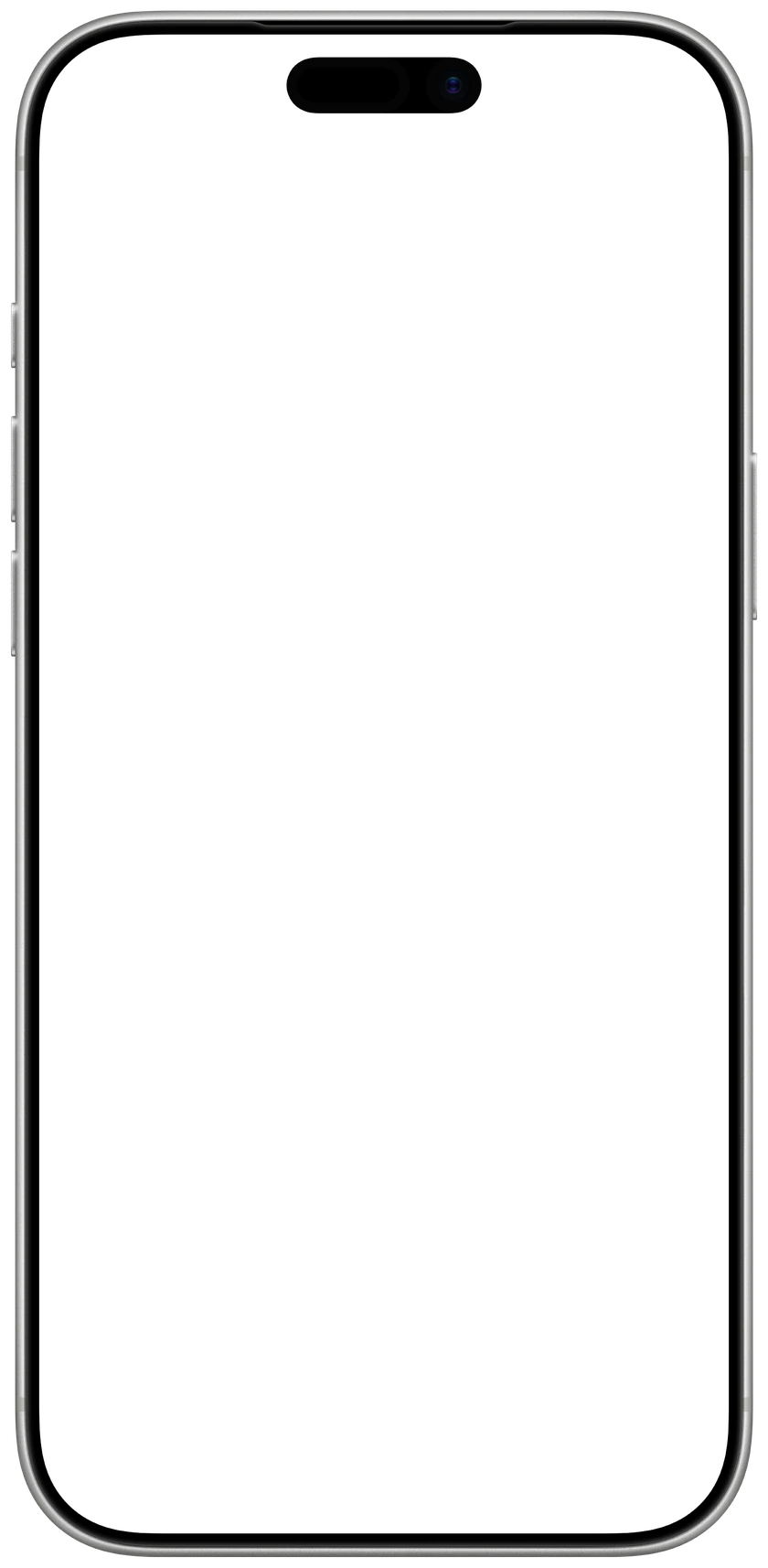
Type the habits you want to keep this year, pick a look and a background, and save the picture at your iPhone’s exact size. Set it as your Lock Screen and your habits are there every time you pick up your phone.

1Your habits
4 of 6
2Look
3Background
4Make it yours
1206 × 2622 px, made for iPhone 17 · 17 Pro · 16 Pro
 CalendarlyUpdates your Lock Screen every morningGet
Drawn in your browser. Nothing you type leaves your device.
How to set it as your wallpaper
- 1Tap Save wallpaper, then Save Image. It goes to Photos.
- 2In Photos, open the picture, tap Share and choose Use as Wallpaper.
- 3Tap Add, then Set as Wallpaper Pair.

Want habits you can tick off?
Calendarly ticks your habits off with a tap, keeps your streaks and statistics, and reminds you when it’s time. Free.
Free on the App Store, for iPhone.
Why a habit tracker on your Lock Screen works
Most habits are dropped because they are forgotten by the afternoon. You look at your Lock Screen dozens of times a day, so a tracker there brings your habits back each time you check the time, while there is still time to do them. Today is marked, so you always know where you are in the week.
Pick three to five habits small enough to keep on a bad day, and write each one as an action with a number in it: 20 pages, 8,000 steps, 2 liters of water. Then you know exactly when a habit is done. Add a new one once these happen without thinking.
10 habit ideas for the new year
- Drink a glass of water before your first coffee.
- Read 20 pages before bed.
- Walk 8,000 steps, or 20 minutes outside.
- No phone for the first 30 minutes of the day.
- Stretch for 10 minutes after you wake up.
- Write one line in a journal every evening.
- Be in bed by 11 pm on weeknights.
- Cook dinner at home four nights a week.
- Learn 10 words of a new language.
- No alcohol on weeknights.
Questions people ask
Type your habits above, choose Week or Month and save the picture. In Photos, open it, tap Share, choose Use as Wallpaper and set it as your Lock Screen. To tick habits off and keep streaks, use the Calendarly app and its habit widgets.
Yes. It runs in your browser, needs no sign-up and adds no watermark. Your habits are drawn on your device and are never sent anywhere.
Every iPhone from the iPhone SE and 8 to the iPhone 17 Pro Max and iPhone Air. The page picks your model by itself when it can; you can choose another under iPhone.
A picture can’t be ticked off, so the wallpaper stays as you saved it. Calendarly’s free habit widgets can: on iOS 26 or later, a tap on the widget on your Lock Screen or Home Screen counts the habit, and the app keeps your streaks and statistics.
Three to five. A short list is easier to keep every day and easier to read on the Lock Screen; this wallpaper holds up to six.